Deploy a Model
Open the Deploy Modal
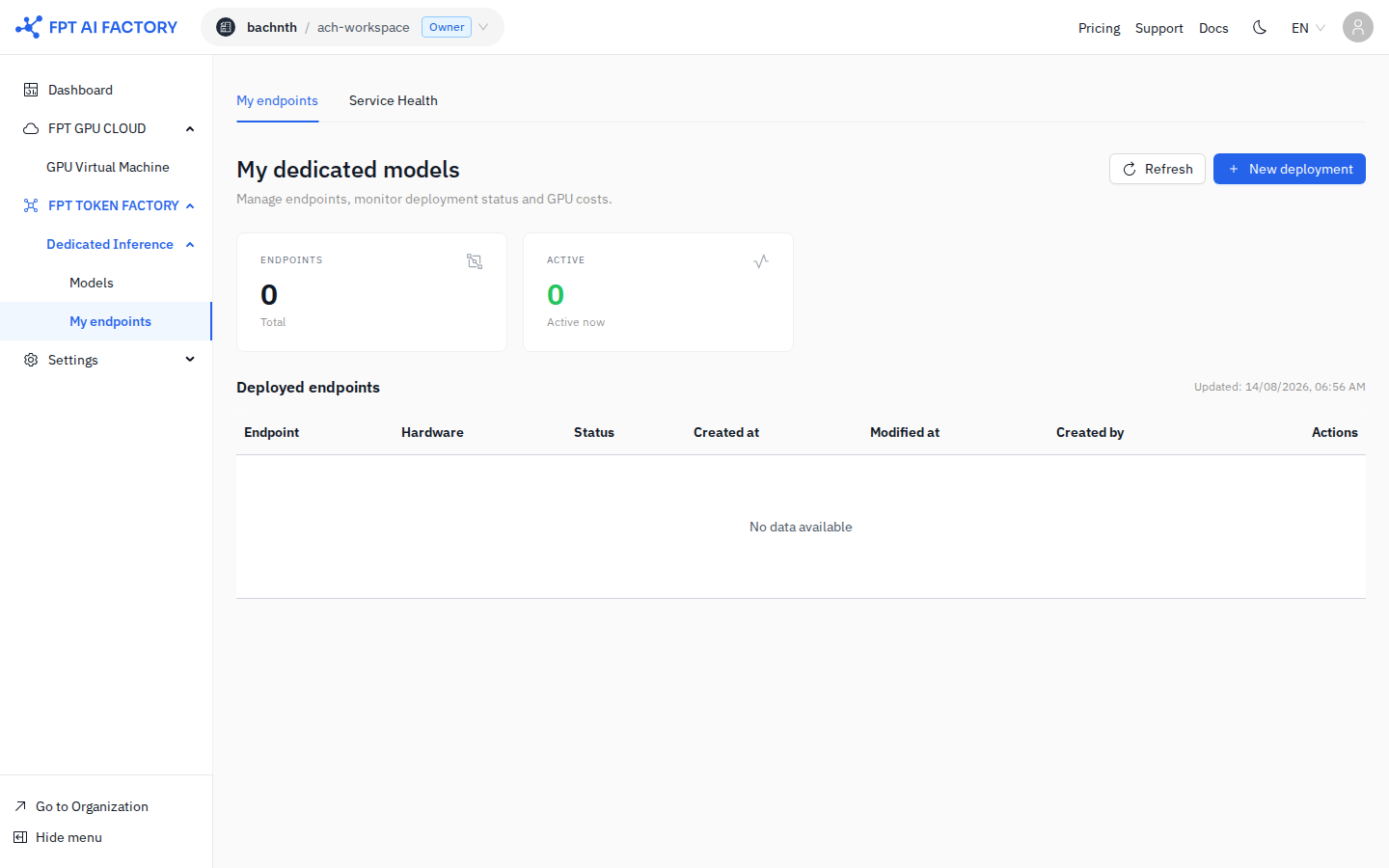
Open the Deploy Dedicated Endpoint modal in one of two ways:
- From Model Catalog — browse the catalog, find a model, and click Deploy on its card.
- From My endpoints — click Deploy new in the top-right corner.
Fill In the Form
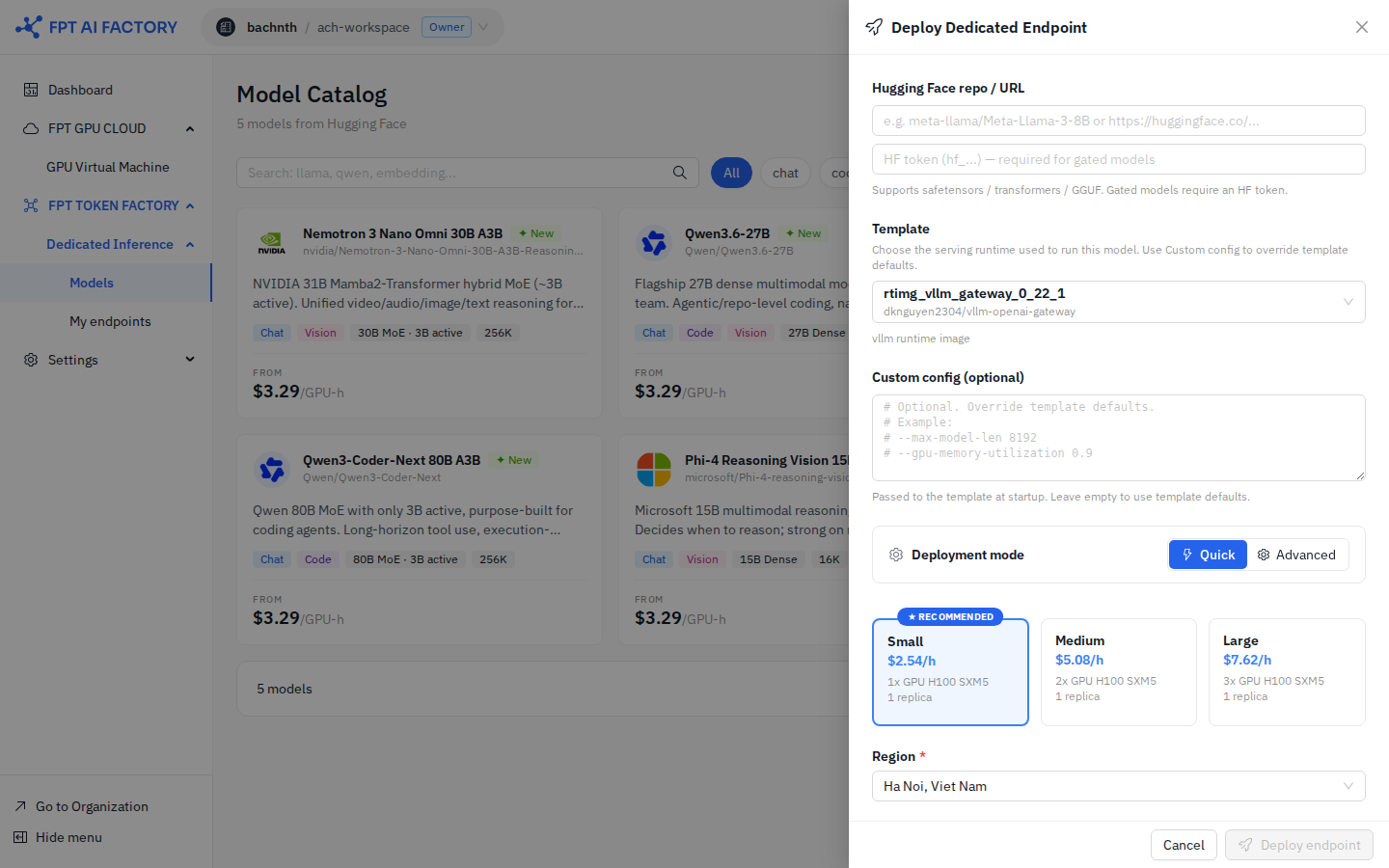
Hugging Face repo / URL
Enter the Hugging Face repository path (e.g. meta-llama/Llama-3.3-70B-Instruct).
If the model is private or gated, enter your HF token (hf_...) in the field below.
Supported formats: safetensors, transformers, GGUF. Gated models require an HF token.
Template
Choose the serving runtime from the Template dropdown. Currently the only available template is vllm-openai — an OpenAI-compatible vLLM server, recommended for most LLMs.
Optionally, enter advanced vLLM flags in Custom config to override template defaults (e.g. --max-model-len 8192). Leave empty to use template defaults.
Region
Select the deployment region:
| Option | Location |
|---|---|
| Vietnam — Hanoi (VN-HN) | Hanoi, Vietnam |
| Japan — Tokyo | Tokyo, Japan |
Deployment Mode
Toggle between Quick and Advanced:
Quick mode — select a pre-configured size:
| Size | Hardware | Replicas | Concurrent | Throughput | Price |
|---|---|---|---|---|---|
| Small | 1× A10-24GB | 1 | ~5 users | ~40 tokens/s | $1.2/h |
| Medium | 2× H100-80GB | 1 · autoscale ON | ~100 users | ~600 tokens/s | $4.8/h |
| Large | 4× H100-80GB | 2 · autoscale ON | ~500 users | ~2,400 tokens/s | $9.6/h |
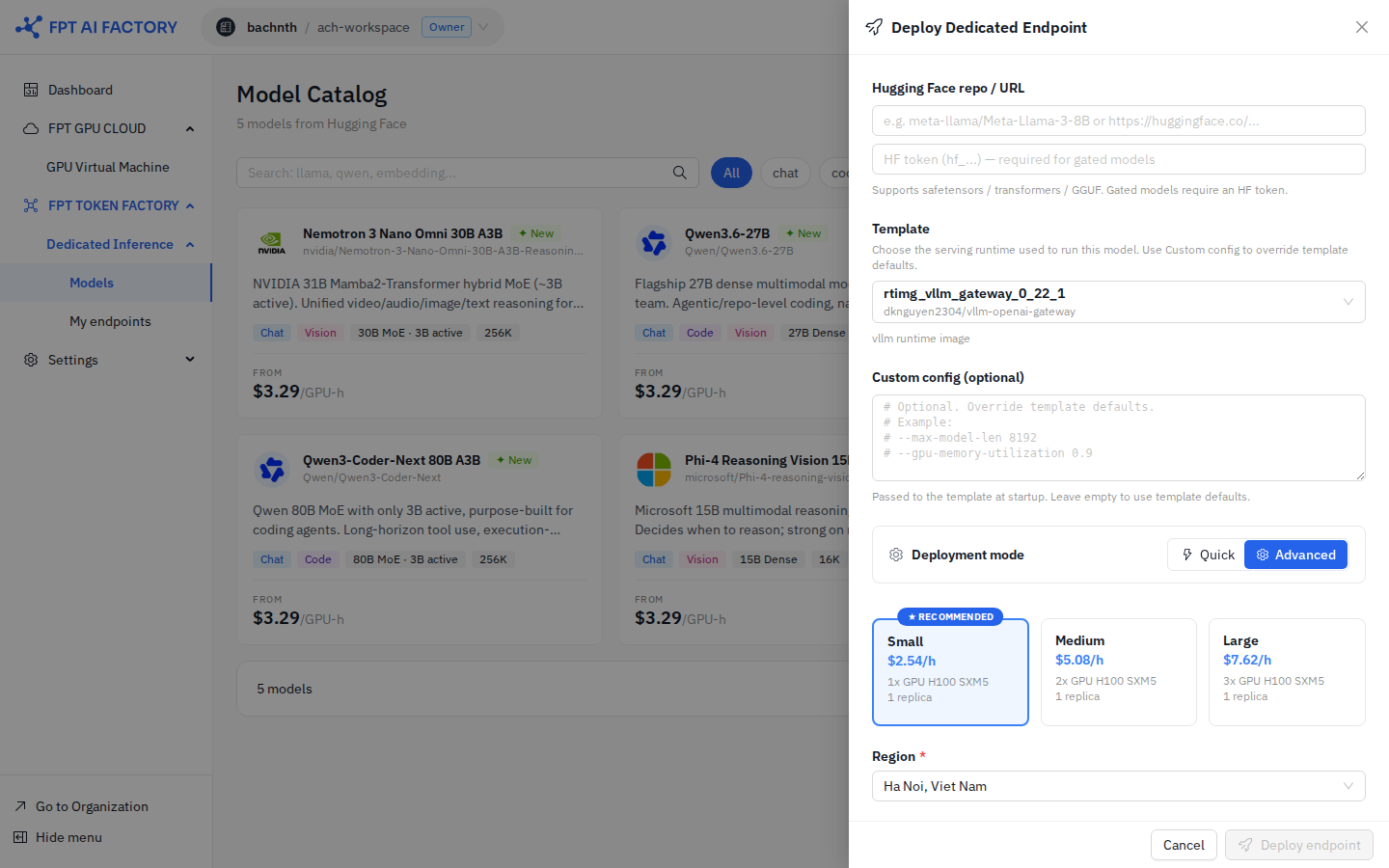
Advanced mode — configure hardware directly:
| Field | Description |
|---|---|
| GPU type | Select GPU model and count |
| Number of replicas | Currently fixed at 1 replica |
| Quantization | Precision format (default: FP16) |
| Auto-shutdown idle | Stop the endpoint automatically after the selected idle period |
Estimated Cost
The ESTIMATED COST box updates as you change the size or GPU type:
| Scenario | What it shows |
|---|---|
| PER HOUR | Base GPU cost per hour |
| BIZ HOURS (8H × 22D) | Estimated monthly cost running Mon–Fri, 8 h/day |
| 24/7 | Estimated monthly cost running continuously |
Deploy
Click Deploy endpoint. The endpoint is created and appears in My endpoints with status Deploying. Wait until the status changes to Running.
| Endpoint Status | Meaning |
|---|---|
| Deploying | GPU is being provisioned and the model is being downloaded |
| Running | All replicas are ready and serving requests |
| Stopped | Scaled to zero — no GPU active |
GPU type and model cannot be changed on an existing endpoint. To use a different configuration, delete the endpoint and create a new one.
See detailed guide: Manage Endpoints