Create an API Key
API keys authenticate requests to the serverless gateway. Create a separate key for each application or environment so you can revoke individual keys without disrupting others.
Create a key
- In the left sidebar under Serverless Inference, click API Keys.
- Click + Create API Key.
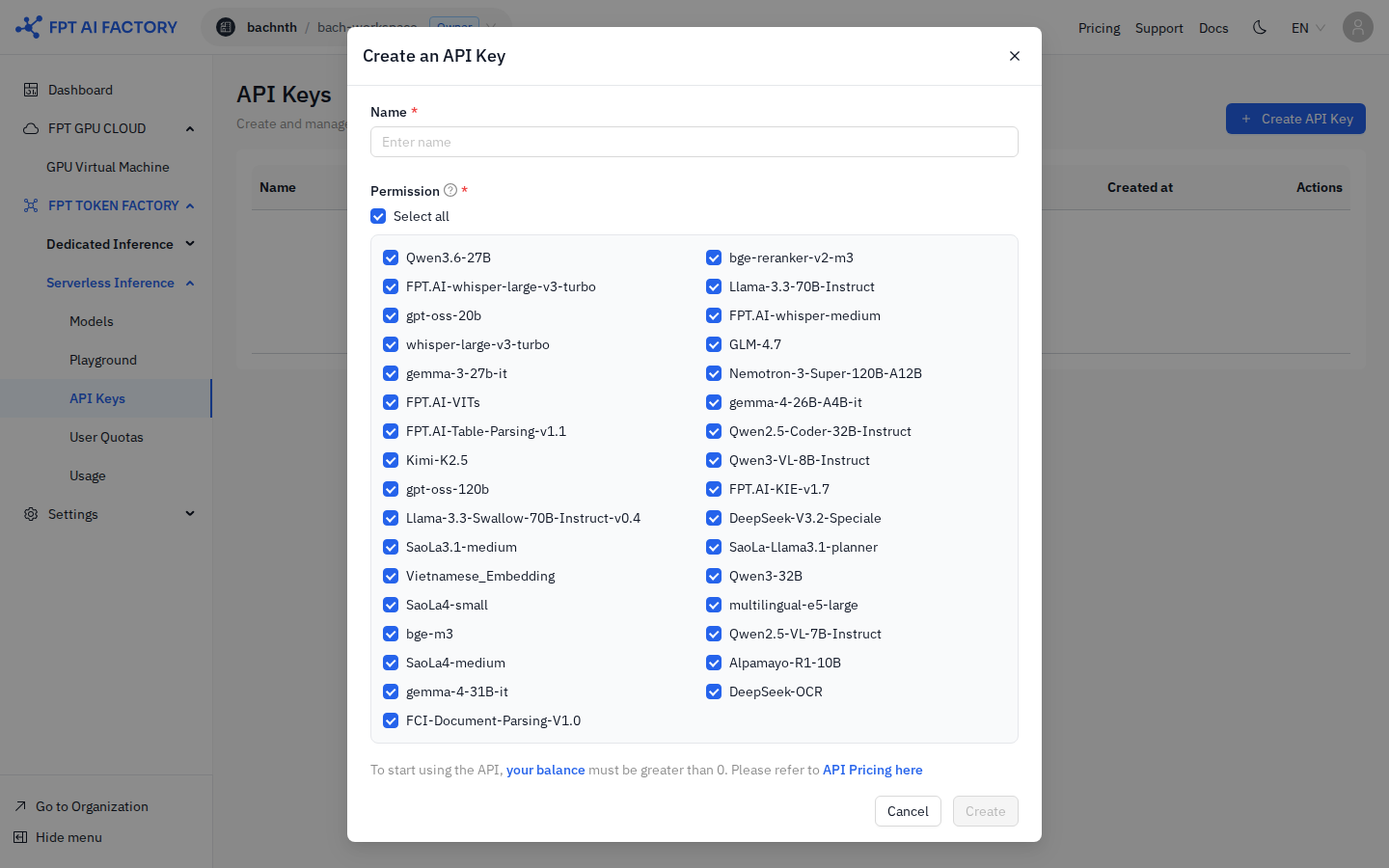
- Enter a Name that identifies the key's purpose (e.g.
prod-backend,dev-testing). - Under Permission, select the models this key is allowed to call. Click Select all to grant access to every model, or uncheck specific models to restrict access.
- Click Create.
warning
Copy the key immediately after creation — it is displayed only once and cannot be retrieved later. Store it in a secure location such as an environment variable or secrets manager.
info
The Create button is disabled if your workspace balance is $0. Top up your balance via Billing before creating a key.
View existing keys
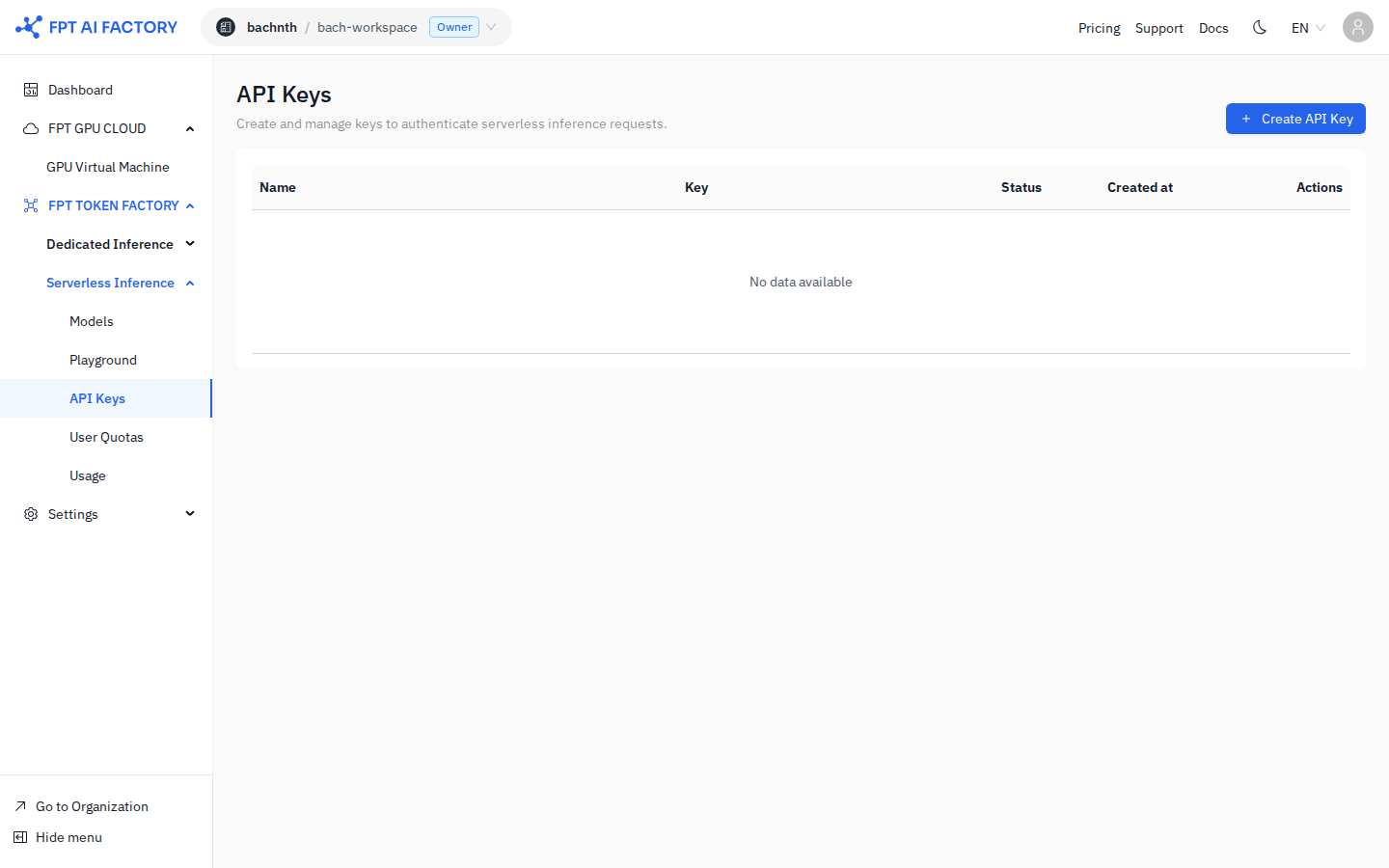
The API Keys page lists all keys for the workspace:
| Column | Description |
|---|---|
| Name | The label you gave the key when creating it |
| Key | Masked key value — hover or click the copy icon to copy |
| Status | Active or Revoked |
| Created at | Date the key was created |
| Actions | Delete the key |
Revoke a key
- On the API Keys page, find the key you want to revoke.
- Click the Delete icon in the Actions column.
- Confirm the deletion.
Revoked keys are rejected immediately by the gateway. Any requests in flight using the revoked key will fail with HTTP 401.
What's next
- Call the Inference API — use your key to make an inference request.