Monitor Usage & Billing
The Usage page shows month-to-date (MTD) totals for requests, tokens consumed, and estimated cost across all models and API keys in your workspace.
Open the Usage page
- In the left sidebar under Serverless Inference, click Usage.
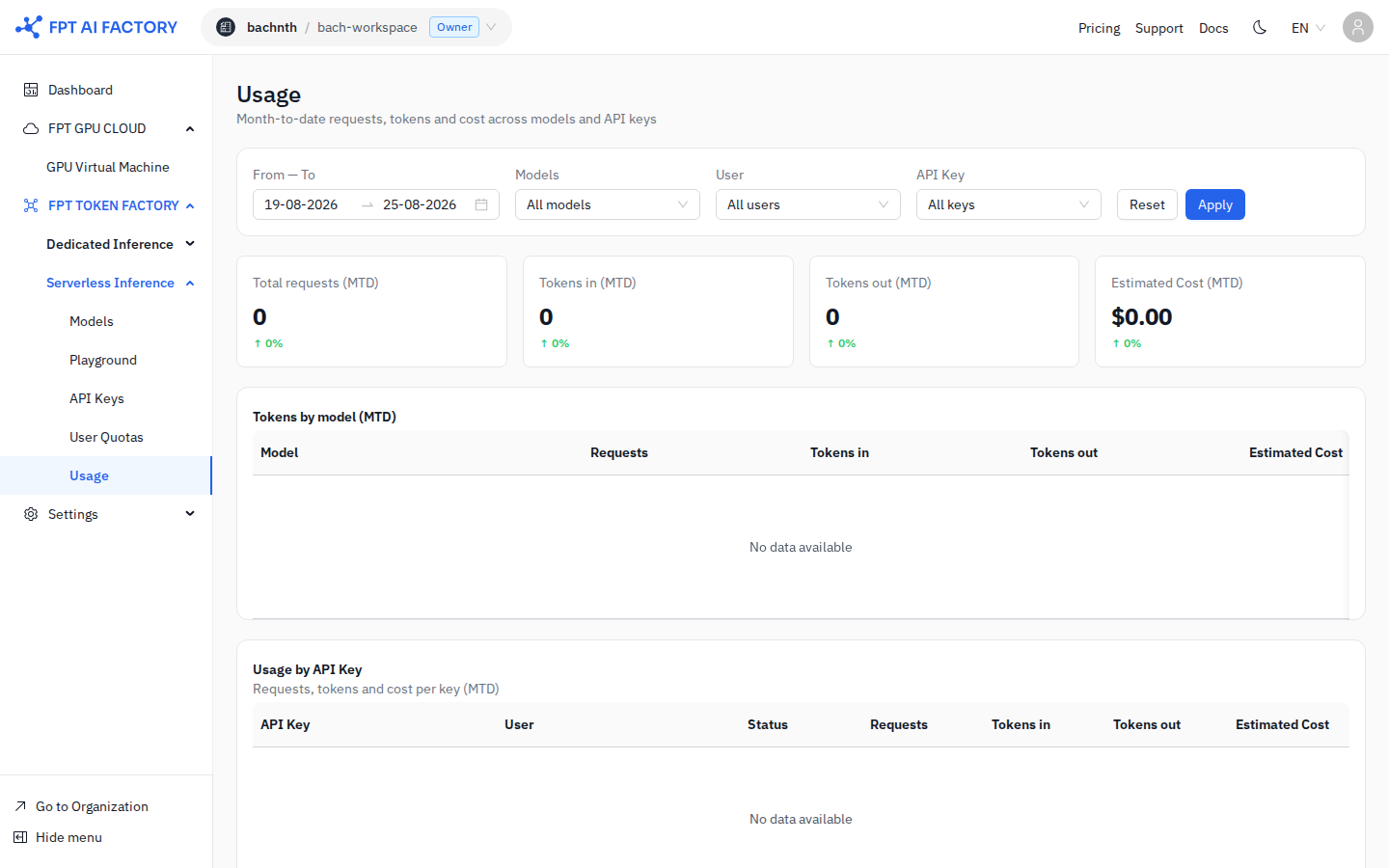
MTD summary cards
Four cards at the top of the page summarize your month-to-date activity:
| Card | Description |
|---|---|
| Total requests (MTD) | Number of API calls made this month |
| Tokens in (MTD) | Total prompt tokens sent across all requests |
| Tokens out (MTD) | Total completion tokens received across all requests |
| Estimated Cost (MTD) | Total estimated spend in USD for the current month |
The percentage below each number shows the change compared to the same period last month.
Filter the data
Use the filter bar to narrow results:
| Filter | Description |
|---|---|
| From — To | Set a custom date range (defaults to last 7 days) |
| Models | Filter by a specific model (or keep All models) |
| User | Filter by a specific workspace member |
| API Key | Filter by the key that made the requests |
Click Apply to refresh the charts and tables, or Reset to restore defaults.
Tokens by model table
The Tokens by model (MTD) table breaks down usage per model for the selected period:
| Column | Description |
|---|---|
| Model | Model name |
| Requests | Number of calls to this model |
| Tokens in | Prompt tokens consumed by this model |
| Tokens out | Completion tokens generated by this model |
| Estimated Cost | Estimated cost for this model |
Usage by API Key table
The Usage by API Key section shows per-key spend for the selected period:
| Column | Description |
|---|---|
| API Key | Key name |
| User | Workspace member who owns the key |
| Status | Active or Revoked |
| Requests | Total calls made with this key |
| Tokens in | Prompt tokens used with this key |
| Tokens out | Completion tokens received with this key |
| Estimated Cost | Estimated cost attributed to this key |
What's next
- Create an API Key — create separate keys per application to track usage by key.
- Manage User Quotas — set per-member monthly spend caps to control costs.