Organization
The Organization settings page lets the Organization Owner manage general information, spending limits, and workspaces — all from a single scrollable page.
Only the Organization Owner can edit organization settings.
To open it: click Go to Organization at the bottom of the left sidebar, then select Organization in the Settings menu.
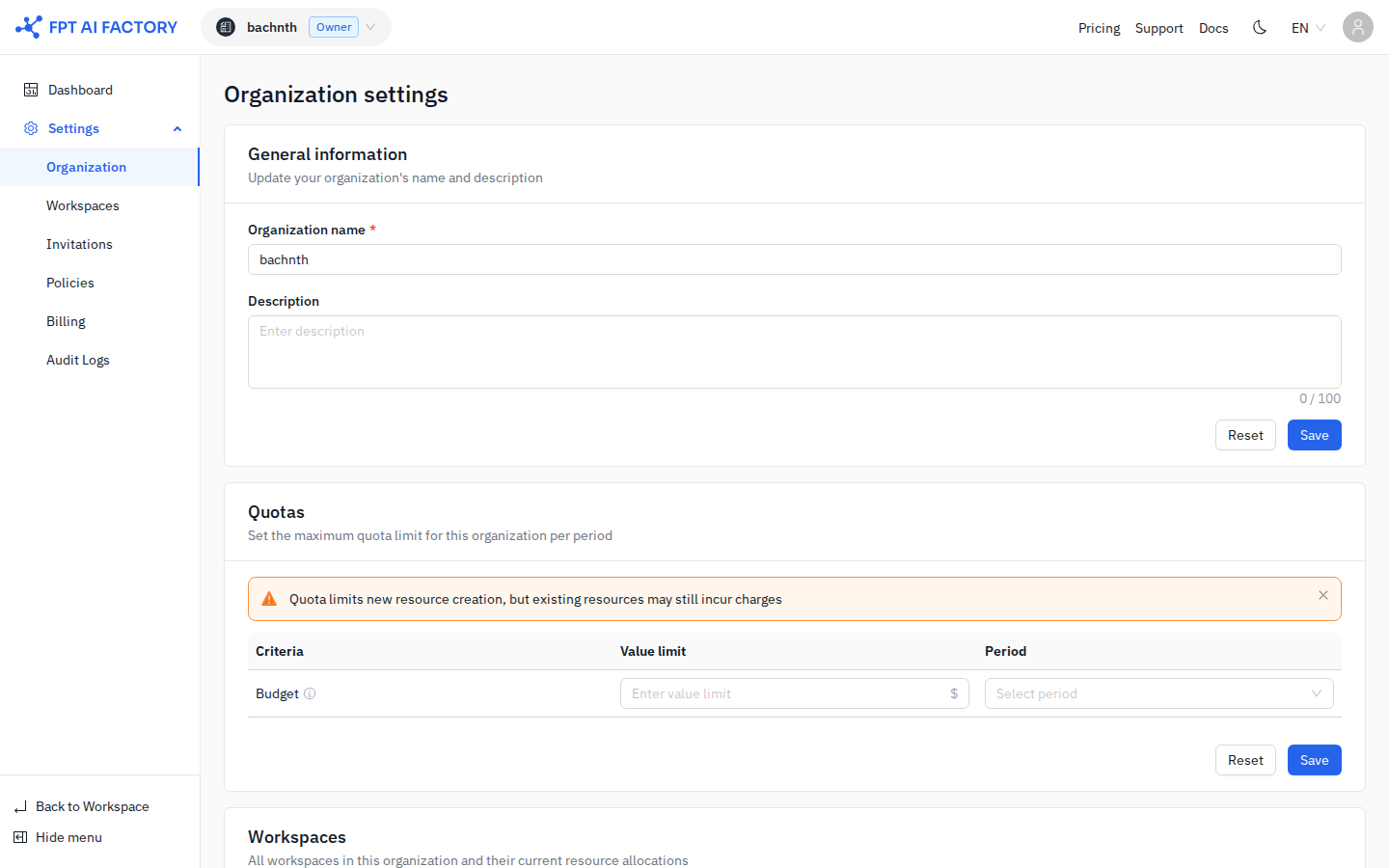
General information
The General information section shows your organization name and description.
| Field | Rules |
|---|---|
| Organization name | Required. Allowed characters: A–Z, a–z, 0–9, -, _. No spaces. |
| Description | Optional. Maximum 100 characters. |
Click Save to apply changes, or Reset to revert to the last saved values.
Quotas
The Quotas section sets a credit spending limit for the entire Organization. This limit is the ceiling that all Workspaces share — the combined spend of all Workspaces cannot exceed it.
Quota limits new resource creation, but existing resources may still incur charges after the limit is reached.
The Quotas table has one row (Budget). Set the columns for that row:
| Column | Description |
|---|---|
| Criteria | The spending metric. Currently one row: Budget. |
| Value limit | Maximum credit amount allowed per period. Leave blank for unlimited. |
| Period | Daily or Monthly. If set to Daily, all Workspaces must also use Daily quotas. |
Click Save to apply changes, or Reset to revert.
For detailed information on quota hierarchy and period rules, see Quotas.
Workspaces
The Workspaces section at the bottom of the page lists all Workspaces in your Organization and their current resource allocations. This is a read-only summary view. To create or manage Workspaces, go to Settings → Workspaces.
What's next
- Workspaces — create and manage isolated environments for your teams.
- Quotas — how quota hierarchy, period rules, and conflict warnings work.
- Understanding billing — credits, Quotas, and how costs are tracked.