Tutorial: Register a new account
This tutorial helps you create an FPT ID and verify your email so you're ready to sign in to FPT Cloud.
📝 Before you begin: Prepare a valid email address you can access right now. See Prerequisites.
Step 1: Open the sign-in page
-
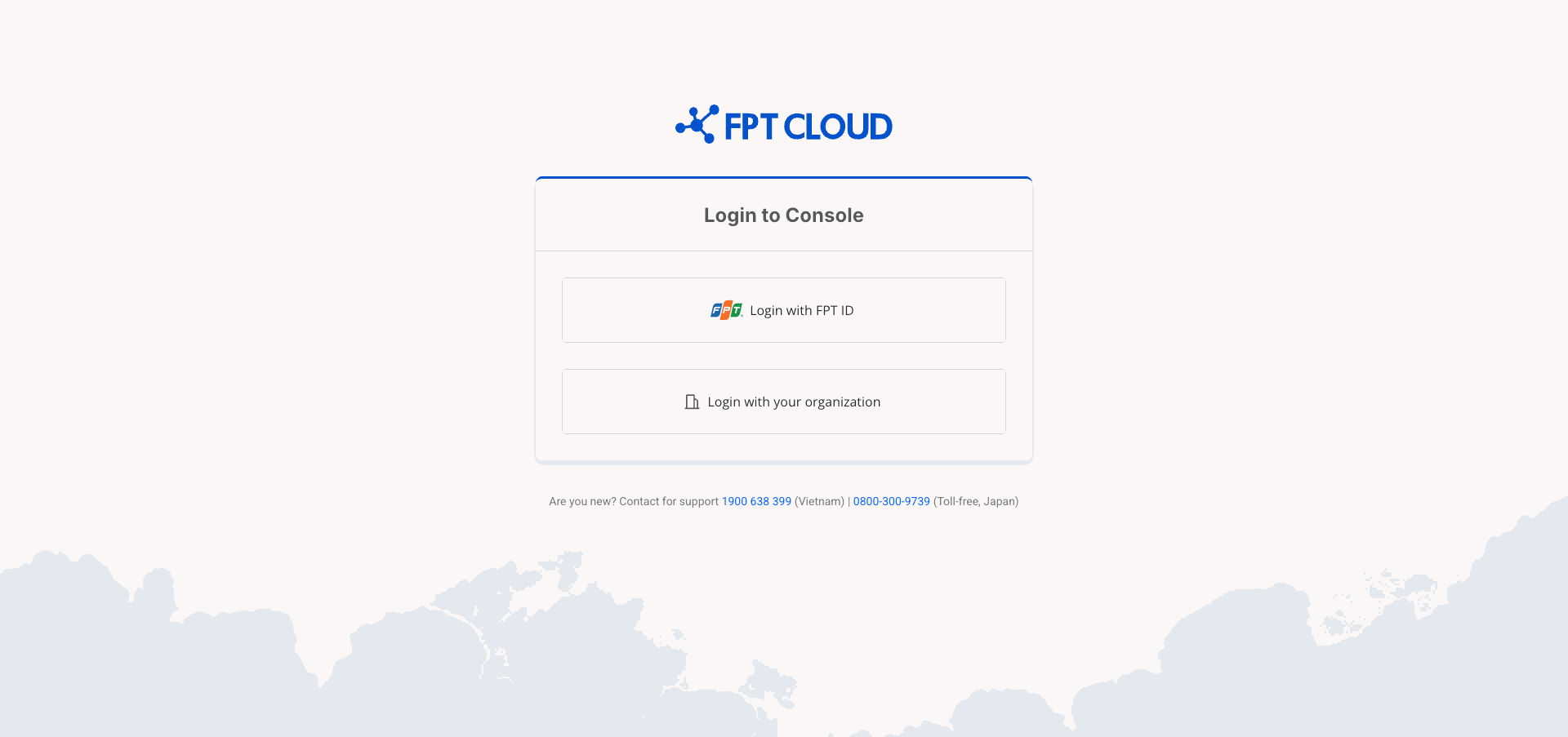
Open your browser and go to console.fptcloud.com.
-
Click Login with FPT ID.
You are redirected to the FPT ID authentication page.
Step 2: Go to the registration form
-
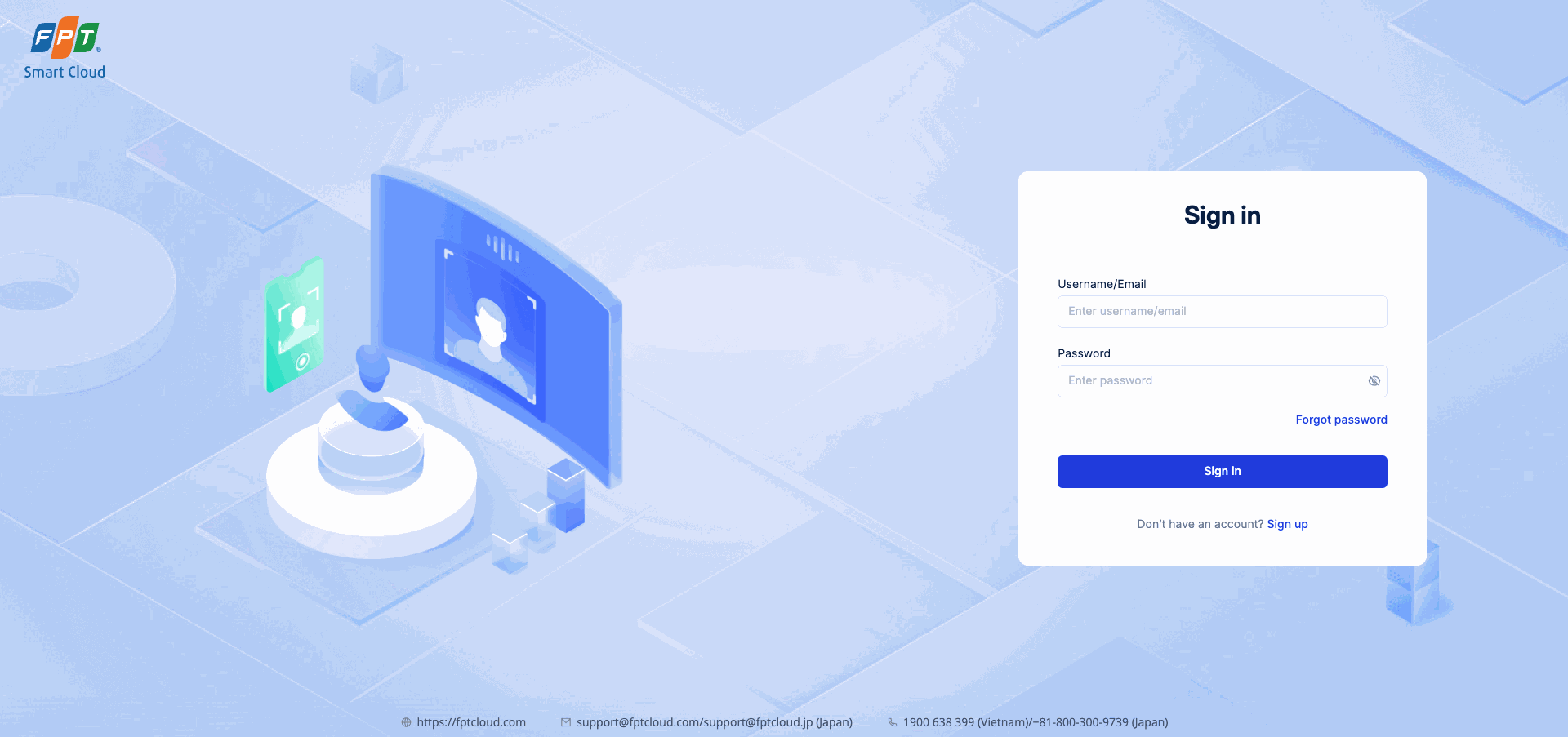
On the FPT ID page, click Sign up (the "Don't have an account? Sign up" link at the bottom of the form).
Step 3: Fill in your registration details
- Fill in the fields on the Sign up form:
| Field | Guidance |
|---|---|
| First name | Your first name. |
| Last name | Your last name. |
| A valid email address — used to verify your account. | |
| Username | 6–32 characters; only letters, numbers, and - . _ @. |
| Password | Minimum 12 characters, including uppercase, lowercase, numbers, and special characters. |
| Confirm password | Re-enter your password to confirm. |
-
Check the I'm not a robot box (reCAPTCHA).
-
Check the By creating an account, you agree to our Terms and Privacy Policy box.
-
Click Sign up.

Step 4: Receive and verify your email
-
The system sends a verification email to the address you entered. A message on screen asks you to check your inbox.
-
Open your email app and look for an email from FPT Cloud (or FPT ID) in your inbox.
⚠️ Don't see the email? Check your Spam or Junk Mail folder. If it still hasn't arrived after 5 minutes, see Troubleshooting.
-
Open the email and click the verification link.
Result
Your FPT ID account has been created and verified. Next, sign in for the first time and verify your phone number.