View monthly spending (Spending Cost)
This guide shows you how to view the billing statement history for a subscription.
Prerequisites
- Signed in to FPT Cloud Portal.
View Spending Cost
-
From the left navigation, go to Billing → Subscription.
-
In the list, click the name of the subscription you want to view.
-
Select the Spending Cost tab.
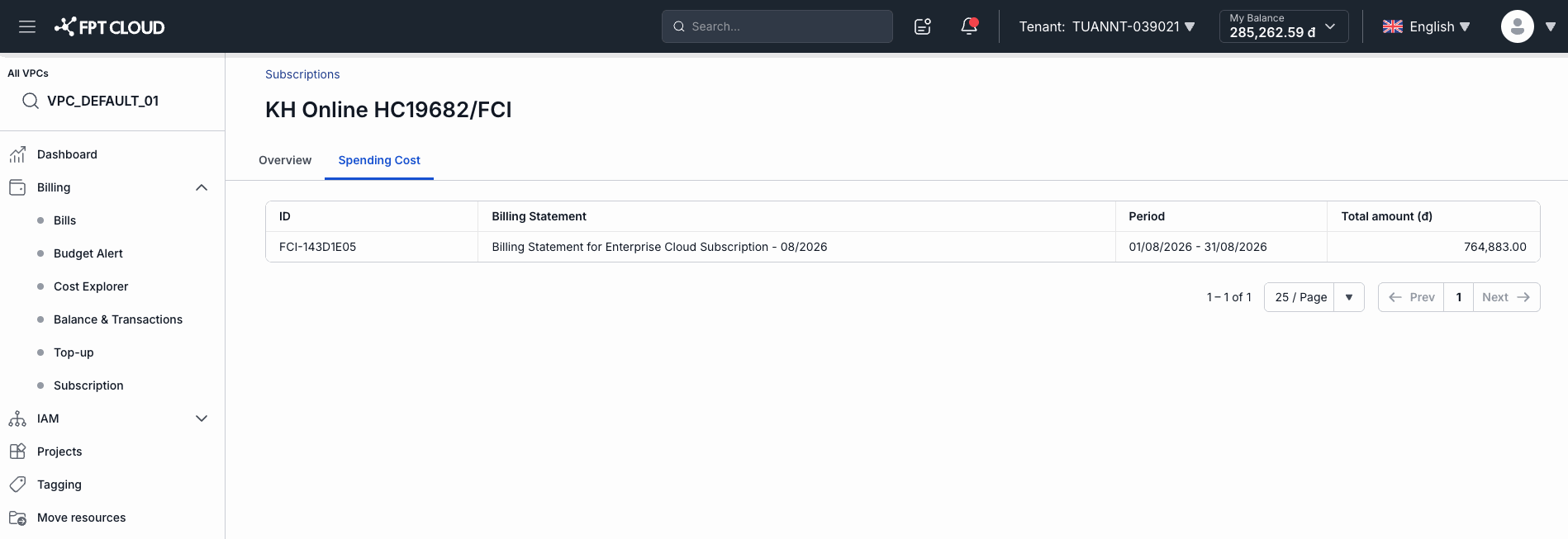
The billing statement list appears:
| Column | Meaning |
|---|---|
| ID | Billing statement ID |
| Billing Statement | Description of the billing period |
| Period | Billing date range (e.g. 01/08/2026 – 31/08/2026) |
| Total amount (₫) | Total charges for the period |
- Use the pagination control (25/Page) to view older periods.