Gateway — Reference
This document describes the data fields displayed on the gateway list and detail pages.
Note: Gateway is a read-only feature. All information is configured by the infrastructure team and cannot be edited through the portal.
Fields — Gateway list
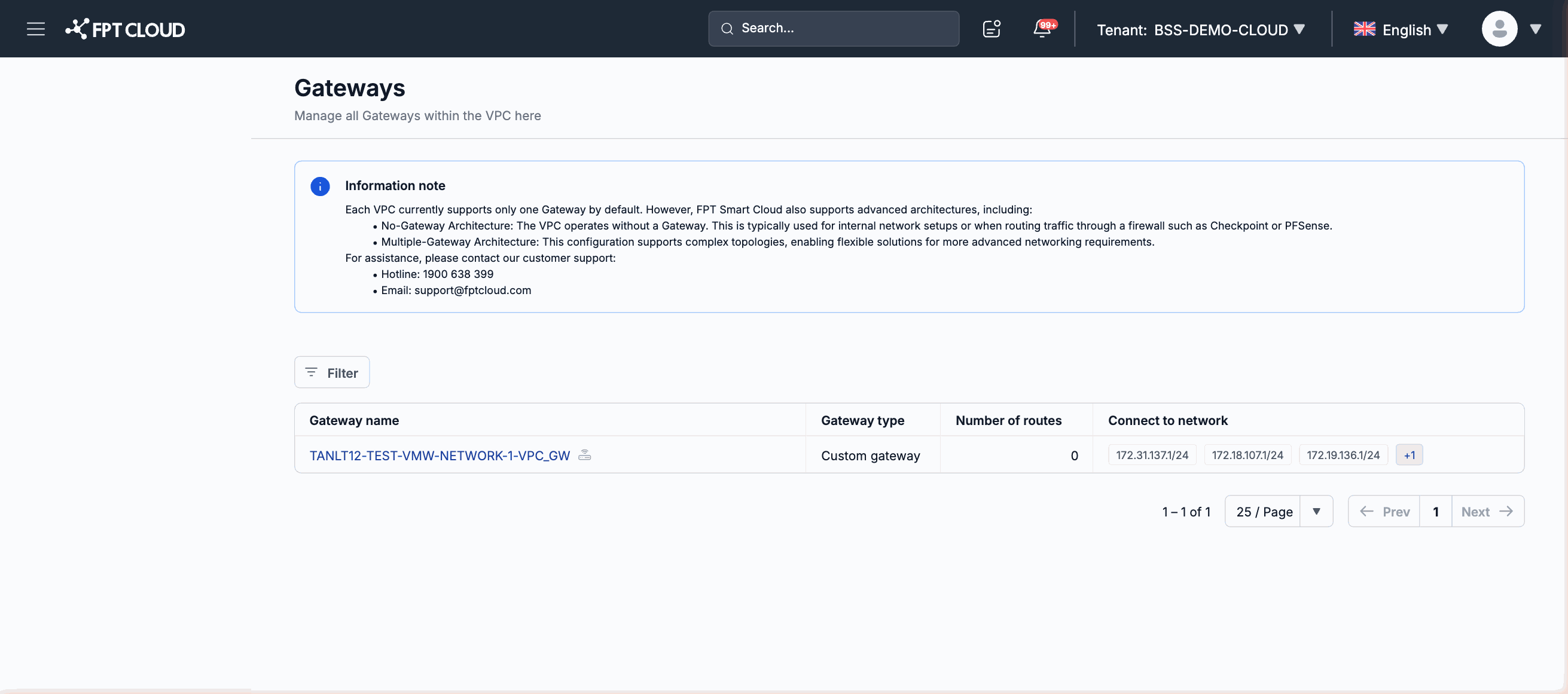
| Column | Description |
|---|---|
| Gateway name | The identifying name of the gateway. The name is set by the infrastructure team at provisioning time. |
| Gateway type | The type of gateway. Example: Custom gateway. The specific values depend on the environment configuration. |
| Number of routes | The count of routes configured through this gateway. |
| Connect to network | The list of CIDR ranges the gateway connects to. |
Gateway detail page
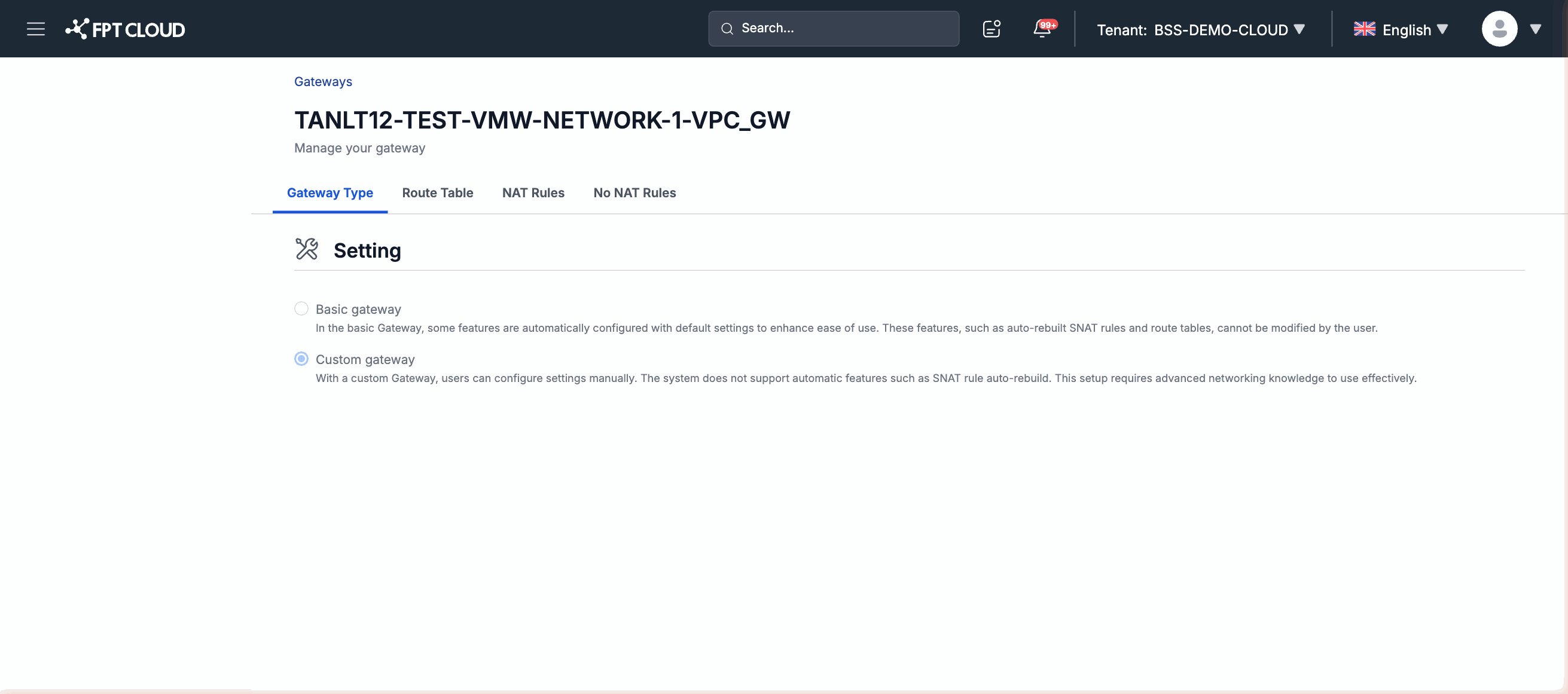
The detail page displays the full configuration information for a specific gateway, including (but not limited to):
- Gateway name and description
- IP address and routing information
- Type and supported protocols
- Status and last updated timestamp
The content of the detail page depends on the gateway type and the specific infrastructure configuration.
Access scope
| Action | Available |
|---|---|
| View gateway list | Yes |
| View gateway details | Yes |
| Create a new gateway | No — performed by the infrastructure team |
| Edit gateway configuration | No — performed by the infrastructure team |
| Delete a gateway | No — performed by the infrastructure team |