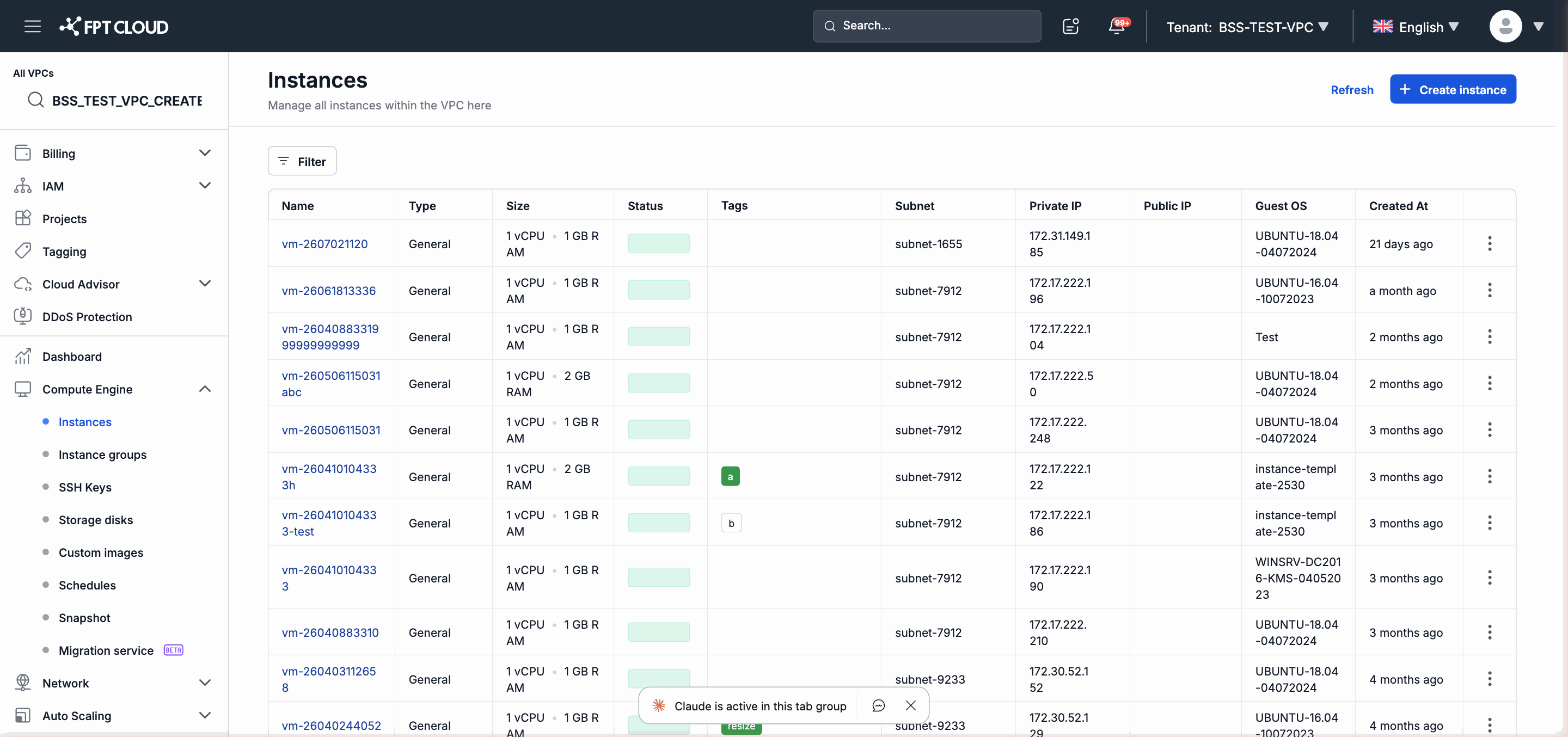
VPC List Columns
| Column | Description |
|---|
| Name | The identifying name of the VPC, set by you at creation. Click the name to open the VPC detail page. |
| Tags | The list of tags attached to the VPC for classification and search. Displayed as key:value. |
| Subnet | The number of Subnets currently existing inside this VPC. |
| Status | The current status of the VPC (see the status table below). |
| Created date | The date and time the VPC was created (UTC timezone). |
VPC Status
| Status | Meaning |
|---|
| Active | The VPC is operating normally and ready to use. |
| Creating | The VPC is being initialized; waiting for the process to complete. |
| Error | The VPC encountered an error during creation or operation. Contact support if this status does not resolve on its own. |
| Field | Required | Description |
|---|
| Type | Yes | VPC type: General (general-purpose) or Specific (dedicated). Cannot be changed after creation. |
| Name | Yes | The identifying name of the VPC. |
| Owner | Yes | The organization that owns the VPC. |
| Project | Yes | The Project the VPC will belong to. |
| CIDR | No | The IP address range of the first Subnet in CIDR notation (e.g., 192.168.1.0/24). Only applies when configuring a Subnet during VPC creation. |
| Subnet name | No | The identifying name for the first Subnet. Only fill in when CIDR is also provided. |
Click the action menu icon (⋮) in the last column of each row in the VPC list to access the following actions:
| Action | Description |
|---|
| Manage tags | Open the tag management dialog: add new key:value pairs or remove existing tags. |
| Edit | Open the VPC name editing dialog. Other fields (Type, Owner, Project) cannot be edited. |
VPC Detail Page
Click the Name of a VPC in the list to open the detail page. This page displays an overview of the VPC and provides navigation to the compute and network resources inside it.