Delete a Kubernetes cluster
Delete a Kubernetes cluster you no longer need.
danger
Deleting a cluster is permanent. All Worker Nodes, workloads, and any data on the cluster's Persistent Volumes are destroyed and cannot be recovered.
-
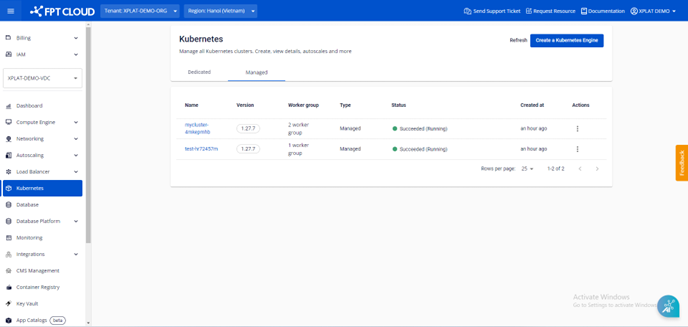
From the menu, select Kubernetes. The Kubernetes Management page appears.
-
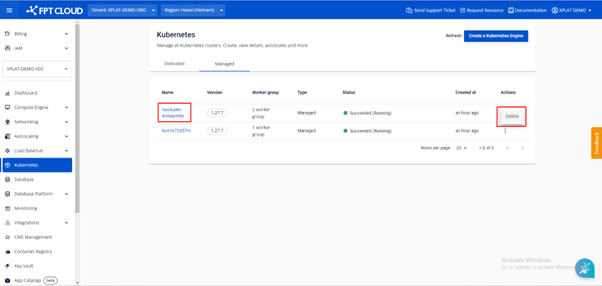
Select Action at the end of the cluster's row, then select Delete.
-
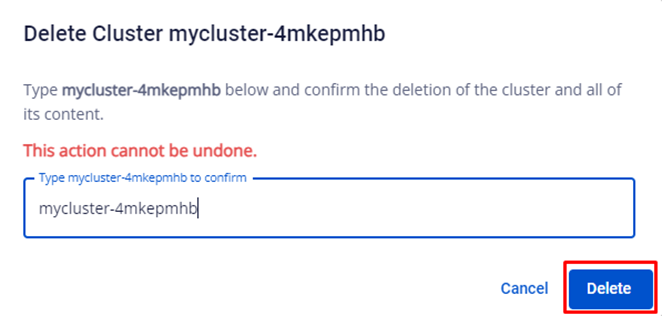
Confirm the warning in the pop-up, then select Delete.