Enable or disable Node Auto Repair
Node Auto Repair automatically reboots a Worker Node that stays NotReady for more than 3 minutes — useful when a node becomes unresponsive due to overload or a container runtime/kubelet issue. If the node still can't reach Ready after the repair attempt, the system replaces it with a new node of the same configuration after 10 minutes. Node Auto Repair is enabled by default for the base Worker Group and can be turned on or off for any other Worker Group.
-
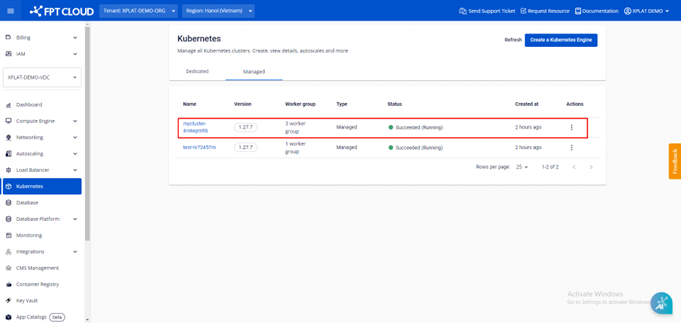
From the menu, select Kubernetes to open Kubernetes Management, then select the cluster you want to configure.
-
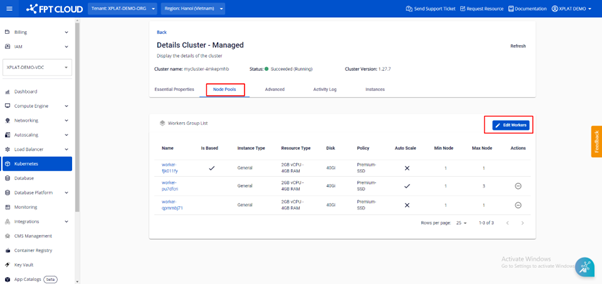
Select Node Pools → Edit Workers.
-
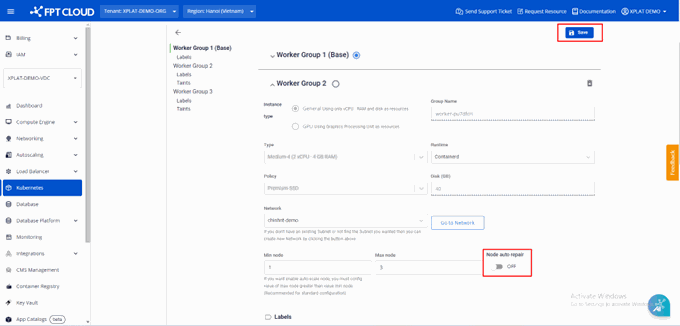
In the Worker Group, enable or disable Node Auto Repair.
-
Select Save.
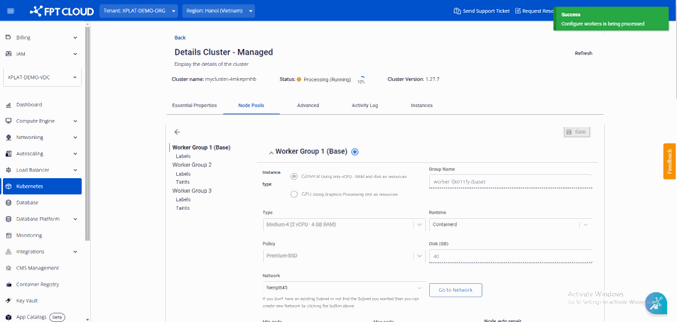
Enabling or disabling Node Auto Repair takes a few minutes. The cluster status shows Processing during this time — you can't make other changes to the cluster until the process completes.