Delete a CDC Service
Delete a CDC Service when you no longer need it in your workspace.
Delete the service
-
Select Data platform → Workspace management, then select your workspace.
-
On the Overview tab, under Services, select the CDC card.
-
Select Actions → Delete.
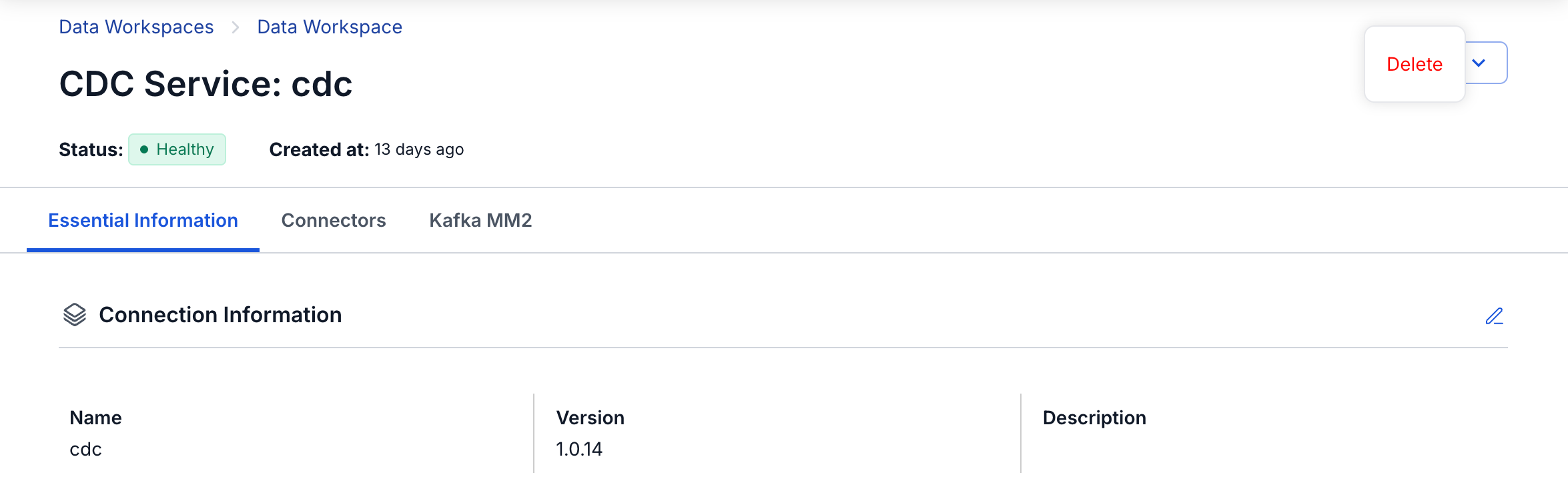
-
In the Delete Service dialog, enter
delete, then select Confirm.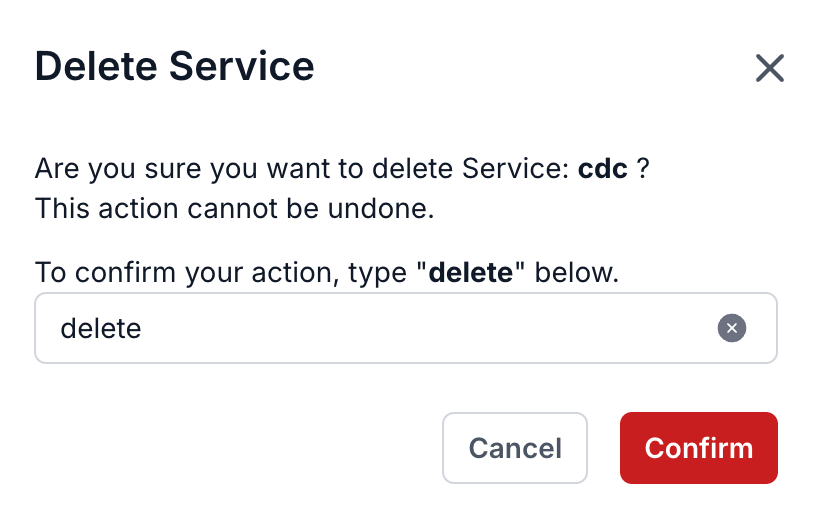
Deleting a CDC Service cannot be undone. Make sure no one still uses the service or its connectors before you delete it.
Deleting the service also deletes all its connectors and Kafka MM2 sources, and its internal topics in the Kafka cluster. The data topics and error topics stay in the Kafka cluster. Objects in your source databases also stay, such as the replication slot and the publication of a PostgreSQL source. Remove them as described in Clean up a PostgreSQL source.