Create an S3 sink connector
Use an S3 sink connector to keep the changes captured from your source database as files in S3 storage. The connector reads the Kafka topics you choose and writes them to a folder in your bucket.
Prerequisites
- A CDC Service whose status is Healthy. See Create a CDC Service.
- Topics with change data, written by a source connector such as a PostgreSQL source connector.
- An S3 bucket to write to, with the endpoint, access key, and secret of its storage.
Create the connector
-
Select Data platform → Workspace management, then select your workspace.
-
On the Overview tab, under Services, select the CDC card.
-
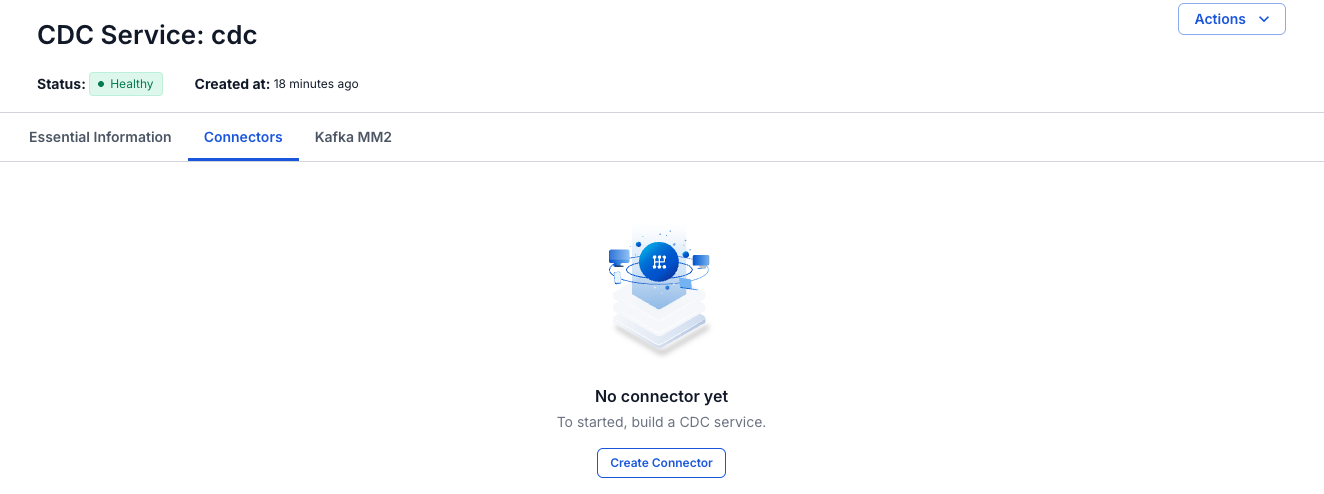
Select the Connectors tab, then select Create Connector.
-
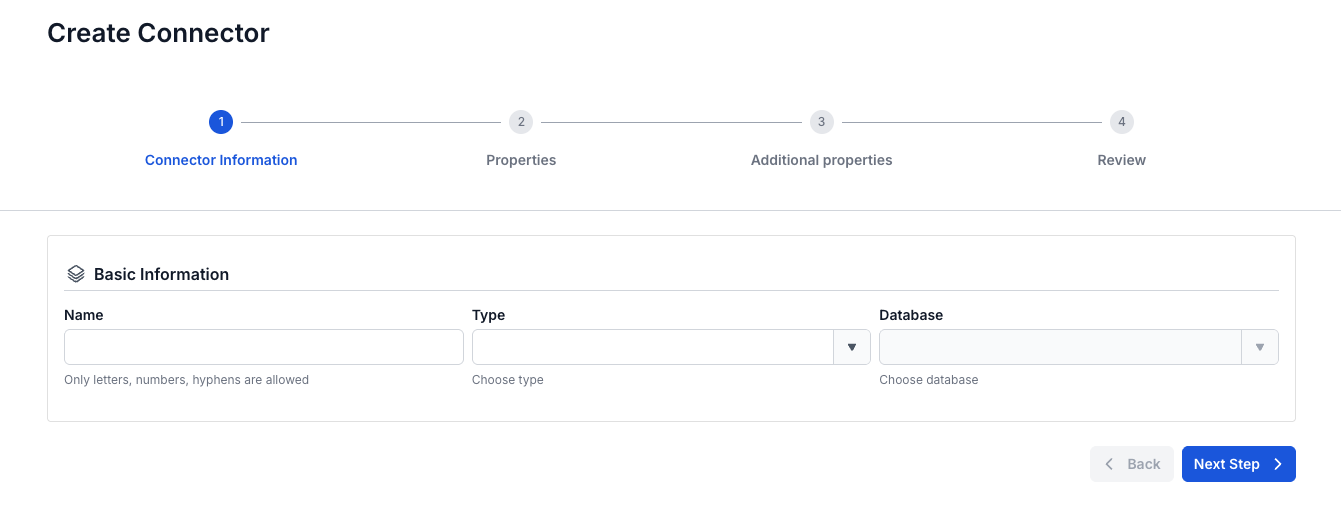
On the Connector Information screen, enter a Name, select sink in Type, and select S3 in Database.
-
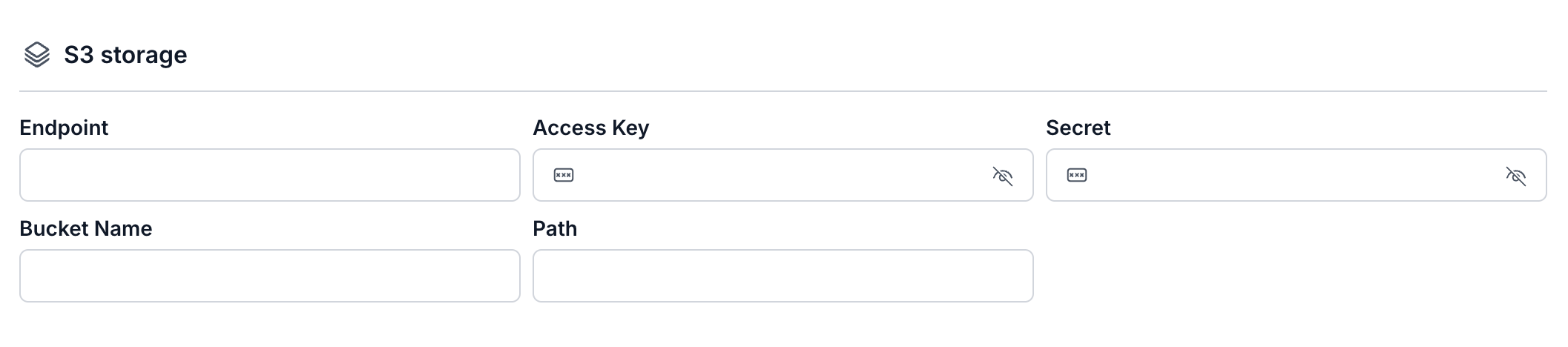
Select Next Step. On the Properties screen, enter the connection details, then select Test connection. Next Step becomes available after the test succeeds.
-
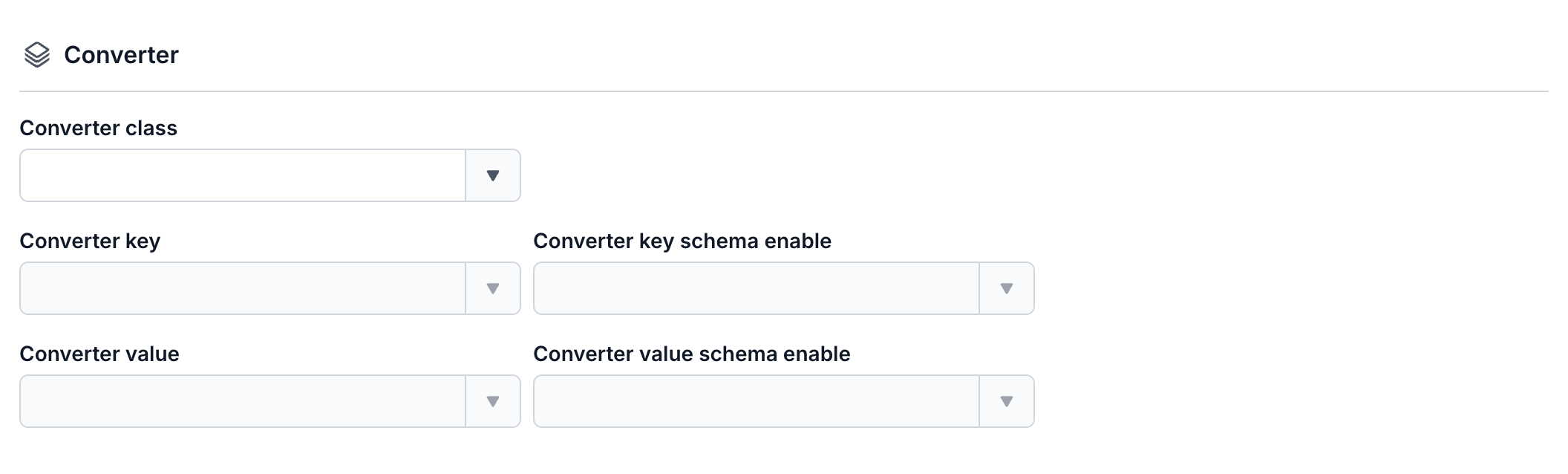
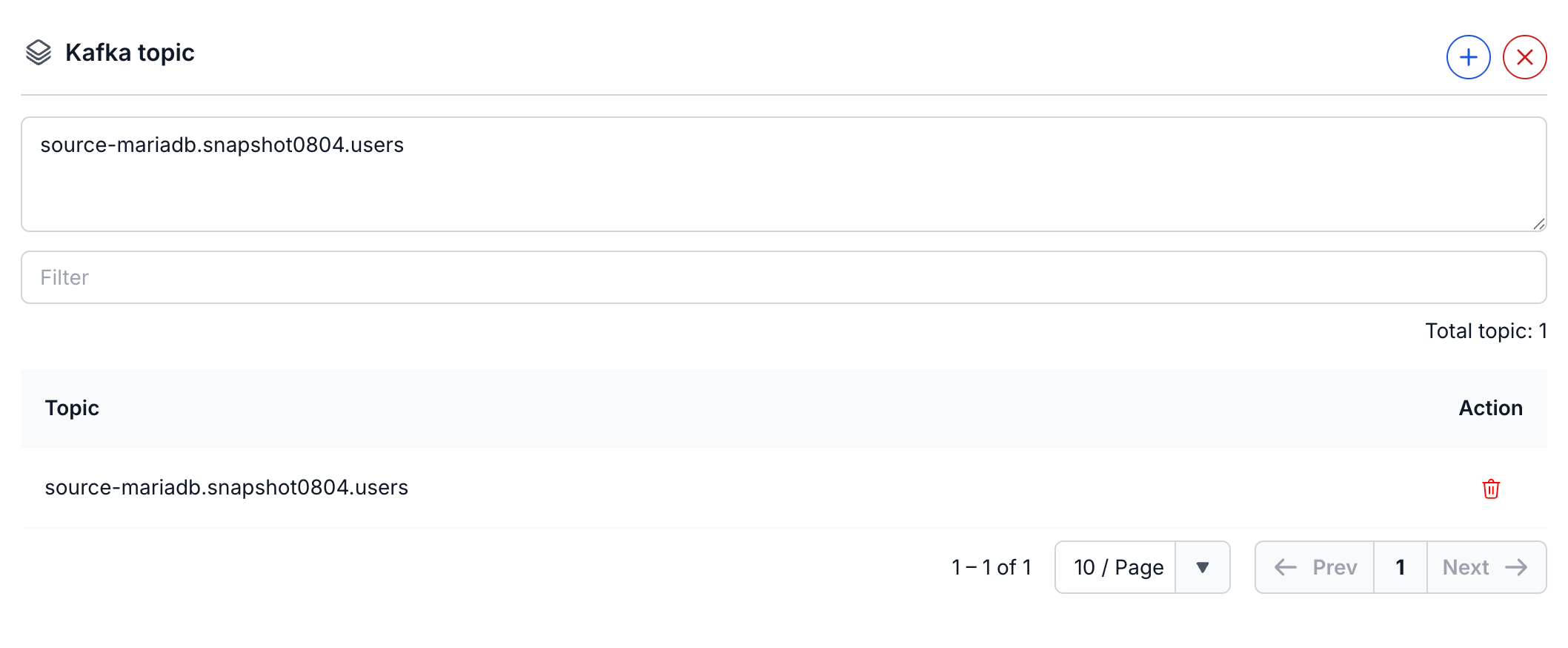
On the same screen, choose a Converter class and set the four converter fields. Under Kafka topic, select +, then select the topics to read in the Select topics panel.
-
Select Next Step. On the Additional properties screen, set the fields in the Task, Source, Destination, and Error Tolerance sections.




-
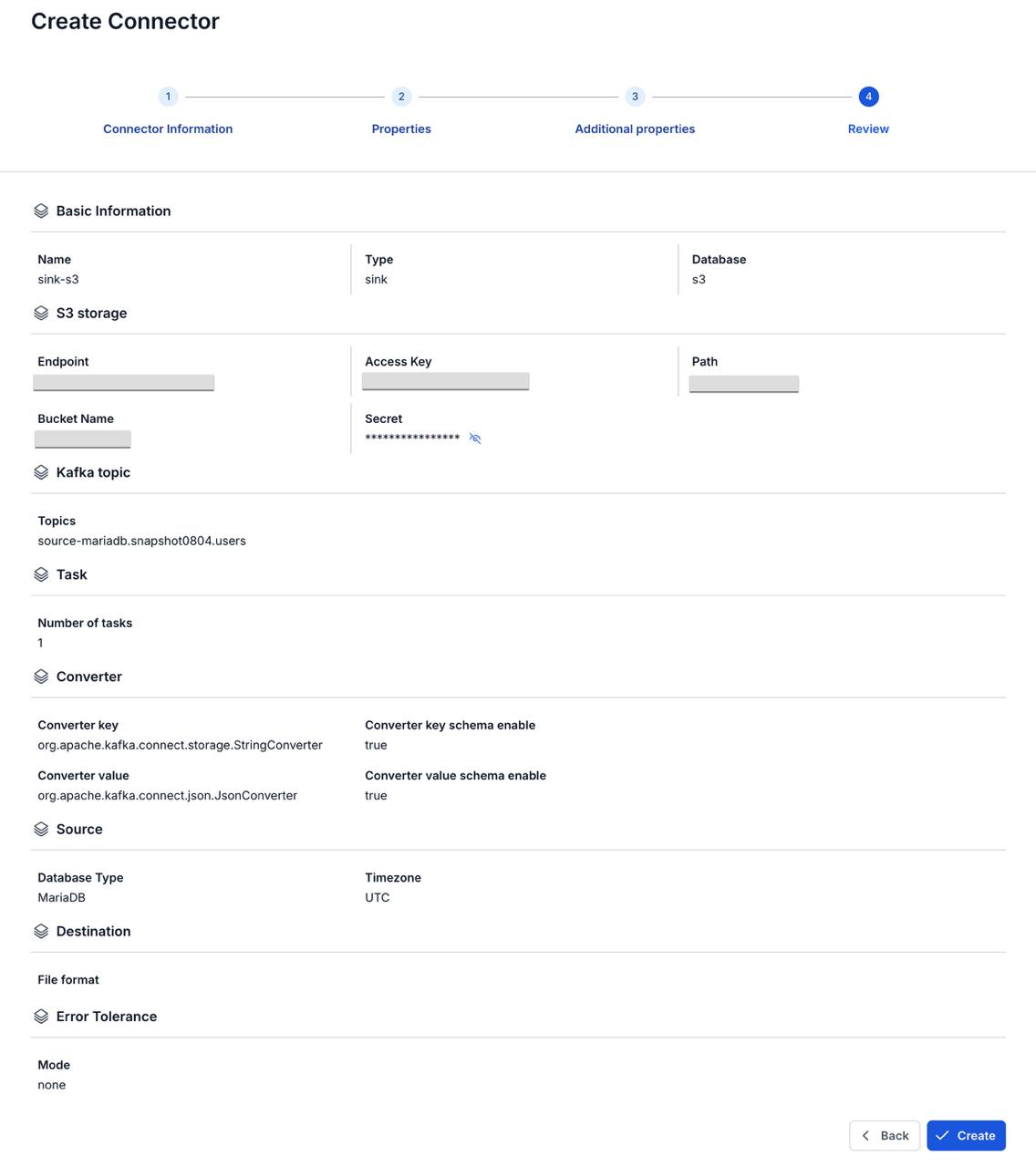
Select Next Step and check the settings on the Review screen.
-
Select Create.
Connector settings
Connector information
| Field | Required | Description |
|---|---|---|
| Name | Yes | The connector name. Use lowercase letters, digits, and hyphens (-) only. Upper-case letters, _, ., and spaces are rejected with "Name has invalid characters". |
| Type | Yes | Select sink. |
| Database | Yes | Select S3. |
Properties
This connector has no From FPT Database Engine option. Enter the bucket details in the S3 storage section. See Connection mode for how Test connection works.
| Field | Required | Description |
|---|---|---|
| Endpoint | Yes | The address of the S3 storage, including the scheme, such as https://. Without a scheme, the form shows "Endpoint must be a valid uri". |
| Access Key | Yes | The access key for the S3 storage. |
| Secret | Yes | The secret that goes with the access key. |
| Bucket Name | Yes | The bucket to write to. |
| Path | Yes | The folder in the bucket that receives the files. The connector writes each topic to a subfolder named after the topic. |
| Converter class | Yes | The converter class for this connector. The portal offers S3. The four converter fields stay greyed out until you choose a class. See Converter. |
| Converter key, Converter key schema enable, Converter value, Converter value schema enable | Yes | How the connector reads the keys and values of the messages, and whether they carry a schema. Converter key and Converter value each offer org.apache.kafka.connect.storage.StringConverter and org.apache.kafka.connect.json.JsonConverter. Both schema enable fields offer true and false. |
| Kafka topic | Yes | The topics to read, up to 100. Select + to open the Select topics panel, select the topics, then select Select. See Topics. |
Additional properties
| Field | Required | Description |
|---|---|---|
| Number of tasks | Yes | The maximum number of tasks that run in parallel. Default 1. See Tasks max. |
| Database Type | Yes | The type of the source database that the topics come from. |
| Timezone | No | The timezone of the data: UTC or Asia/Ho_Chi_Minh. The field has no default. See Timezone. |
| File format | No | The format of the files the connector writes: json, jsonl, or parquet. Default json. |
| Mode (under Error Tolerance) | Yes | What the connector does with a message that it cannot read or convert. None stops the connector with status Failed. All skips the message and sends it to the topic you enter for failed records. The field has no default. See Error tolerance. |