Create a Kafka source connector
Bring data from one or more topics of another Kafka cluster into the Kafka cluster of your CDC Service, to synchronize or forward it between clusters. The other cluster can be in FPT Database Engine or outside FPT Cloud.
The Kafka source connector copies topic data only. To also sync consumer-group offsets, so that consumers can move to the CDC Service's Kafka cluster and continue where they left off, use Kafka MM2 instead.
Prerequisites
- A CDC Service whose status is Healthy. See Create a CDC Service.
- The bootstrap server endpoint of the other Kafka cluster, reachable from your workspace, and its credentials if it uses SASL.
Create the connector
-
Select Data platform → Workspace management, then select your workspace.
-
On the Overview tab, under Services, select the CDC card.
-
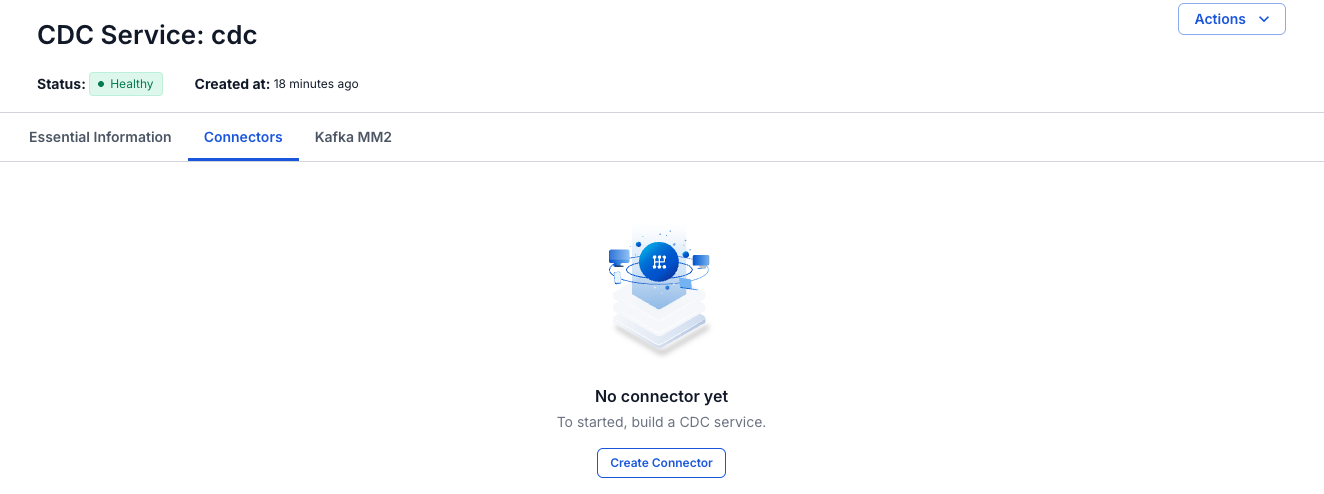
Select the Connectors tab, then select Create Connector.
-
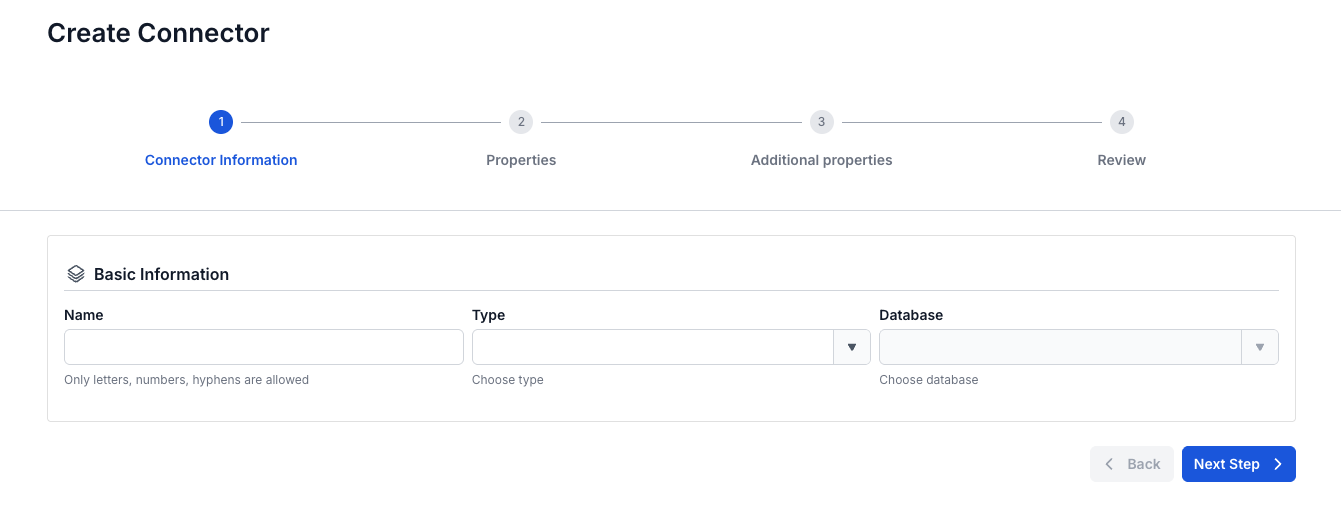
On the Connector Information screen, enter a Name, select source in Type, and select Kafka in Database.
-
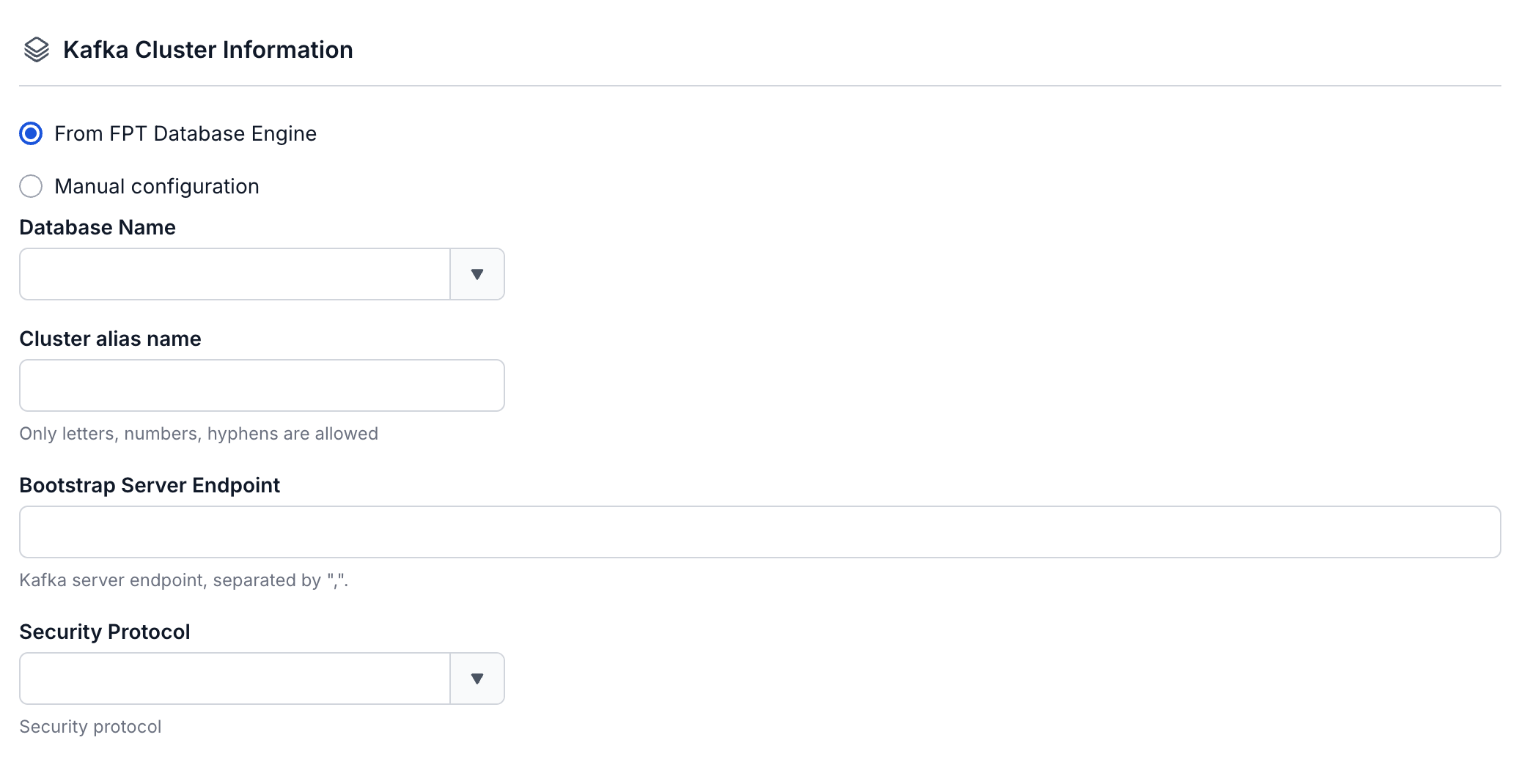
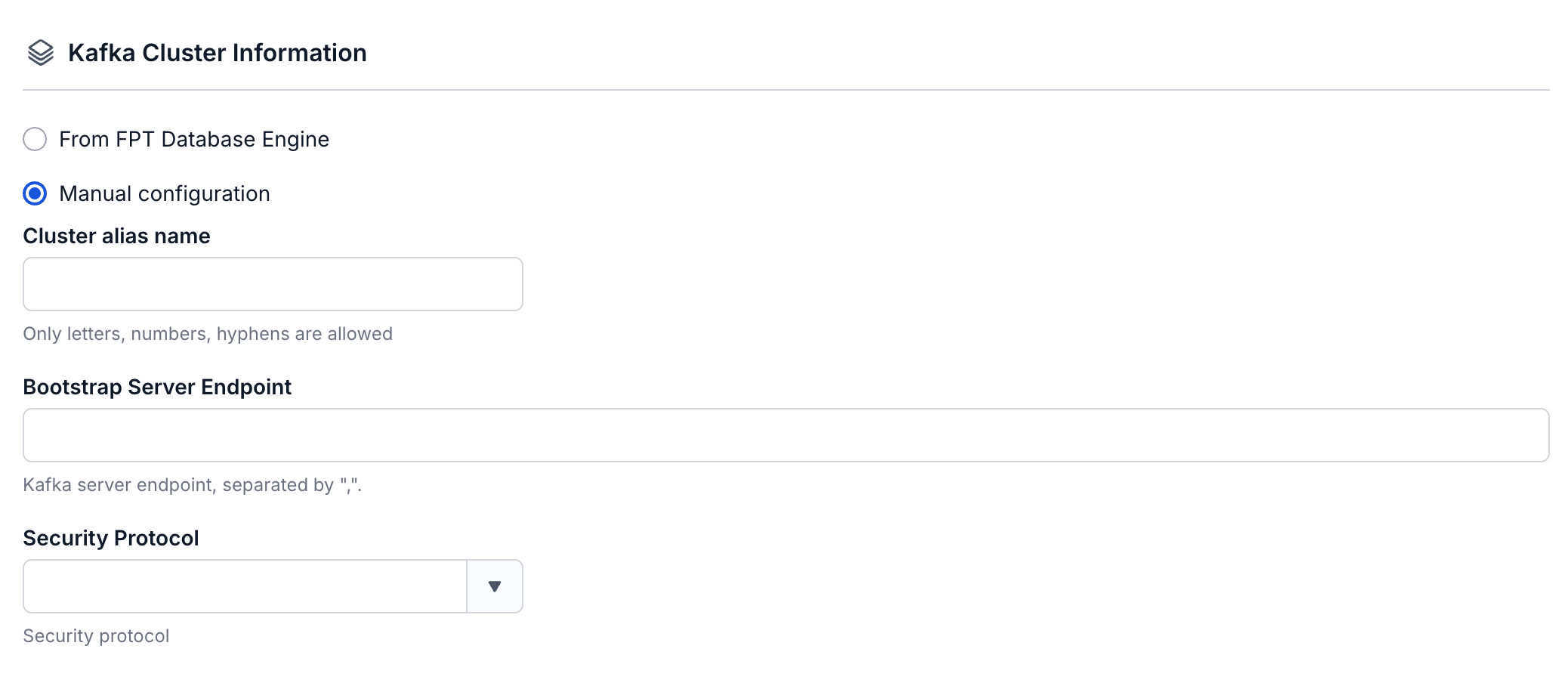
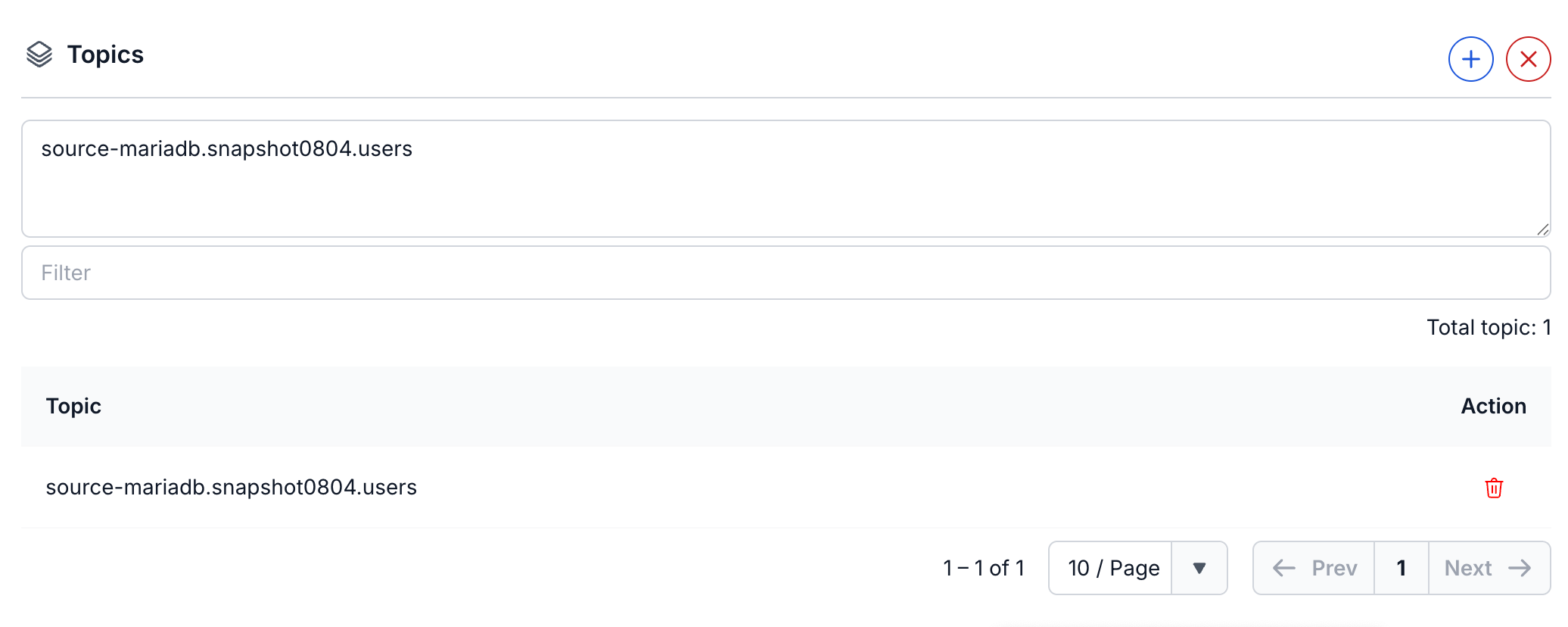
Select Next Step. On the Properties screen, enter the cluster details, select Test connection, then select + under Topics to choose the topics to copy. Next Step becomes available after the test succeeds.
-
Select Next Step. On the Additional properties screen, set the Number of tasks and the replication options.


-
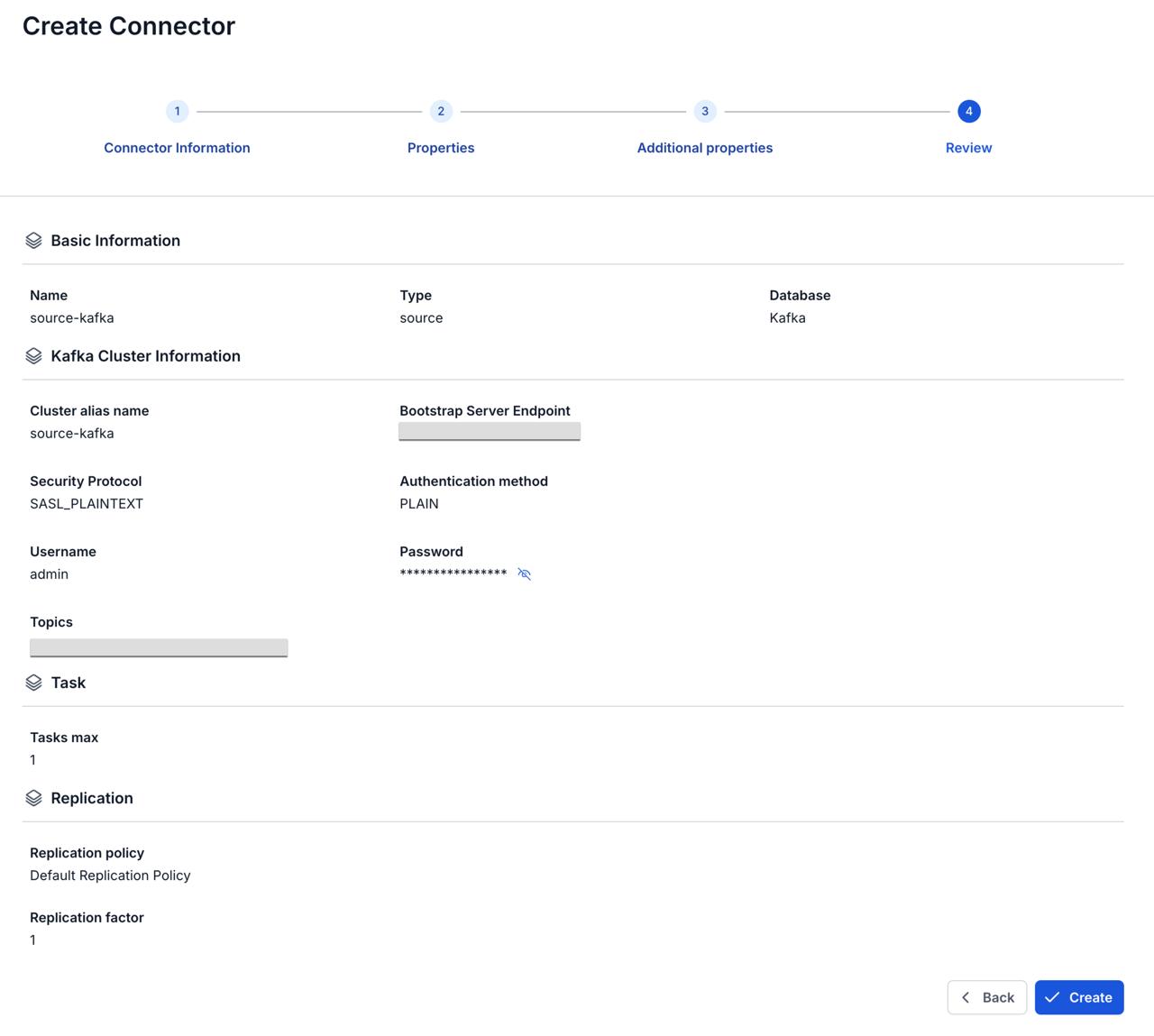
Select Next Step and check the settings on the Review screen.
-
Select Create.
The portal shows "Create Successfully" and opens the Essential Information tab of the CDC Service. On the Connectors tab, the new connector shows Running, with every Tasks counter at
0until its task starts, for up to about 2.5 minutes.
Connector settings
Connector information
| Field | Required | Description |
|---|---|---|
| Name | Yes | The connector name, in lowercase letters, digits, and hyphens (-). Uppercase letters, _, ., and spaces give the error "Name has invalid characters". |
| Type | Yes | Select source. |
| Database | Yes | Select Kafka. |
Properties
| Field | Required | Description |
|---|---|---|
| From FPT Database Engine / Manual configuration | Yes | Select a Kafka cluster from FPT Database Engine, or enter the cluster details yourself. Manual configuration is selected by default. See Connection mode. |
| Database Name | With From FPT Database Engine | The Kafka cluster in FPT Database Engine. The list shows cluster names only, and two clusters can have the same name. Selecting one fills in Bootstrap Server Endpoint, and sets Security Protocol to SASL_PLAINTEXT and Authentication method to PLAIN. Cluster alias name, Username, and Password stay empty. |
| Cluster alias name | Yes | A name for the other cluster. Letters, numbers, and hyphens (-) only. With Default Replication Policy, it becomes the prefix of the copied topic names. |
| Bootstrap Server Endpoint | Yes | The Kafka server endpoints of the other cluster. Separate several endpoints with a comma (,). |
| Security Protocol | Yes | SASL_PLAINTEXT authenticates with a username and password. SASL_SSL authenticates with a username and password and encrypts the data. PLAINTEXT sends data unencrypted and is not recommended. SSL encrypts the data in transit. |
| Authentication method | With SASL_PLAINTEXT or SASL_SSL | The SASL mechanism: PLAIN, SCRAM-SHA-256, or SCRAM-SHA-512. |
| Username | With SASL_PLAINTEXT or SASL_SSL | The SASL username. |
| Password | With SASL_PLAINTEXT or SASL_SSL | The SASL password. |
| Topics | No | The topics to copy. Test connection reads the topics of the other cluster, and fails with "No topics found, please check the Kafka cluster input" when it gets none. If you see this message, check the cluster details and credentials, and that the cluster has topics. After the test succeeds, select + to load the topics of the other cluster, then select up to 100. Use Filter to search the list and the delete icon to remove a topic. If you select no topic, the connector copies all topics of the other cluster except its internal topics. See Topics. |
Additional properties
| Field | Required | Description |
|---|---|---|
| Number of tasks | Yes | The maximum number of connector tasks. Default 1. Usually no more than the number of partitions of the Kafka topic. The Review screen calls it Tasks max. See Tasks max. |
| Replication policy | Yes | How the copied topics are named in the Kafka cluster of the CDC Service. Default Replication Policy (default) puts the cluster alias and a dot in front of the topic name, so orders from the alias prod becomes prod.orders. Identity Replication Policy keeps the original topic name. |
| Replication factor | Yes | The number of replicas of each partition of the copied topics. Default 1. Enter -1 to use the broker default. |