2. View CDC Service Details
To view CDC Service details, follow these steps:
Step 1: In the menu bar, select Data Platform > select Workspace Management > select Workspace name
Step 2: In the My services section, click CDC service
Step 3: The screen displays the following general information:
The screen displays 3 tabs: Essential Information, Connectors, and Kafka MM2
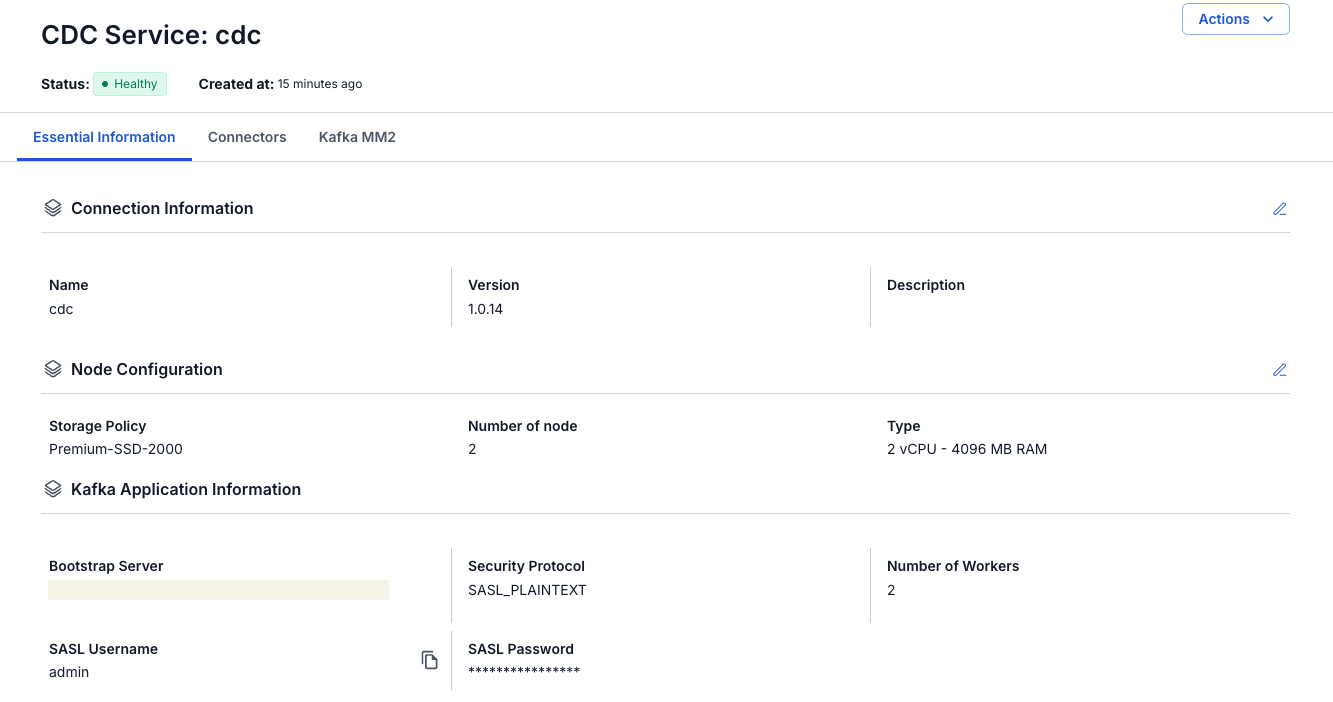
- Essential Information tab
Displays the detailed information of the CDC service
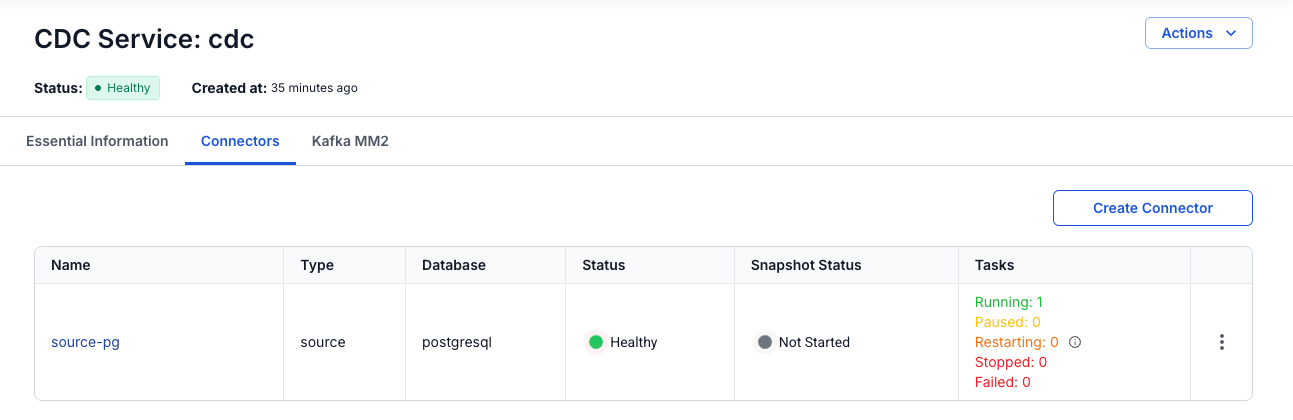
- Connectors tab
Displays the list of connectors configured to retrieve data from a source or store data into a sink
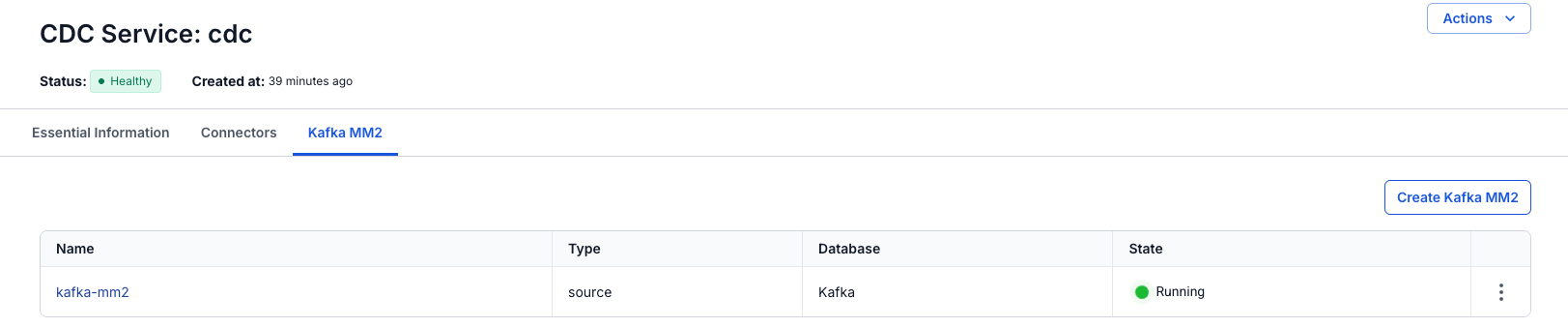
- Kafka MM2 tab
Displays the list of Kafka MM2 (MirrorMaker 2) connectors — a tool used to synchronize data between different Kafka clusters (multi-cluster replication)