3. Delete CDC Service
To delete a CDC Service, follow these steps:
- Step 1: In the menu bar, select Data Platform > select Workspace Management > select Workspace name
- Step 2: In the My Services section, select CDC Service
Users can also go directly to the CDC service by:
In the menu bar, select Data Platform > select CDC service > click a CDC Service Name
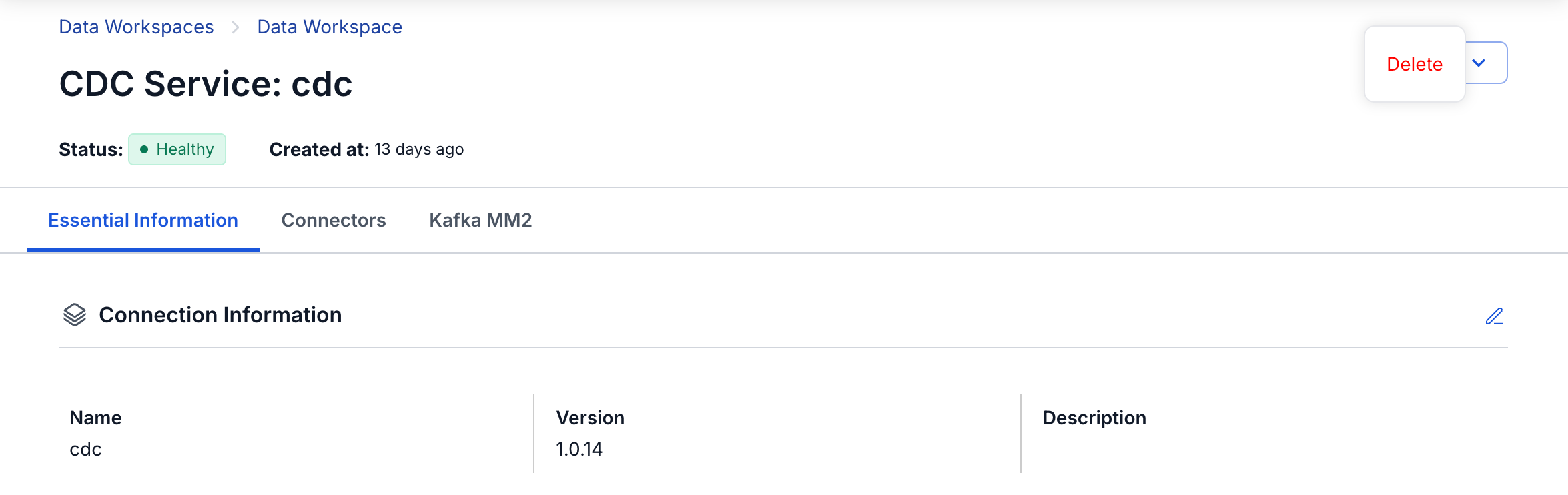
- Step 3: On the Detail CDC service screen > select CDC service name > select Action > click Delete
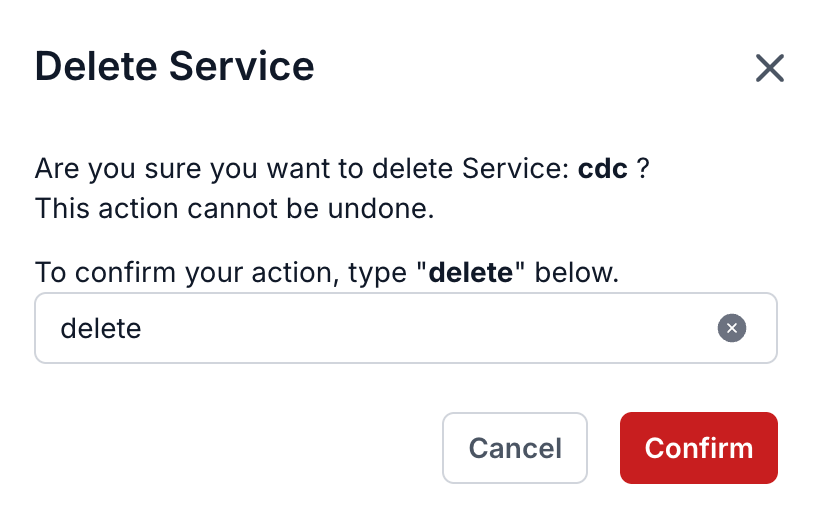
- Step 4: The Delete Service dialog appears
→ Enter delete > click Confirm to delete the service from the workspace
→ Select Cancel to cancel the operation