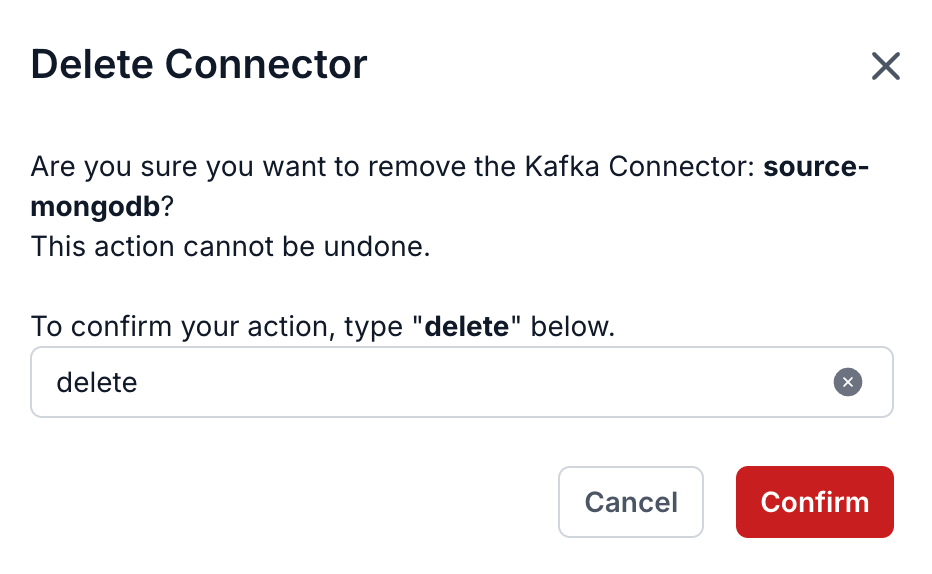
2.24 Delete connector
Pre-condition: The connector is in STOPPED status
To delete a Connector, follow these steps:
- Step 1: In the menu bar, select Data Platform > select Workspace Management > select Workspace name
- Step 2: In the My services section, select CDC service
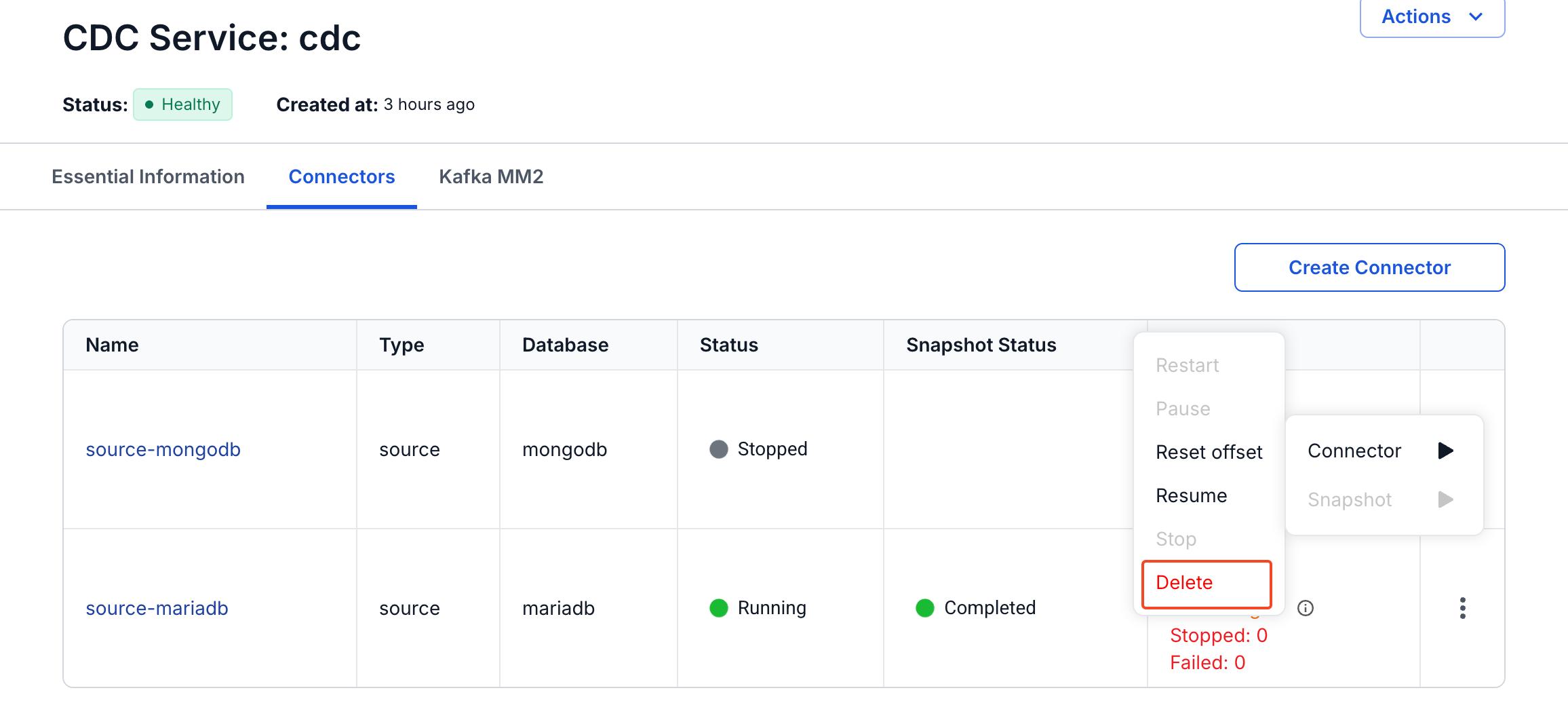
- Step 3: On the CDC service detail screen > select the Connectors tab > select the connector name > select Action > select Delete
- Step 4: The Delete connector dialog appears > enter Delete > click Confirm to delete the connector > select Cancel to cancel the operation.