Delete Ingestion
To delete an Ingestion service, follow these steps:
Step 1: In the menu bar, select Data Platform > select Workspace Management > select Workspace Name
Note: Users can access the Ingestion service directly by: selecting Data Platform > Ingestion service from the menu bar
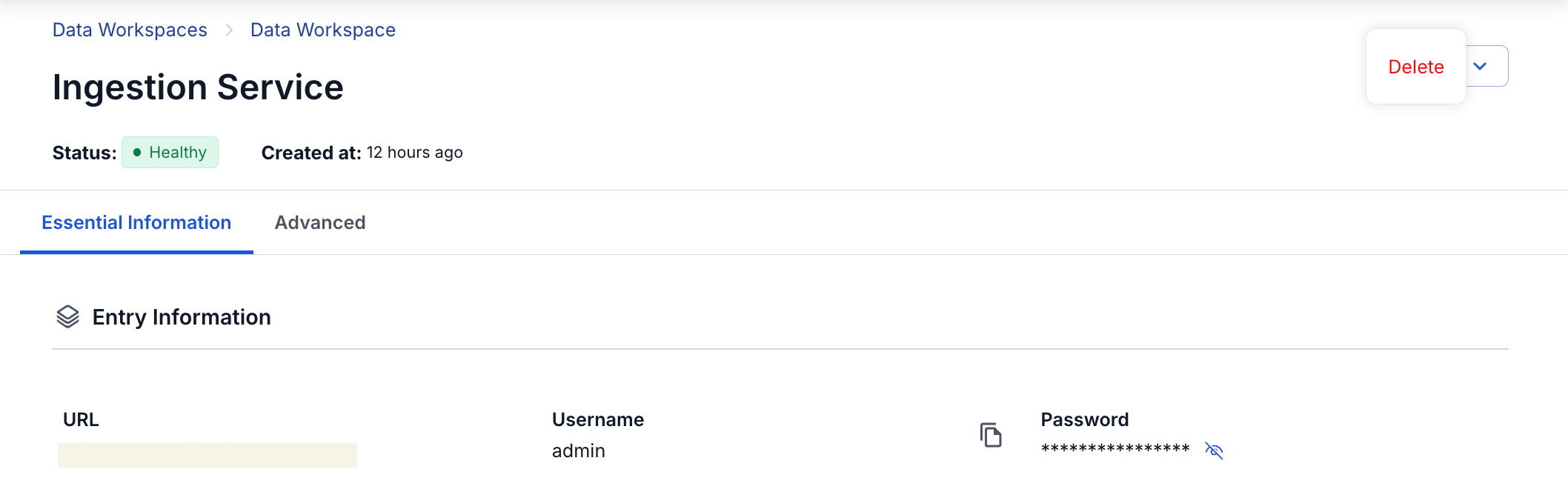
Step 2: In the My services section, select Ingestion Service > click Action > select Delete
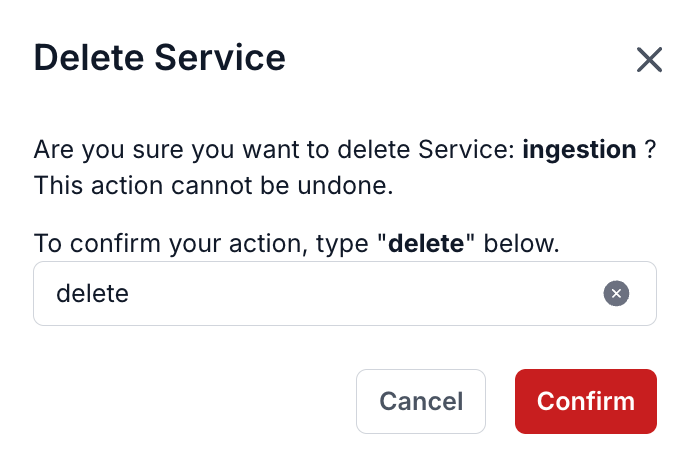
Step 3. The Delete Service dialog is displayed > enter delete > click Confirm to complete removing the Ingestion Service from the workspace