Run a dbt project in JupyterHub
Run your dbt project from a terminal in JupyterHub, on a Spark session, next to the notebooks you already work with. Set the profiles.yml file of the project once, then run dbt commands in the project folder.
Prerequisites
- A dbt project in a Git repository, in a folder of your JupyterHub workspace. To set up the repository, use the Git menu of JupyterLab.
Configure profiles.yml for a Spark session
To run dbt on a Spark session, set the profiles.yml file of the dbt project as follows. Replace <PROJECT-NAME>, <SCHEMA-NAME>, and <DATABASE-NAME> with your values.
<PROJECT-NAME>:
  target: dev
  outputs:
    dev:
      type: spark
      method: session
      schema: <SCHEMA-NAME>
      database: <DATABASE-NAME>
      catalog: iceberg
      host: NA
      server_side_parameters:
        spark.jars: /opt/spark/jars/iceberg-spark-runtime-3.5_2.12-1.5.0.jar,/opt/spark/jars/iceberg-aws-bundle-1.5.0.jar,/opt/spark/jars/hadoop-auth-3.3.4.jar,/opt/spark/jars/hadoop-aws-3.3.4.jar,/opt/spark/jars/nessie-spark-extensions-3.5_2.12-0.104.2.jar,/opt/spark/jars/hadoop-common-3.3.4.jar,/opt/spark/jars/aws-java-sdk-bundle-1.12.787.jar,/opt/spark/jars/openmetadata-spark-agent-1.0-beta.jar
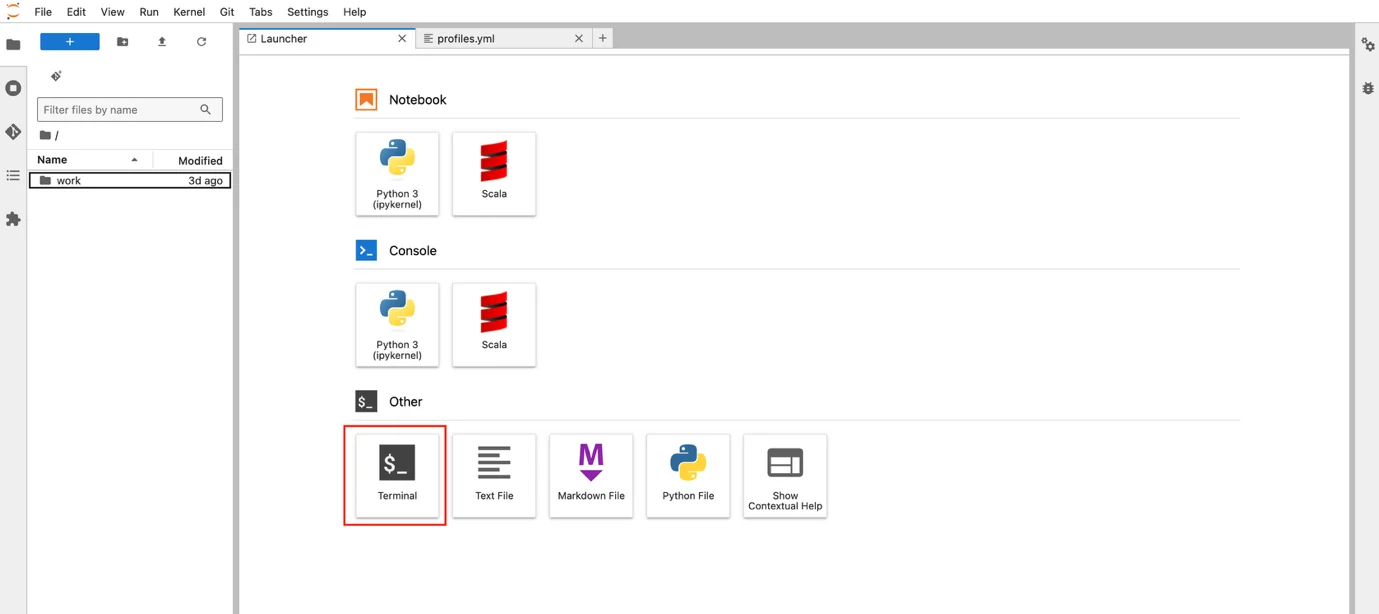
Open a terminal
- In the Launcher of your notebook server, under Other, select Terminal.
Run the project
- In the terminal, go to the folder of the dbt project.
- Run a dbt command, for example
dbt build.
For example, for a project in the work/jaffle_shop_spark folder:
cd work/jaffle_shop_spark/
dbt build
