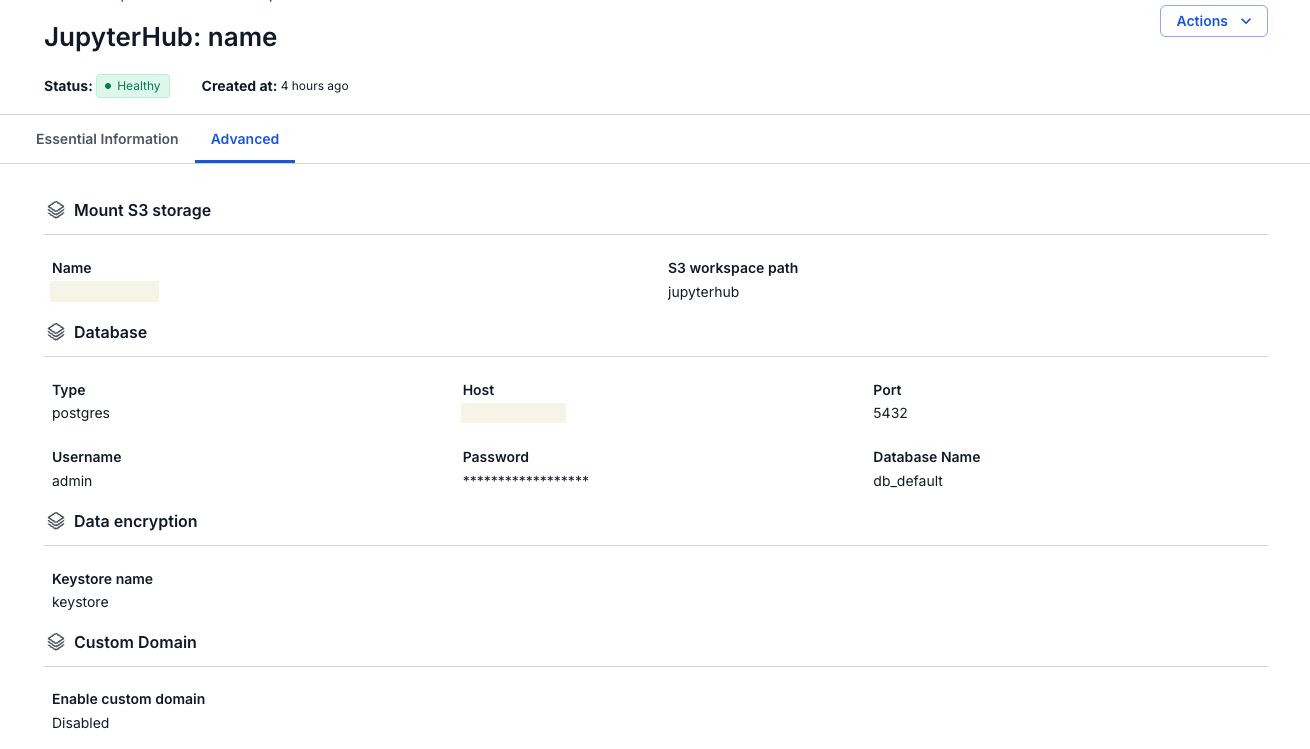
View JupyterHub Details
Step 1: In the menu bar, select Data Platform > Workspace Management > Workspace Name
Step 2: In the My Service section, select JupyterHub
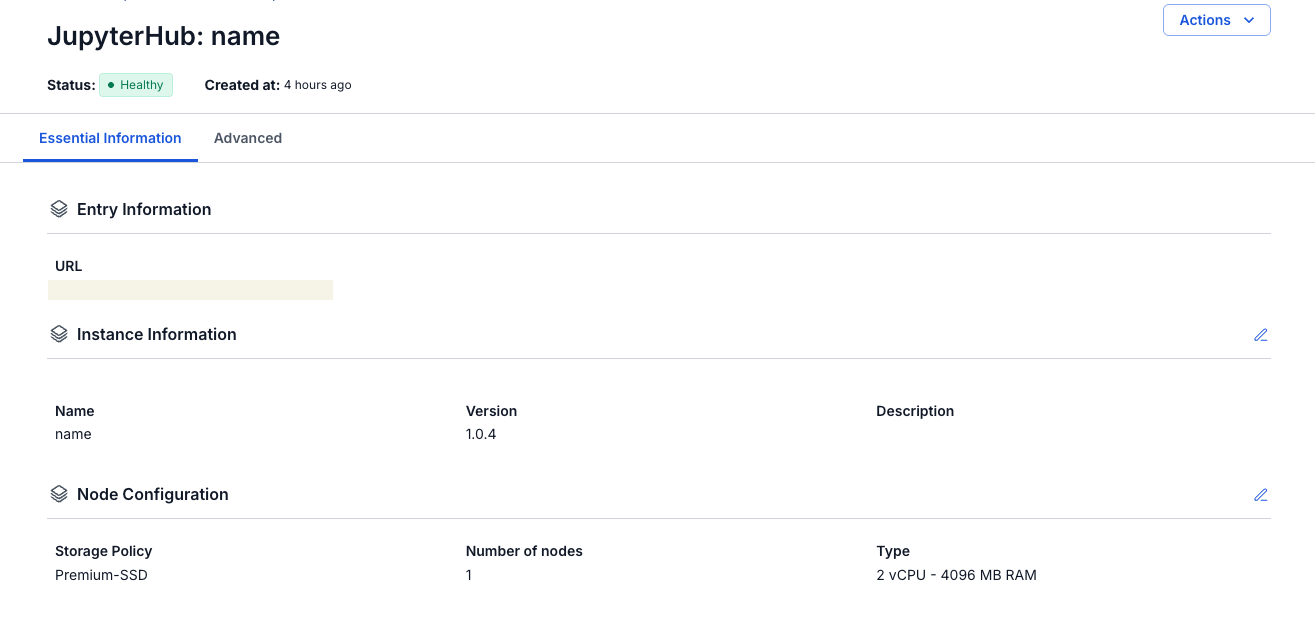
- Tab Essential information
Displays the detailed information and configuration of JupyterHub
- Guide to accessing JupyterHub and creating an admin account
-
Open a browser and navigate to the JupyterHub URL provided.
-
On the screen that appears, click the Create User button (create a new account).
-
Enter the required username (Username = admin) and password (Password).
-
Confirm the information and complete account creation.
-
Use the account you just created to log in to JupyterHub and start using it.
- Tab Advanced
Displays Profile list and SSO information