Delete JupyterHub
To delete a JupyterHub, follow these steps:
Step 1: In the menu bar, select Data Platform > Workspace Management > Workspace name
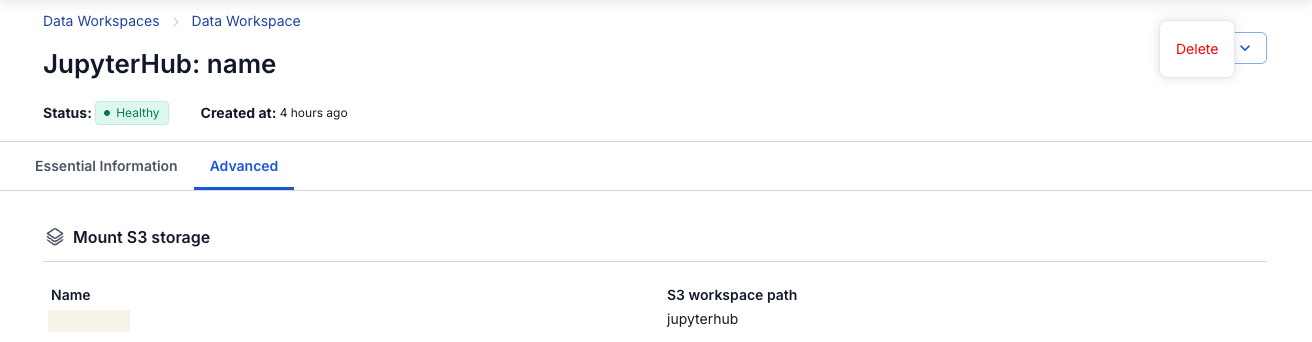
Step 2: In the My Service section, select JupyterHub > click Action > select Delete
Step 3: The Detete Service dialog appears > enter delete > click Confirm to complete removing JupyterHub from the Workspace