Create a query or view DDL from a table
The Create menu takes you from a table straight to working SQL. You avoid typing long catalog, schema, and table names by hand.
Prerequisites
- You have a table or view open in Data Explorer. See Browse the catalog tree.
Open a query in Query Editor
- Select Create at the top right of the details panel.
- Select Query.
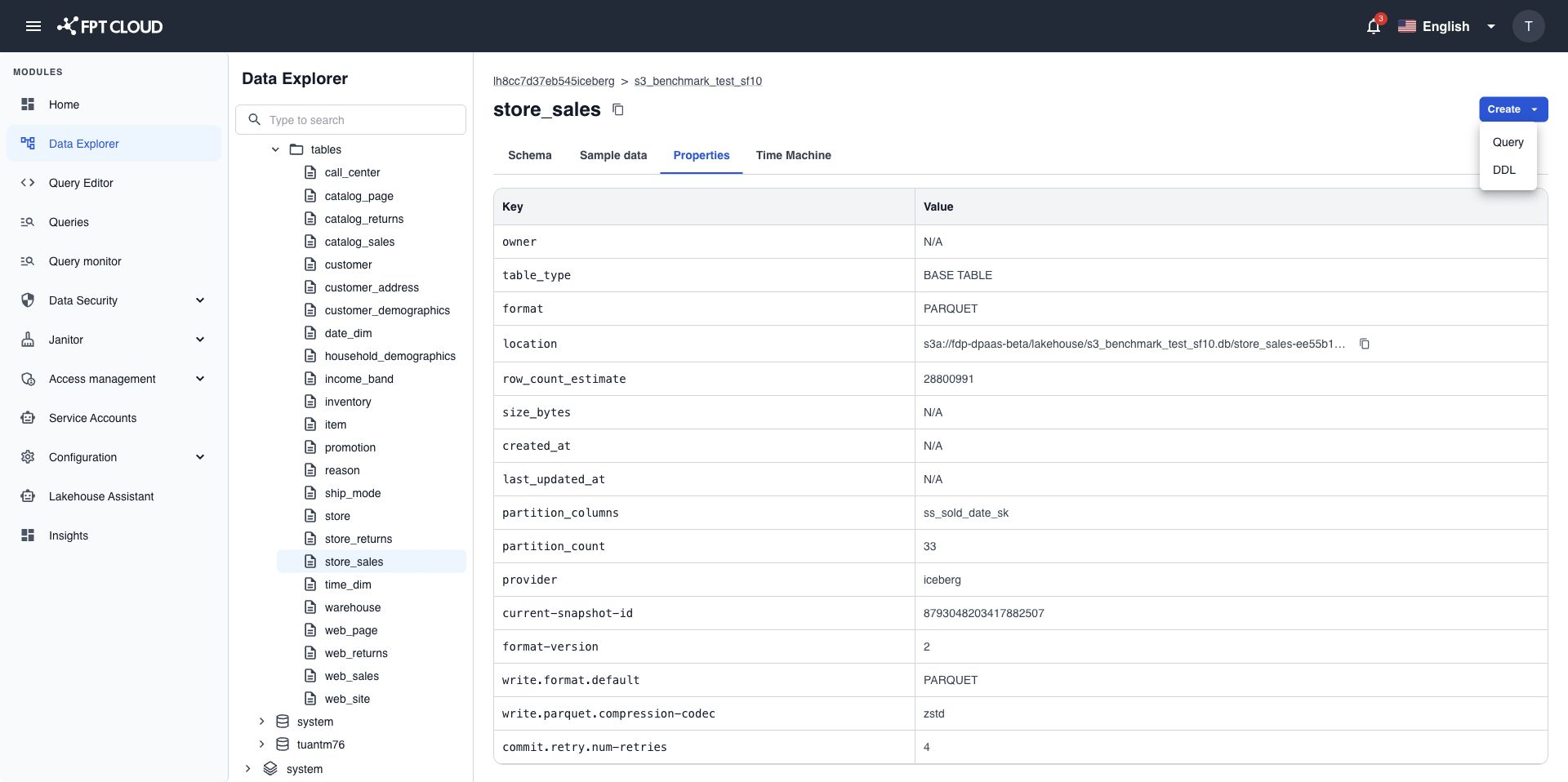
Query Editor opens in the same browser tab with a query on the selected object, for example:
SELECT * FROM analytics.sales.orders LIMIT 100
Edit the query and run it in Query Editor.
View and copy the DDL
- Select Create at the top right of the details panel.
- Select DDL.
- Select Copy DDL to copy the statement.
The DDL is the CREATE TABLE statement that defines the object. For a view, Data Explorer shows the CREATE VIEW statement instead.
note
Data Explorer only shows the DDL. It does not run it. To create a new table from it, paste the statement into Query Editor and adjust the names.