View table schema, sample data, and properties
The details panel shows what a table contains before you query it. Check columns and sample rows here so your first query returns what you expect.
Prerequisites
- You have selected a table or view in the catalog tree. See Browse the catalog tree.
- To see sample data, you need
SELECTpermission on the table or view. - To see the Sample data tab, your role must include
data_explorer:preview. See Portal roles and permissions.
Tabs by object type
| Object | Tabs |
|---|---|
| Table | Schema, Sample data, Properties |
| View | Sample data only |
A view has no columns or properties of its own. Its structure comes from the tables it reads.
Check columns on the Schema tab
- Select the Schema tab.
The tab lists each Column with its Type, 20 rows per page.
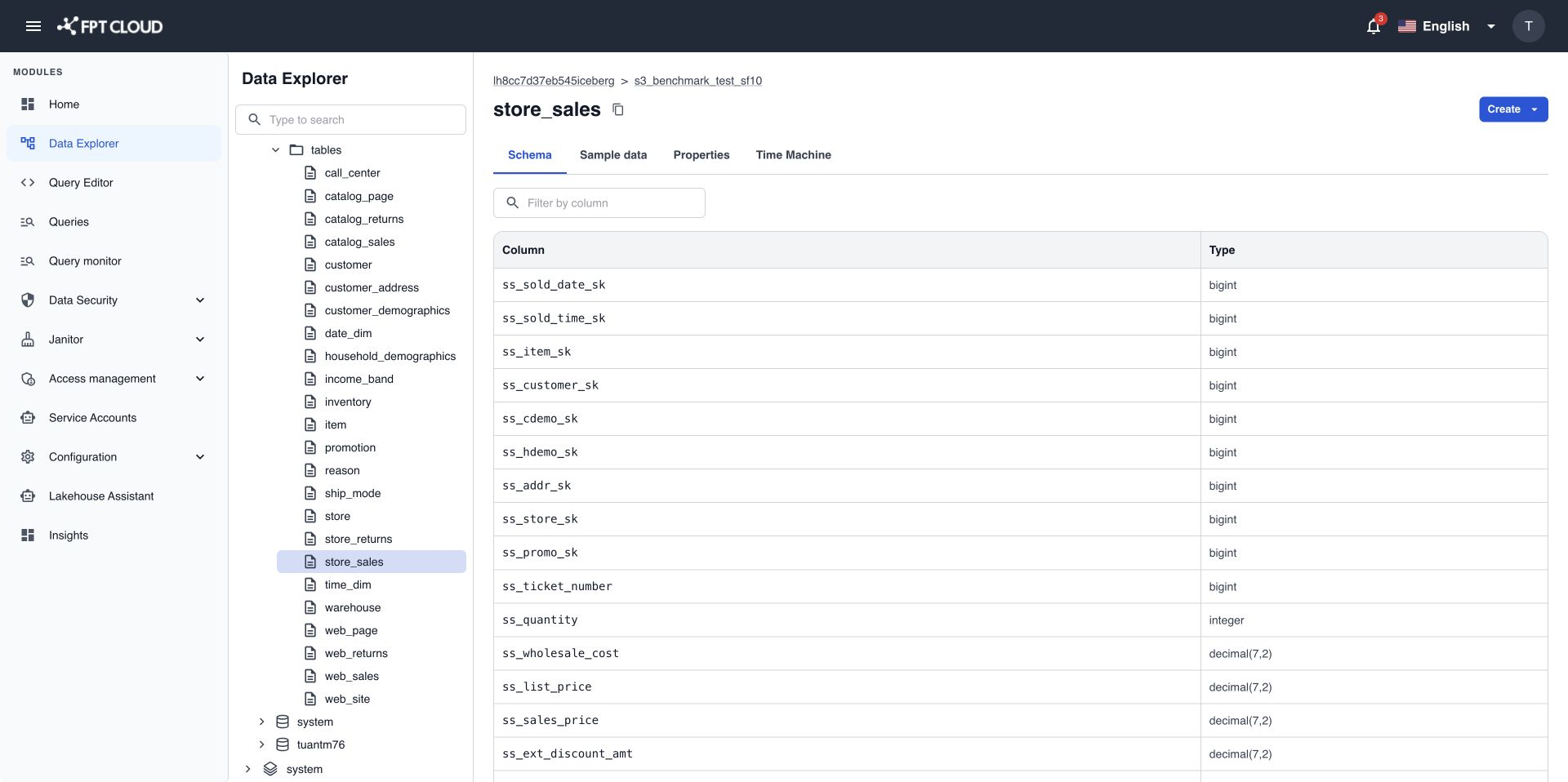
- Type part of a column name in Filter by column to narrow the list.
- Use the page controls at the top right to move between pages.
Preview rows on the Sample data tab
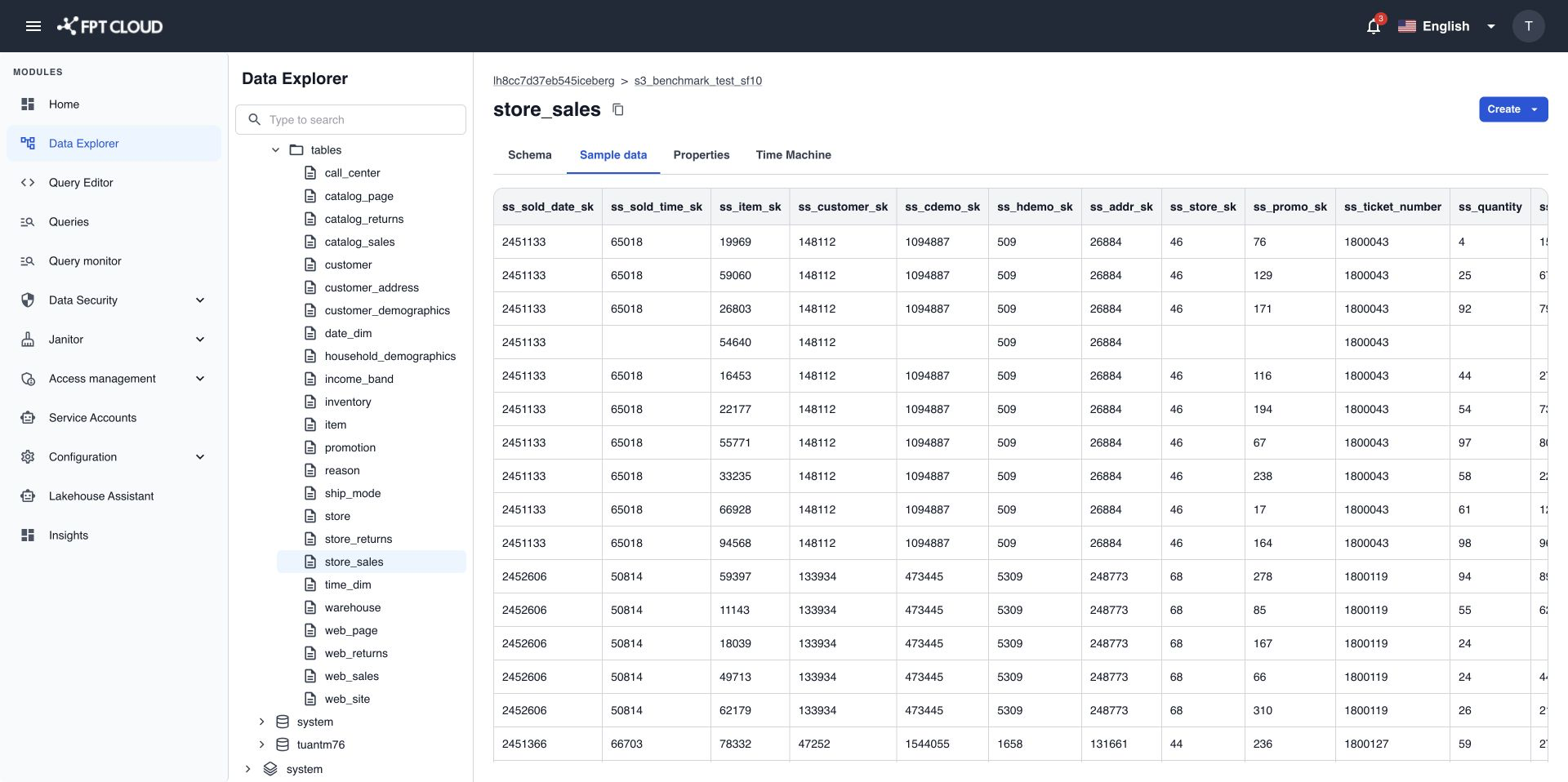
- Select the Sample data tab.
Data Explorer loads the first 100 rows automatically. Scroll right and down to see more.
note
The preview is fixed at 100 rows and stops after 10 seconds. To see more rows or filter them, open the table in Query Editor.
Read table properties on the Properties tab
- Select the Properties tab.
The tab lists the table's technical properties as Key and Value, for example format, format-version, current-snapshot-id, and location.
- Select a long
locationvalue to see the full path and copy it.
Messages you may see
| Message | Cause | What to do |
|---|---|---|
| You do not have SELECT permission on this table/view. | You can see the table but not read its rows. | Ask your Admin for SELECT access in Data Security. |
| Preview timed out. The table may be too large or complex. | The preview took longer than 10 seconds. | Query the table in Query Editor with a filter or a smaller LIMIT. |
| This object no longer exists or has been removed. | The object was dropped after the tree loaded. | Reload the browser page. |