Sign in to the Lakehouse portal
Sign in to the Lakehouse portal with your FPT ID or Google account. You do not need a separate password for the portal.
Prerequisites
- The Lakehouse URL. Your Admin copies it from the Lakehouse detail screen after provisioning and shares it with you. See Quick Start.
- An FPT ID or Google account, depending on the sign-in provider your Admin chose when provisioning the Lakehouse.
Sign in
- Open the Lakehouse URL.
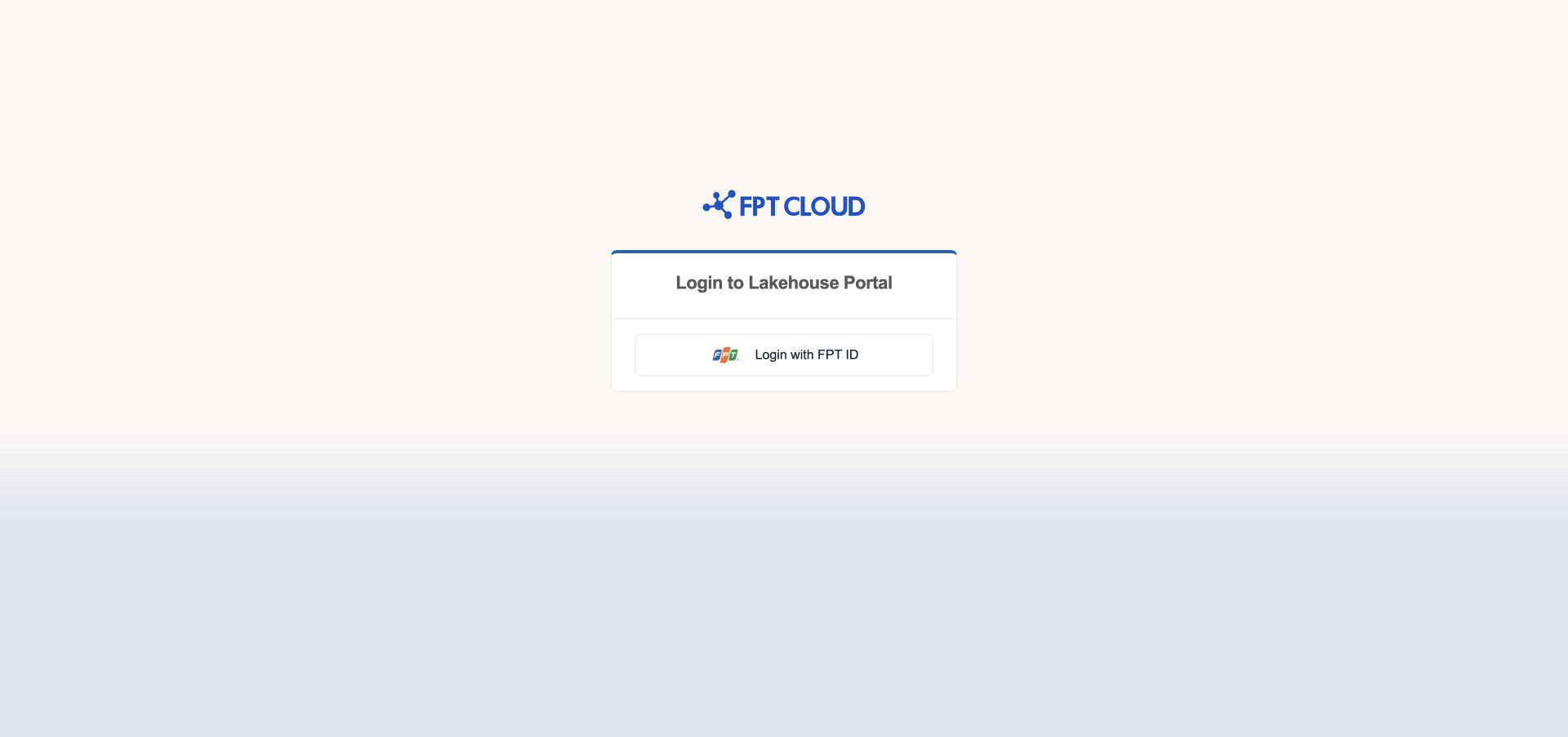
- Select Login with FPT ID or Login with Google. You see the button for the provider of your Lakehouse.
- Choose your account and approve the request on the FPT ID or Google page.
The portal opens the Dashboard.
Your first sign-in
The first time you sign in, the portal creates your account automatically. The new account has no role yet, so you see Your account has been created. Please contact an administrator to request access. and then You don't have permission to access this page.
Ask your Admin to assign you a role. When the Admin confirms, reload the page to load your new permissions.
Stay signed in
While you use the portal, it keeps you signed in automatically. If you stop working, the portal signs you out to protect your account.
- After 25 minutes without activity, you see
Your session is about to expire. Do you want to continue?with a 5-minute countdown. - Select Continue to stay signed in.
- If you do nothing for 5 more minutes, the portal signs you out and shows
Your session has expired due to inactivity.
Moving the mouse, typing, clicking, or scrolling counts as activity.
Sign out
- Select the icon with your user name at the top right of the portal.
- Select Sign out.
If you cannot sign in
| Message | What it means | What to do |
|---|---|---|
Your account has been disabled. Please contact your administrator. | An Admin deactivated your account. | Ask your Admin to enable it. |
You don't have permission to access this page. | Your account has no role, or your role does not include this page. | Ask your Admin for a role that includes this page. |
Unable to apply permissions. Please try again later. | The portal could not finish setting up your new account. | Wait a moment, then sign in again. |
Unable to connect to the server. Please check your network connection. | Your browser cannot reach the portal. | Check your network, then reload the page. |
If the sign-in page opens while you work, your session has ended. An Admin may have signed you out, or your session expired. Sign in again.
Next steps
- Portal roles and permissions to see what each role lets you do.
- Manage roles and assign them to users if you are an Admin.