Update Open Metadata
To edit Open Metadata service information, follow these steps:
Step 1: In the menu bar, select Data Platform > Workspace Management > Workspace name
Note: You can also access the Open Metadata service directly by selecting Data Platform > Open Metadata service from the menu bar.
Step 2: In the My Service section, select Open Metadata Service. On the Detail Open Metadata Service screen, click the Edit icon on the section you want to update.
-
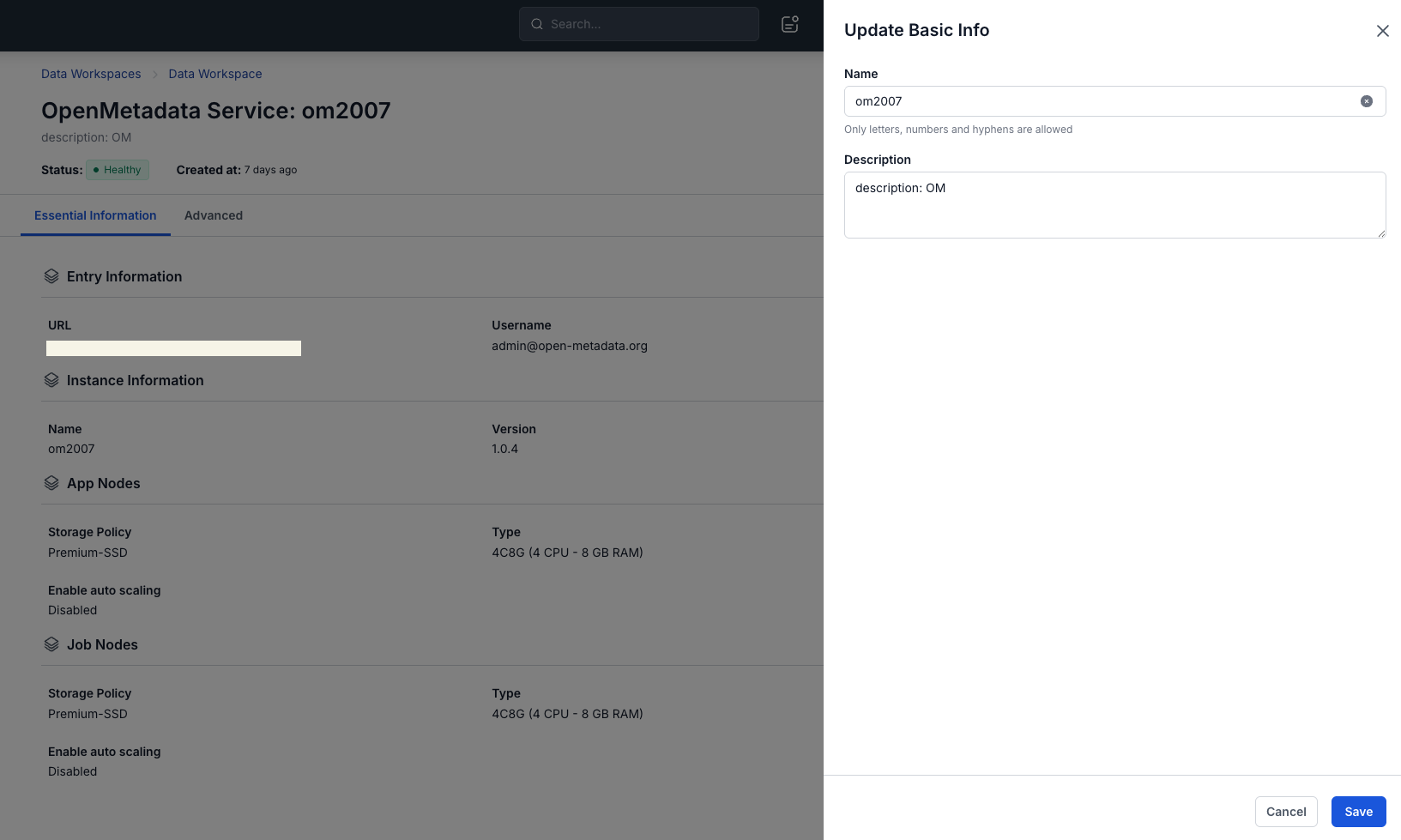
Update Instance Information
The Instance Information edit screen is displayed, allowing you to update the following information:
- Name (required): Service name
Note: The service name must be 1 to 30 characters long. It may contain lowercase letters a-z, uppercase letters A-Z, or digits 0-9.
- Description (optional): Service description
-
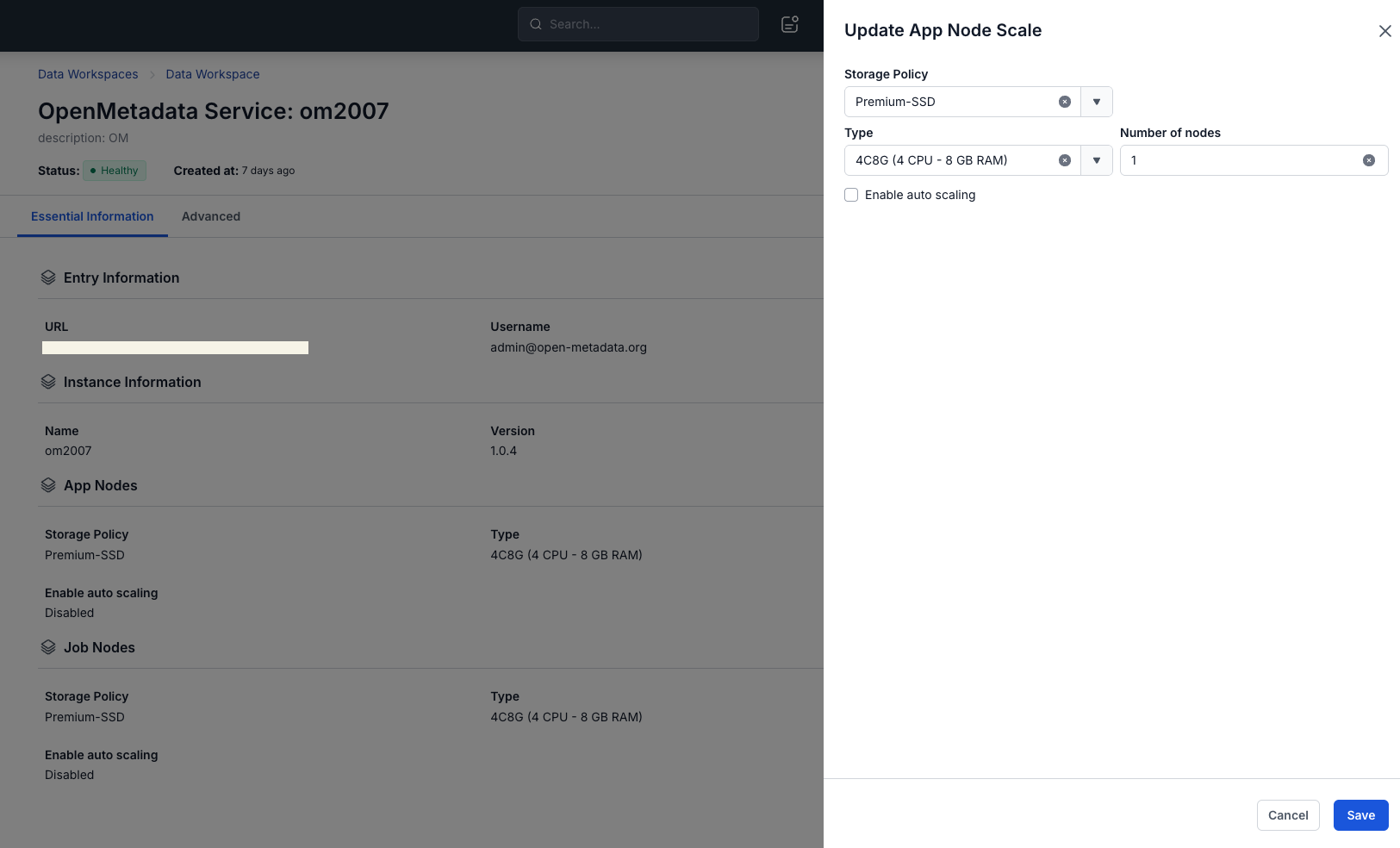
Update App Nodes Scale
The App Nodes Scale edit screen is displayed, allowing you to update the following information:
- Type: Select the configuration type for the service
- Number of node: Select the appropriate number of nodes
warningThe number of nodes must be between 1 and 10.
- Storage policy: Select the appropriate Storage Policy
-
Update Job Nodes Scale
The Job Nodes Scale edit screen is displayed, allowing you to update the following information:
- Type: Select the configuration type for the service
- Number of node: Select the appropriate number of nodes
warningThe number of nodes must be between 1 and 10.
- Storage policy: Select the appropriate Storage Policy
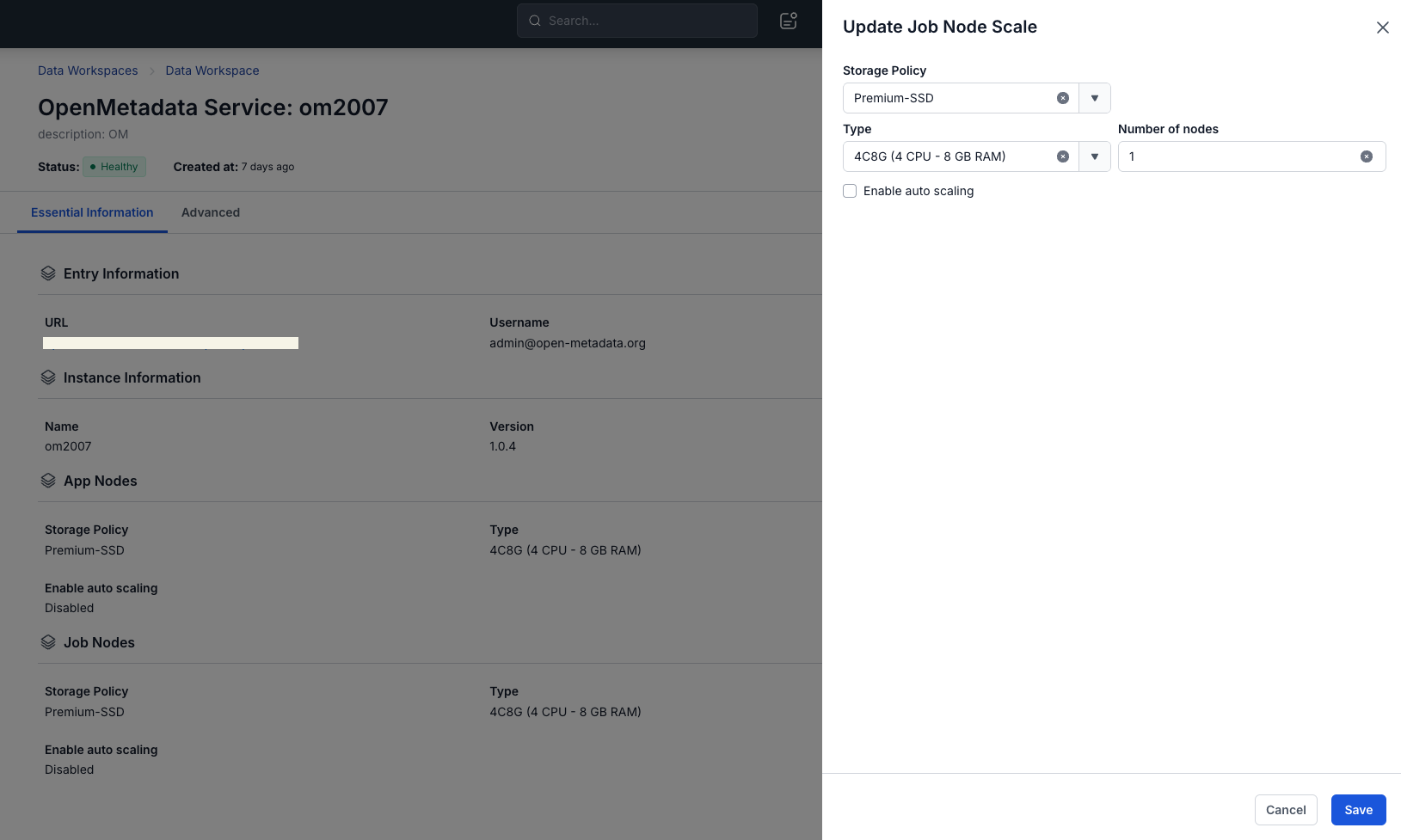
Step 3: Click Save to complete.