Edit an Open Metadata service
After you create an Open Metadata service, you can change its name and description and scale its app nodes and job nodes.
Edit instance information
- Select Data platform → Workspace management, then select your workspace.
- On the Overview tab, under Services, select Open Metadata.
- In Instance Information, select the edit icon.
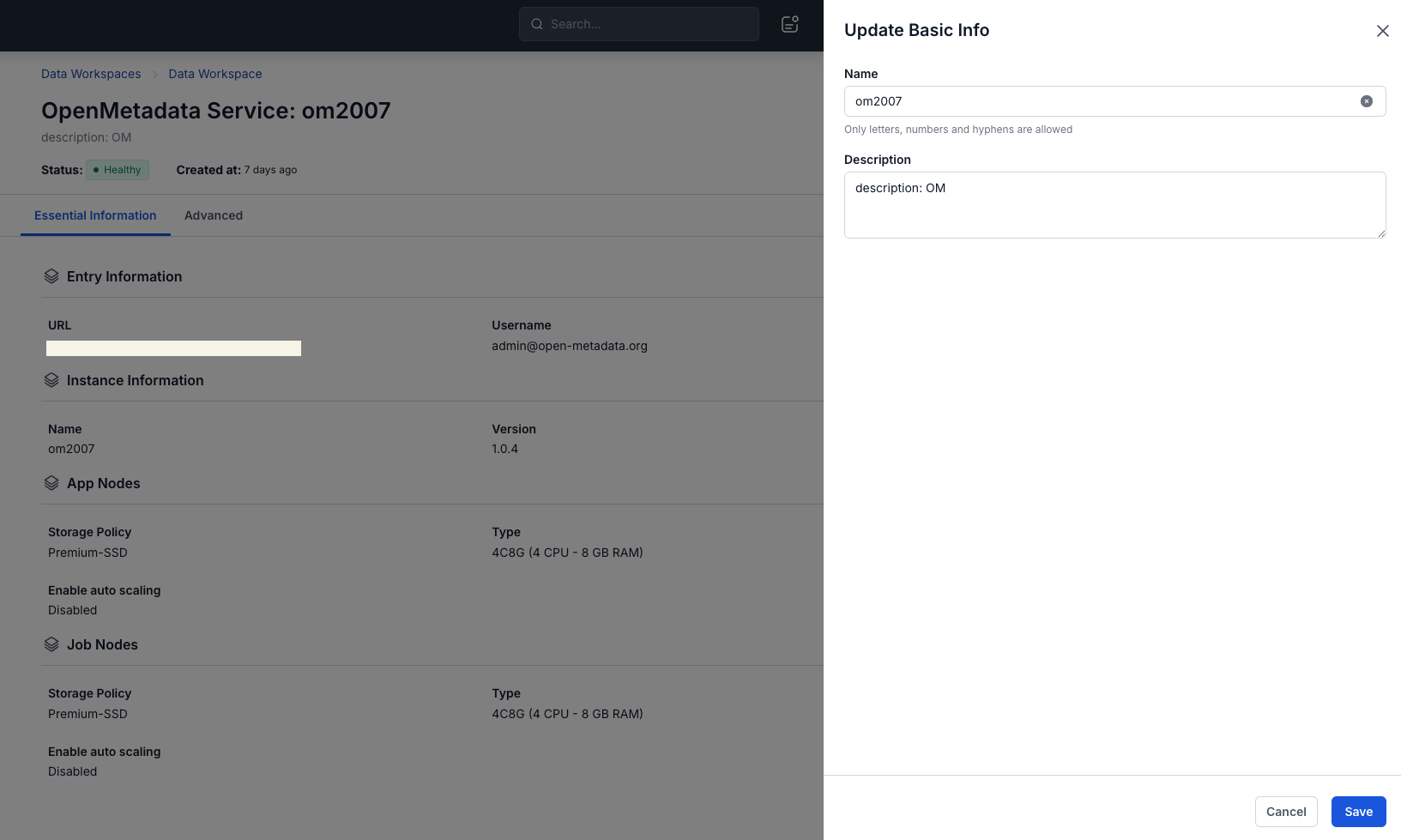
- In the Update Basic Info panel, change the Name or Description.
- Select Save.
| Field | Description |
|---|---|
| Name | Required. The service name. 1 to 30 characters. Letters, numbers, and hyphens (-). |
| Description | Optional. A description of the service. |
Scale app nodes
- Select Data platform → Workspace management, then select your workspace.
- On the Overview tab, under Services, select Open Metadata.
- In App Nodes, select the edit icon.
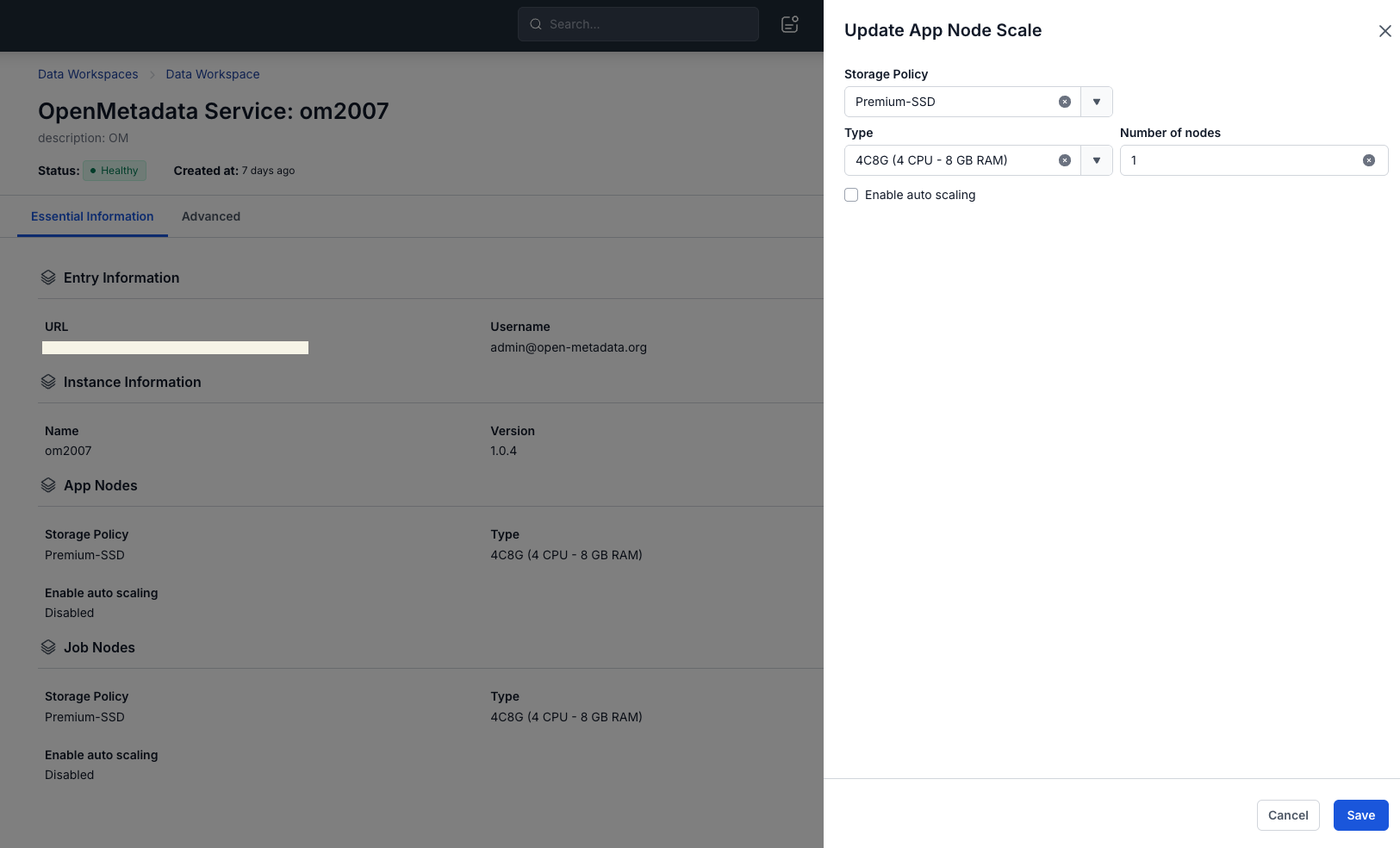
- In the Update App Node Scale panel, change the fields you need.
- Select Save. To close the panel without saving changes, select Cancel.
| Field | Description |
|---|---|
| Storage Policy | Required. The storage policy of the app nodes. |
| Type | Required. The flavor of the app nodes. |
| Number of nodes | Required. From 1 to 10. |
| Enable auto scaling | Optional. Turns on auto scaling for the app nodes. See Auto scaling. |
| Max node | Required with Enable auto scaling. The maximum number of app nodes. Greater than Number of nodes, and at most 10. |
Scale job nodes
- Select Data platform → Workspace management, then select your workspace.
- On the Overview tab, under Services, select Open Metadata.
- In Job Nodes, select the edit icon.
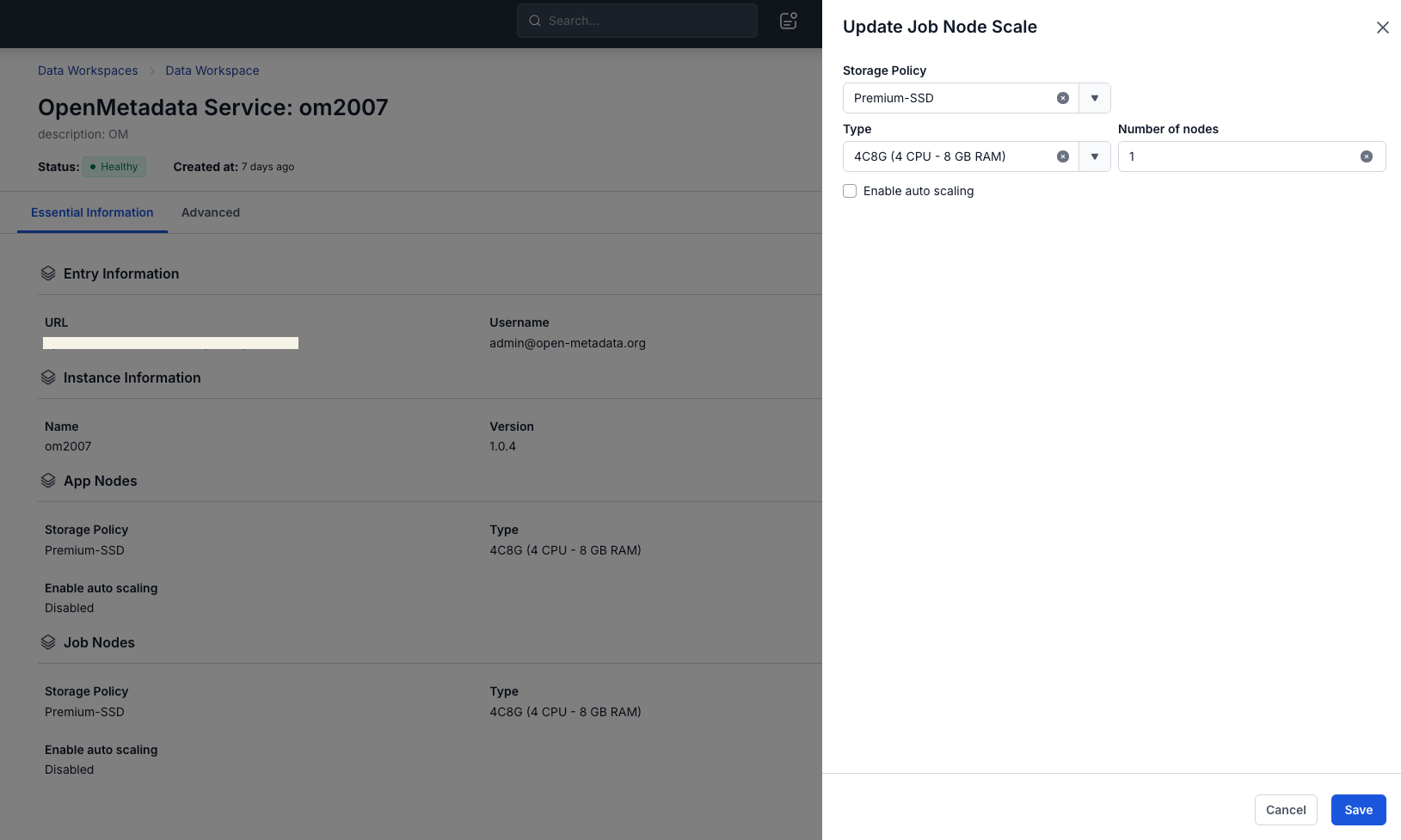
- In the Update Job Node Scale panel, change the fields you need.
- Select Save. To close the panel without saving changes, select Cancel.
| Field | Description |
|---|---|
| Storage Policy | Required. The storage policy of the job nodes. |
| Type | Required. The flavor of the job nodes. |
| Number of nodes | Required. From 1 to 10. |
| Enable auto scaling | Optional. Turns on auto scaling for the job nodes. See Auto scaling. |
| Max node | Required with Enable auto scaling. The maximum number of job nodes. Greater than Number of nodes, and at most 10. |