View Open Metadata details
Use the service details page to find the URL and sign-in details of Open Metadata and to check the settings of the service.
Open the service details
- Select Data platform → Workspace management, then select your workspace.
- On the Overview tab, under Services, select Open Metadata.
The details page opens with the service name as its title, for example OpenMetadata Service: om2007, the Status and Created at of the service, and two tabs: Essential Information and Advanced. The Actions menu holds Delete. See Delete an Open Metadata service.
Essential Information tab
The Essential Information tab shows how to open Open Metadata and the settings of the service in four sections.
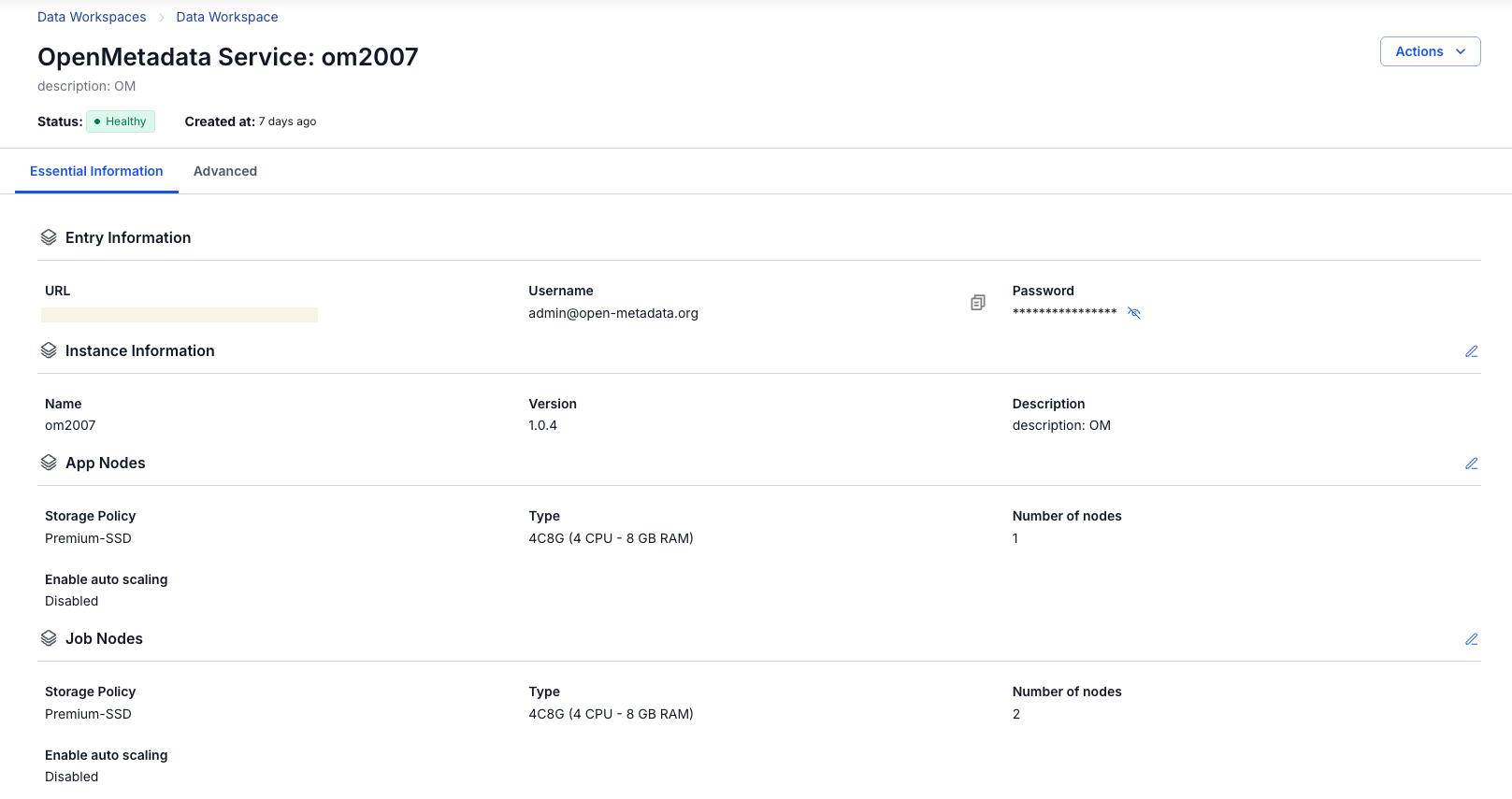
| Section | Fields |
|---|---|
| Entry Information | The URL, Username, and Password that open Open Metadata. Select the eye icon to show the password. When the service uses single sign-on (SSO), Username shows the admin email, and the section has no Password. |
| Instance Information | Name, Version, and Description of the service. |
| App Nodes | Storage Policy, Type, for example Large-8 (4 CPU - 8 GB RAM), Number of nodes, and Enable auto scaling of the app nodes. |
| Job Nodes | Storage Policy, Type, Number of nodes, and Enable auto scaling of the job nodes. |
To open Open Metadata, go to the URL and sign in with the Username and Password. When the service uses SSO, the sign-in page shows only Sign in with SSO.
Instance Information, App Nodes, and Job Nodes each have an edit icon. See Edit an Open Metadata service.
Advanced tab
The Advanced tab shows the database, search engine database, sign-in, and custom domain settings of the service. It has no edit icons.
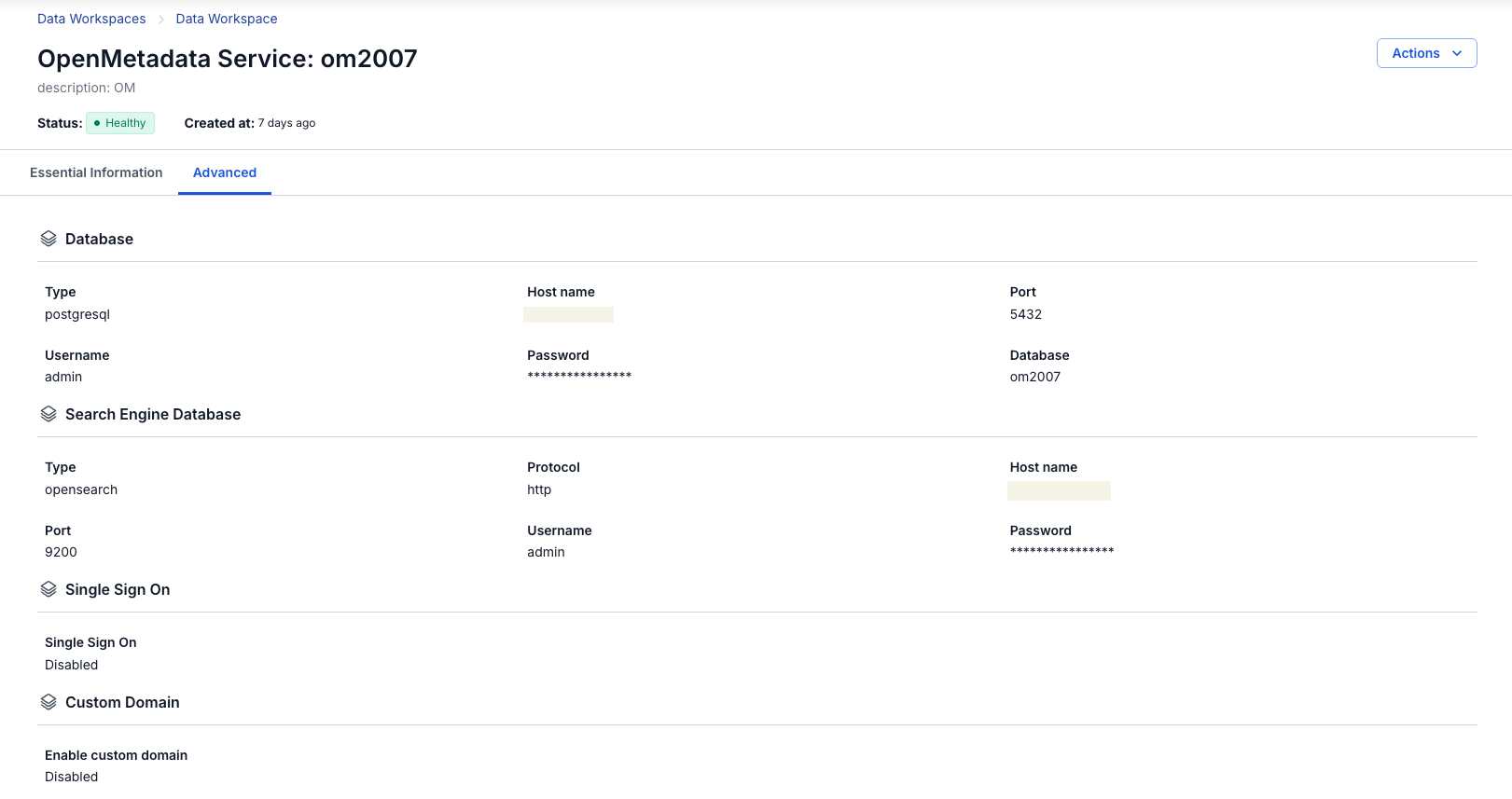
| Section | Fields |
|---|---|
| Database | Type (postgresql), Host name, Port, Username, Password, and Database of the PostgreSQL database where Open Metadata stores its data. |
| Search Engine Database | Type, for example opensearch, Protocol, Host name, Port, Username, and Password of the search engine database. |
| Single Sign On | Single Sign On, which shows whether the service uses single sign-on (SSO). When it does, the section also shows the Provider and the admin Email. |
| Custom Domain | Enable custom domain, which shows whether the service uses a custom domain. |