Delete an Orchestration service
Delete an Orchestration service when you no longer need it in your workspace.
Prerequisites
- Back up the data and files that you want to keep.
- Delete the storage that the service uses. See Manage workspace storage.
Delete the service
-
Select Data platform → Workspace management, then select your workspace.
-
On the Overview tab, under Services, select Orchestration.
-
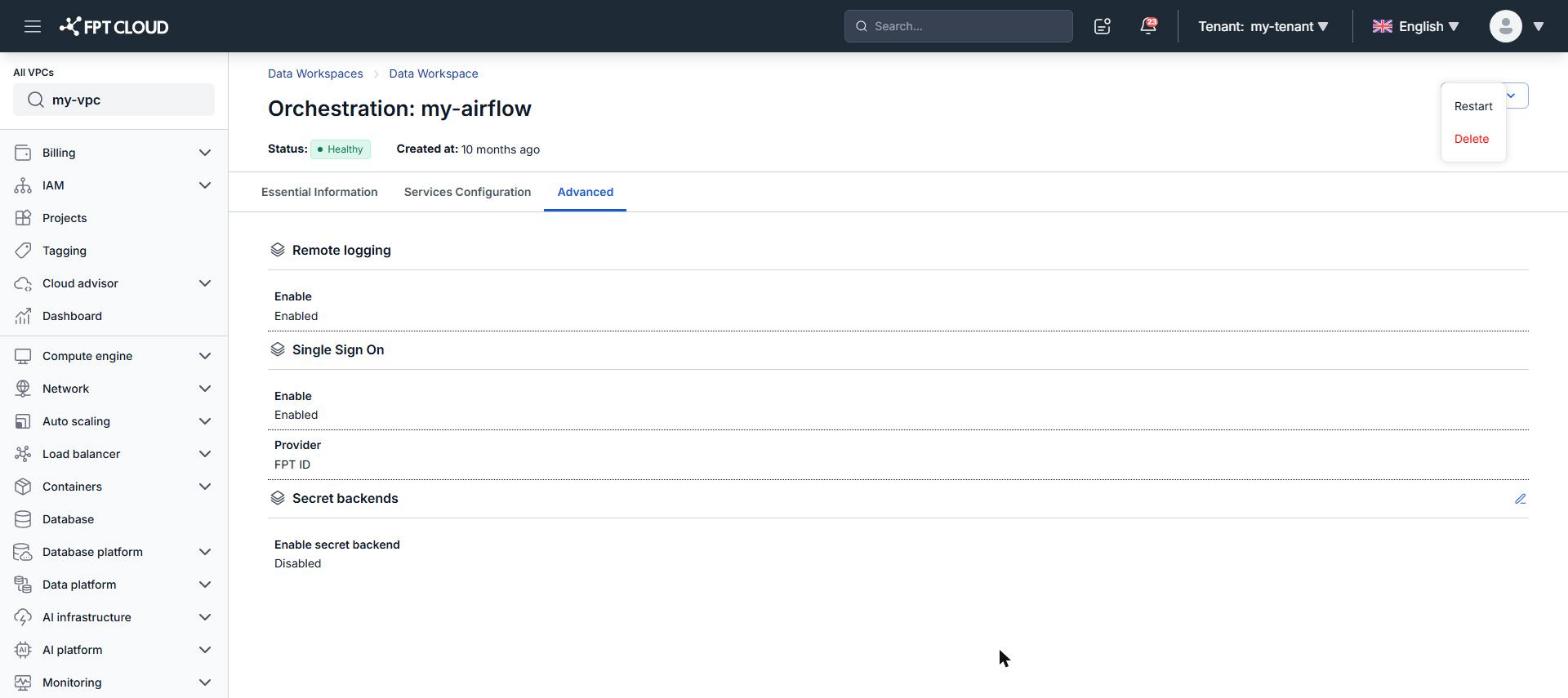
Select Actions → Delete.
-
In the Delete Service dialog, enter
delete, then select Confirm.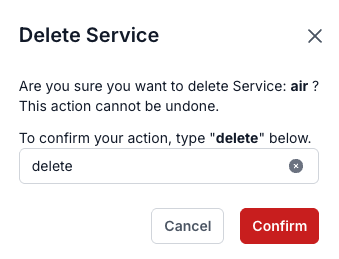
danger
Deleting an Orchestration service cannot be undone. Make sure no one still uses the service before you delete it.