Orchestration overview
Run your data processing tasks in sequence or in parallel, on a schedule or when an event occurs, and monitor and troubleshoot them. In FPT Data Platform, Orchestration is an Apache Airflow service that you create in your workspace and work with in the Airflow UI.
What you can do with Orchestration
The Workflow Engine menu of the Airflow UI holds these tools:
- Jobs: build workflows in a graph editor, and run them manually or on a schedule. See Manage workflows.
- Notifications: set up Email and Telegram notification channels.
- My Workspace: keep your DAG code, scripts, and data files, and connect folders to Git. See Manage files in My Workspace.
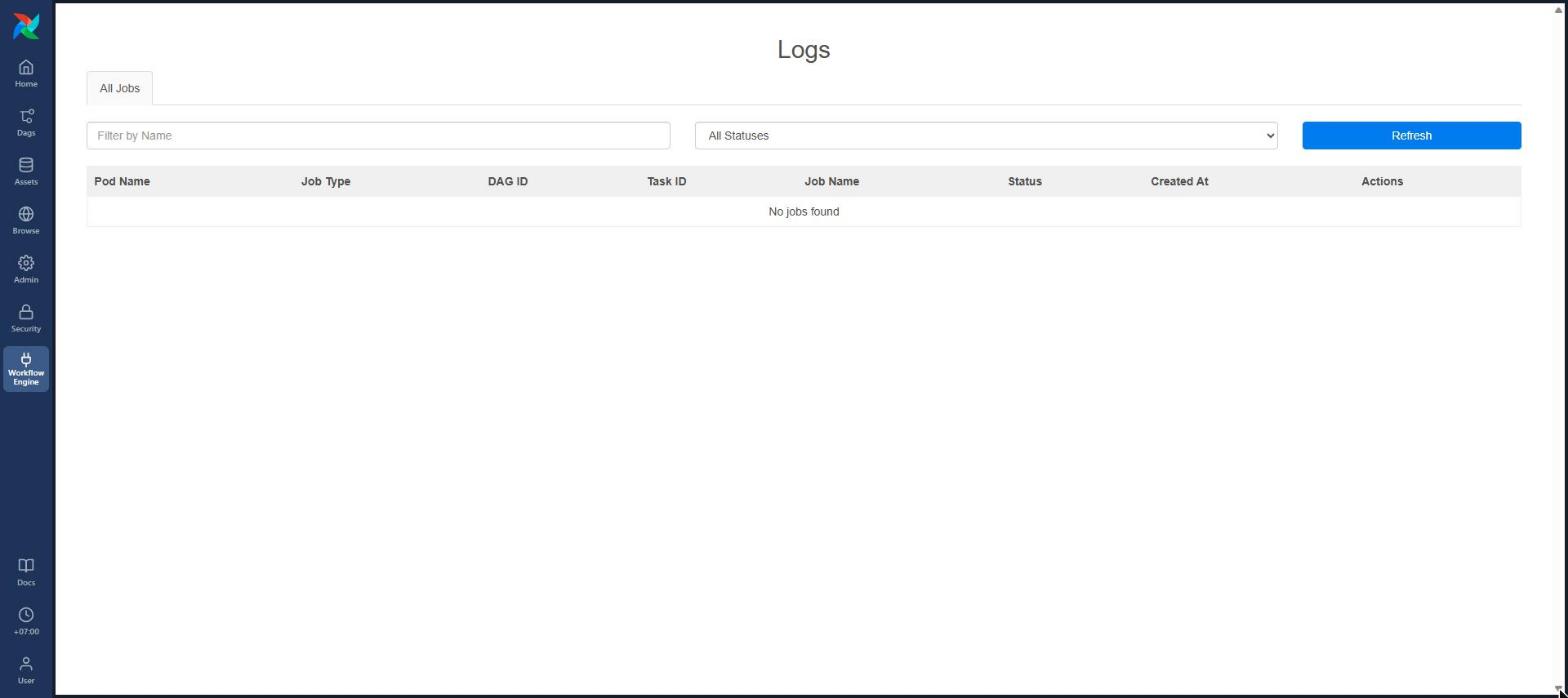
- Logs, Spark UI, and Spark History: follow your jobs and their Spark applications.
You can also run dbt projects as DAGs.
Monitor jobs and Spark applications
Logs lists the jobs your workflows started, with the pod, job type, DAG, task, status, and creation time.
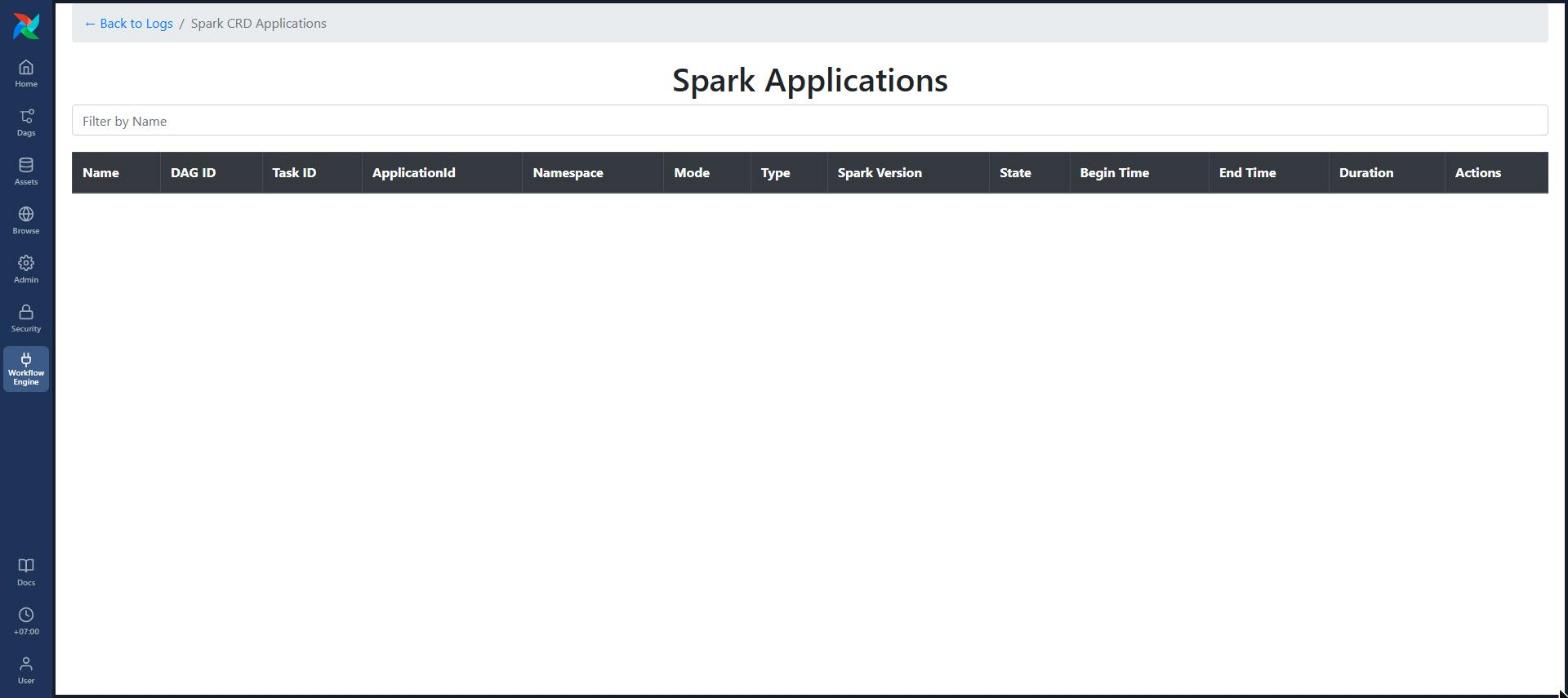
Spark UI lists the Spark applications that tasks started, with their DAG, task, state, times, and duration. Spark History opens the Spark History Server.
How an Orchestration service is built
| Part | Description |
|---|---|
| Size | Dev, Small, Medium, or Minimum-Internal, each with its own workers and schedulers. |
| Compute | The storage policy of the nodes, and optional worker auto scaling. |
| Storage and DAGs | A workspace storage mounted as S3 storage. DAG files come from it or a Git repository. |
| Database and Redis | PostgreSQL and Redis, from FPT Database Engine or your own. Minimum-Internal includes its own Redis and Postgres. |
| Single sign-on | Optional. Sign-in through FPT ID, Google, or Keycloak. |
| Secret backend | Optional. An FPT Key Vault or Azure Key Vault where Airflow reads connections and variables. |
Service lifecycle
- You create the service in a five-screen form. It is ready in about 10 minutes, when its Status is Healthy.
- You open the Airflow UI with the URL on the Essential Information tab. You sign in with the Username and Password on that tab, or with Sign In with FPTCloud ID if the service uses single sign-on through FPT ID.
- You delete the service from the Actions menu. This cannot be undone.
A Processing Service needs an Orchestration service in the same workspace. See Processing Service overview.
What you need before you create one
- A workspace whose Status is Connected. See Create a workspace.
- A storage mounted on the workspace with the Airflow - JupyterHub - Spark Service category. See Manage workspace storage.
- A PostgreSQL database and a Redis database that the workspace can reach.
- To use a custom domain, a certificate imported on the Certificate tab of the workspace. See Manage certificates.