View Processing service Information
To view Processing service information, follow these steps:
Step 1: In the menu bar, select Data Platform > select Workspace Management > select Workspace Name
Step 2: In the My Services section, select Processing service
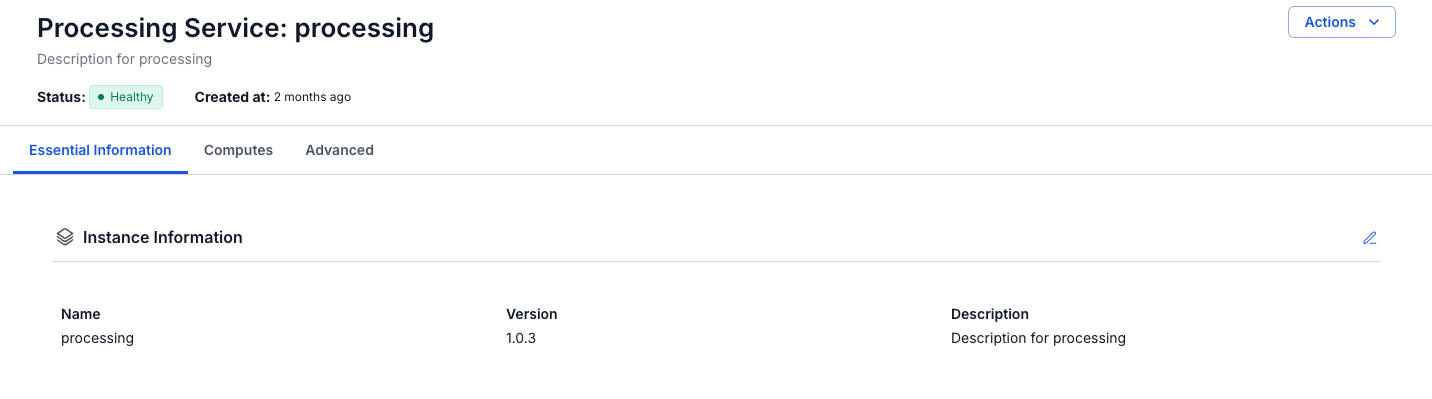
- Tab Essential Information
Displays the detailed information of the Processing Service
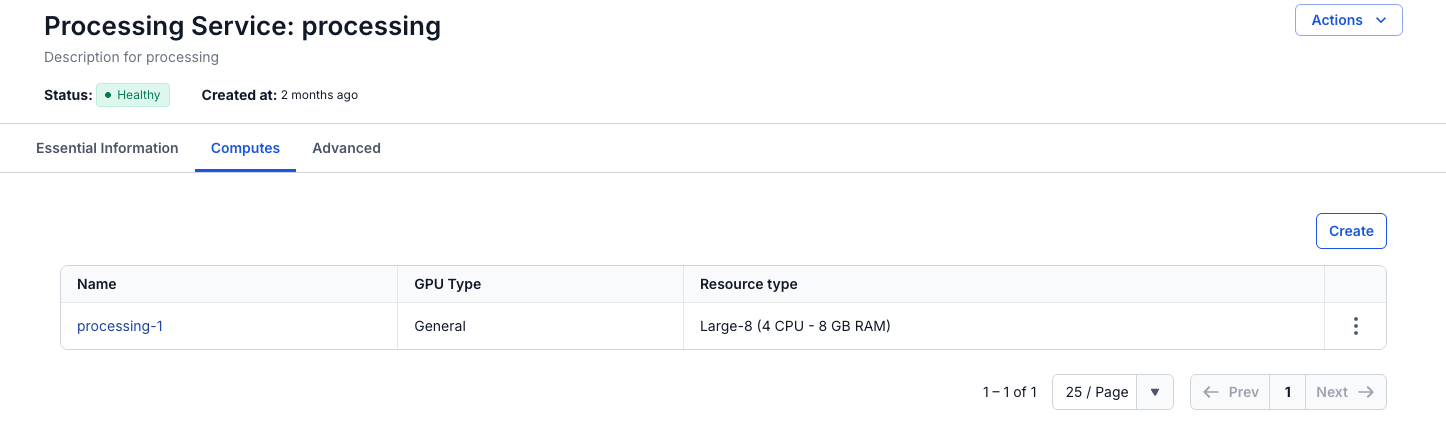
- Tab Compute
Displays information about the compute (shows up to 5 computes)
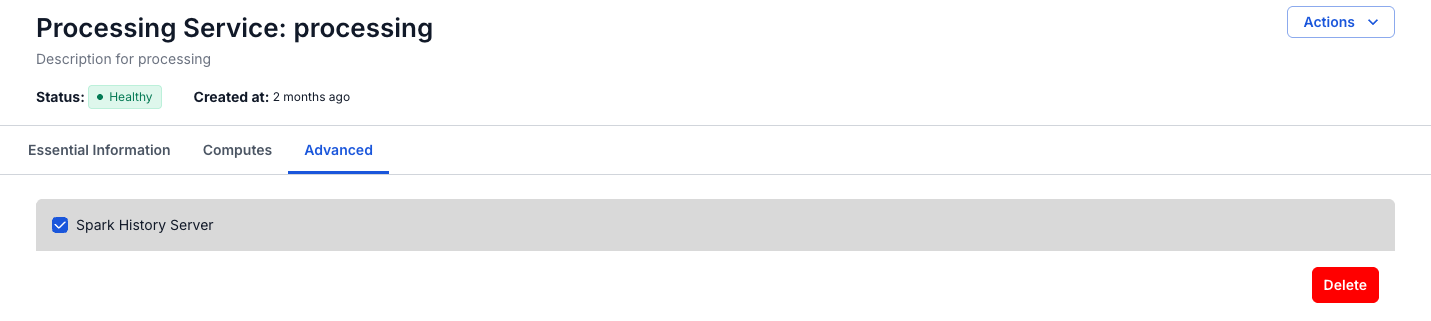
- Tab Advanced
Displays the detailed information of the Processing History server