Manage Query Engine policies
Control access to a Query Engine service that does not use Ranger by editing its access control rules, written in JSON on the Policies tab.
Prerequisites
- A Query Engine service created with Enable Ranger cleared. Its Auth tab shows Integrate Ranger as Disabled. When Ranger is integrated, the Policies tab is not shown, and you manage access control in Ranger Admin. See Connect Ranger to a Query Engine.
Edit the policies
- Select Data platform → Workspace management, then select your workspace.
- On the Overview tab, under Services, select Query engine.
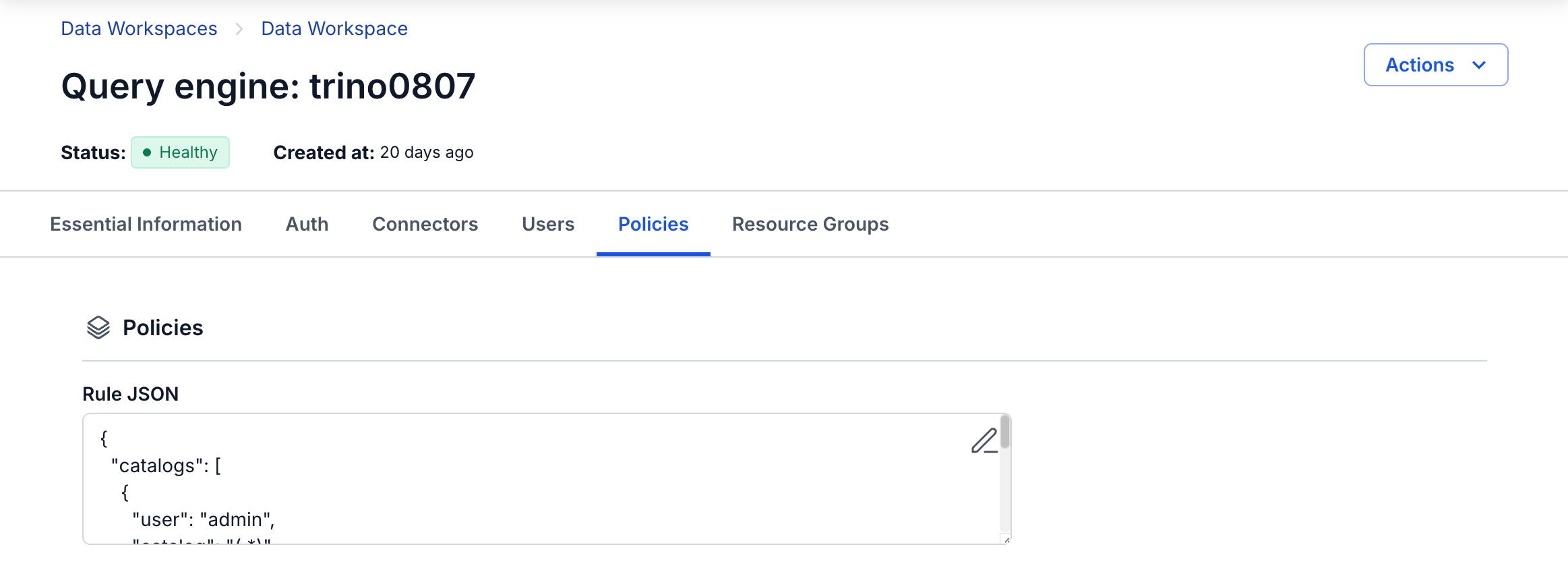
- Select the Policies tab.
- In Rule JSON, select the edit icon.
- Change the rules, then save your changes.
To learn how to write the rules, see File-based access control in the Trino documentation.