Manage Users
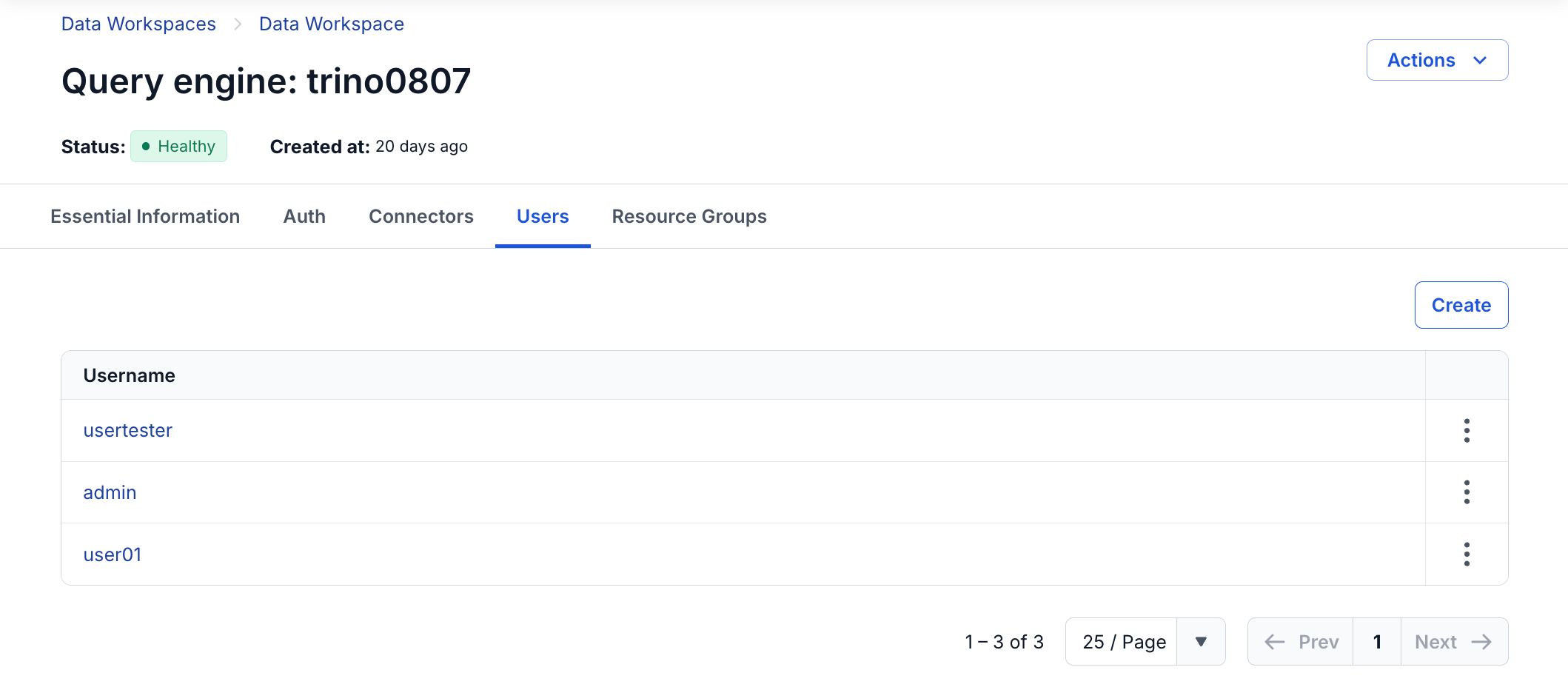
Displays the list of User accounts of the Query engine
- Add User
- Step 1. On the Users screen, click Create a user
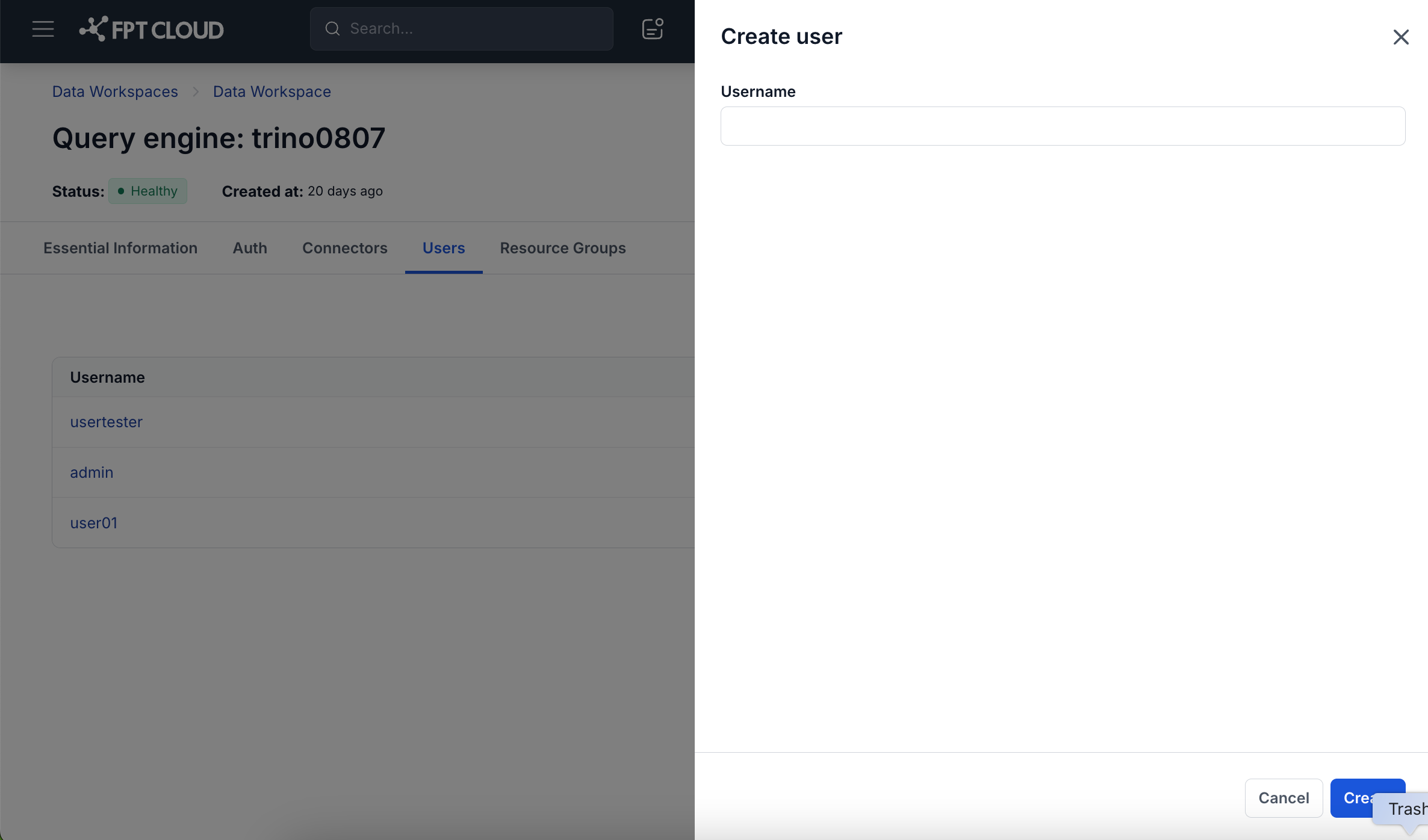
- Step 2. Enter the information for the User
- Username: account name
- Step 3. Click Create to create the Connector, or click Cancel to abort (after creating the Connector, Query Engine switches to Processing status and completes the configuration in approximately ~3 minutes)
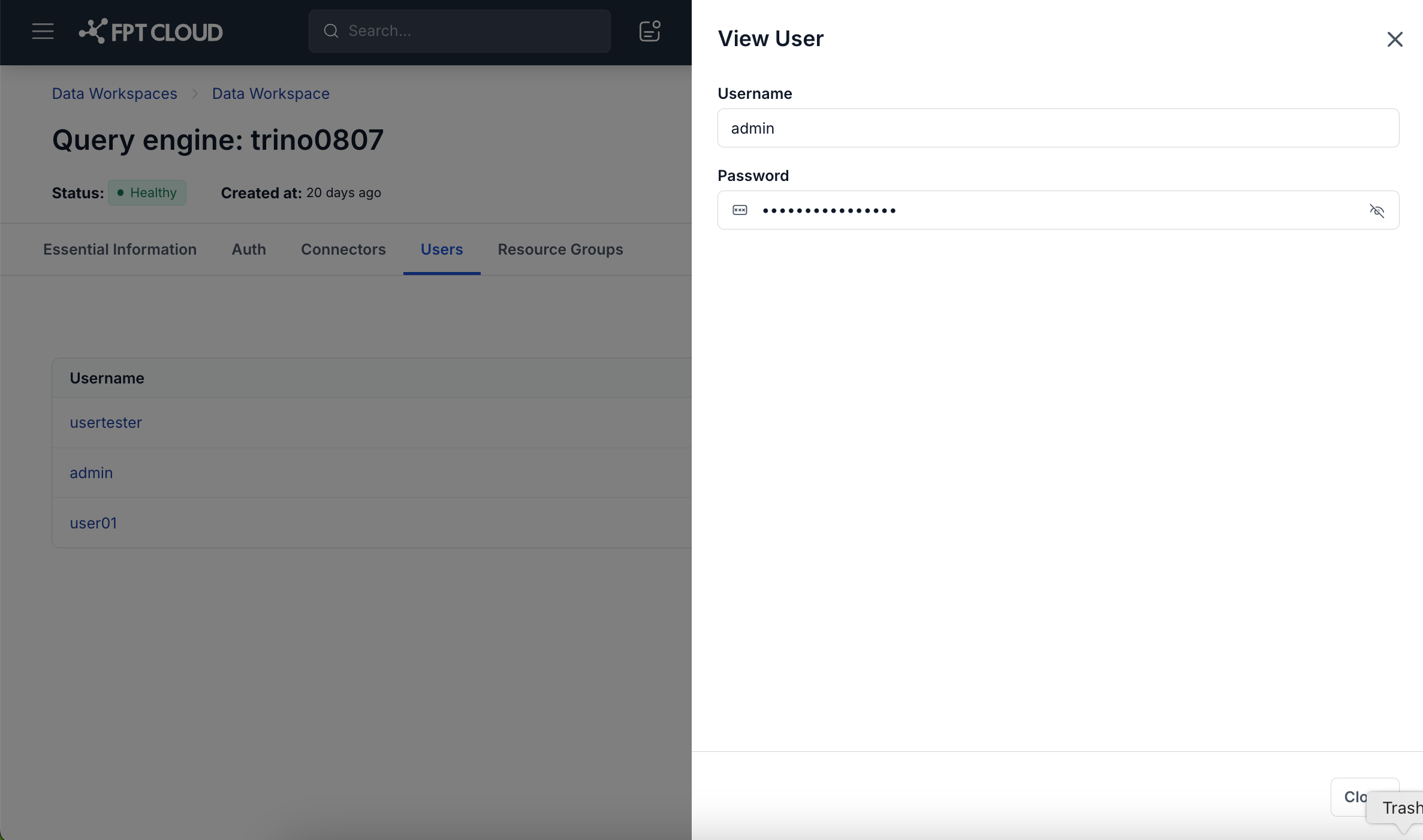
- View User Details: on the Users screen, click the name of the user you want to view to see its Username and Password information
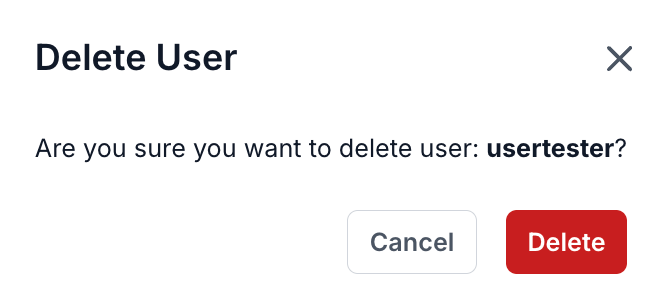
- Delete User
- Step 1: On the Users screen, select the User to delete, then select Action > Delete
- Step 2: Confirm the deletion or cancel the operation in the confirmation dialog