View Query Engine Information
To view Query engine information, follow the steps below:
Step 1: In the menu bar, select Data Platform > select Workspace Management > select Workspace name
Step 2: In the My Services section, select Query Engine
The screen displays 5 tabs: Essential Information, Authentication, Connectors, Users, Policies, Resource Groups
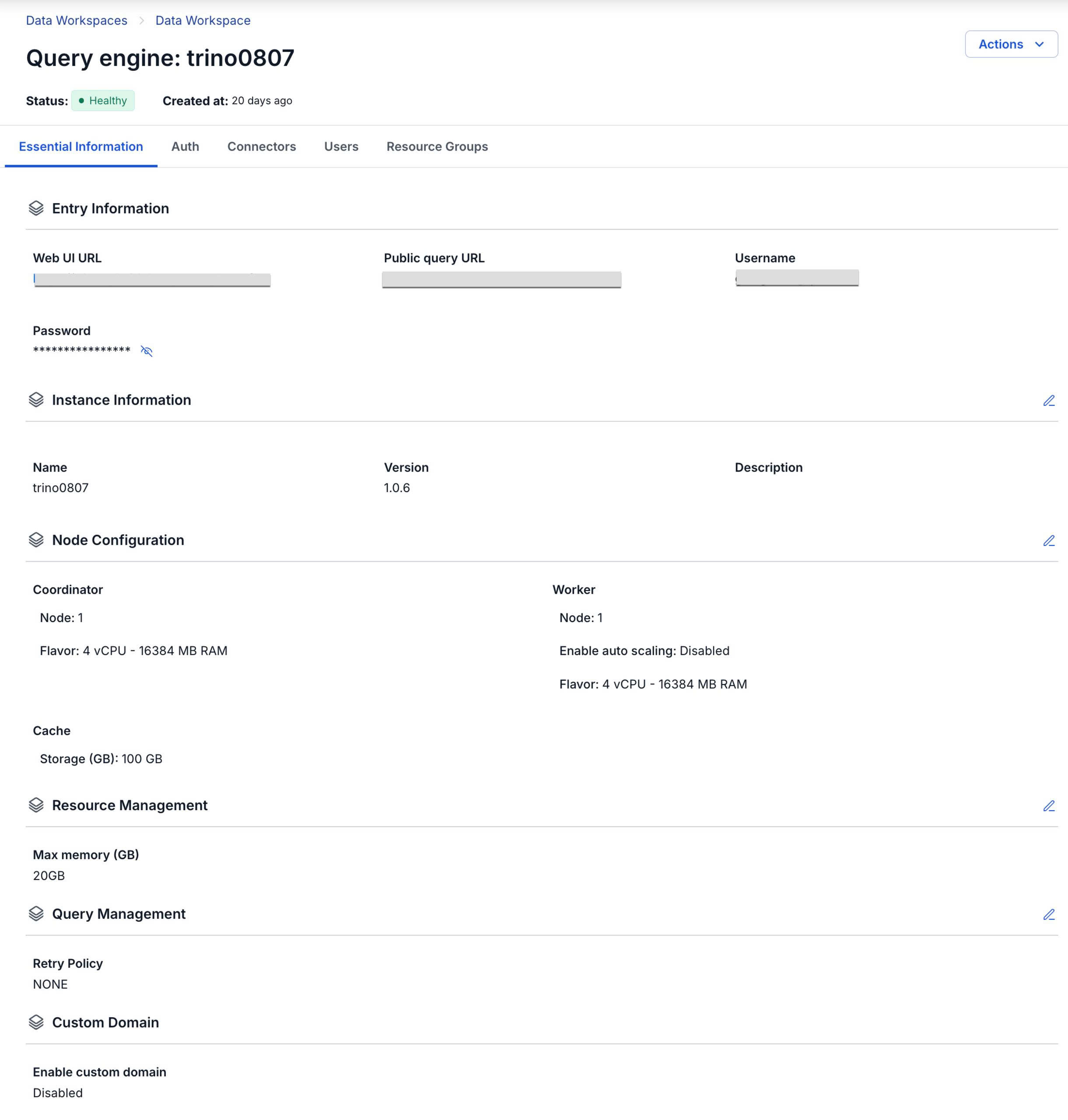
1. Essential Information
Displays detailed information about the Query engine
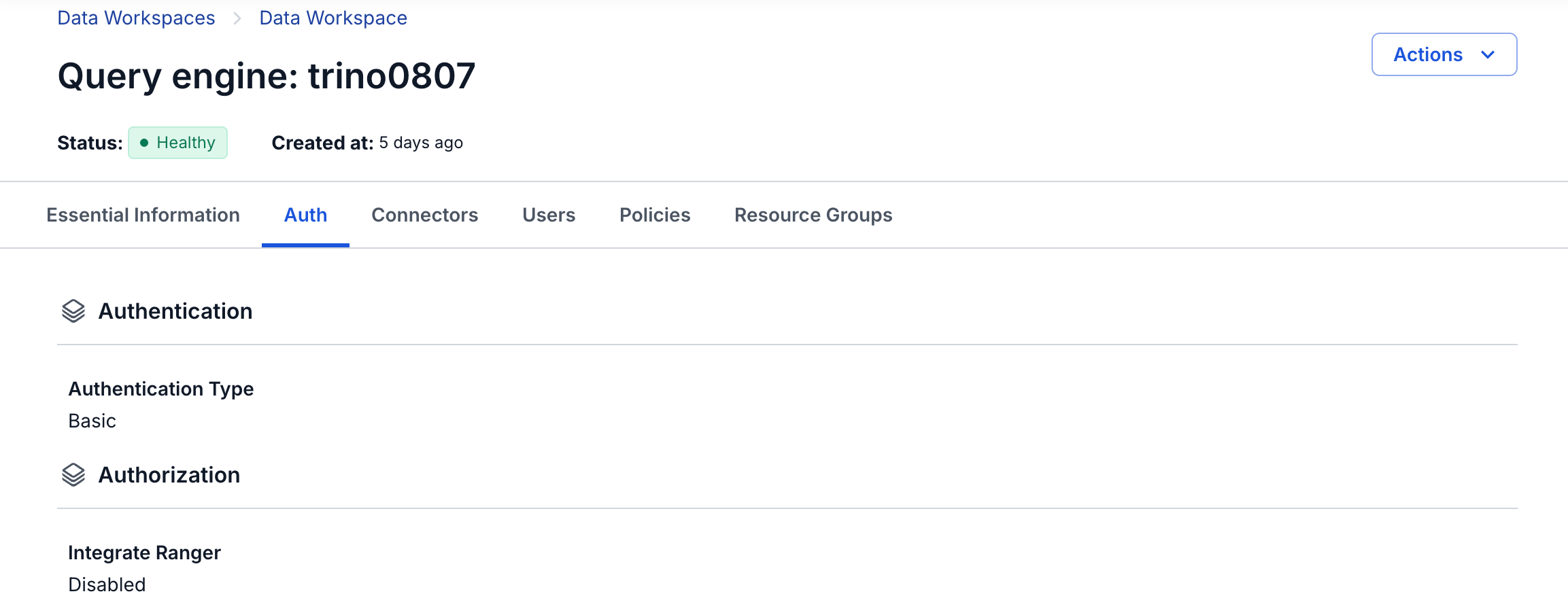
2. Authentication
Displays the authentication information of the Query engine
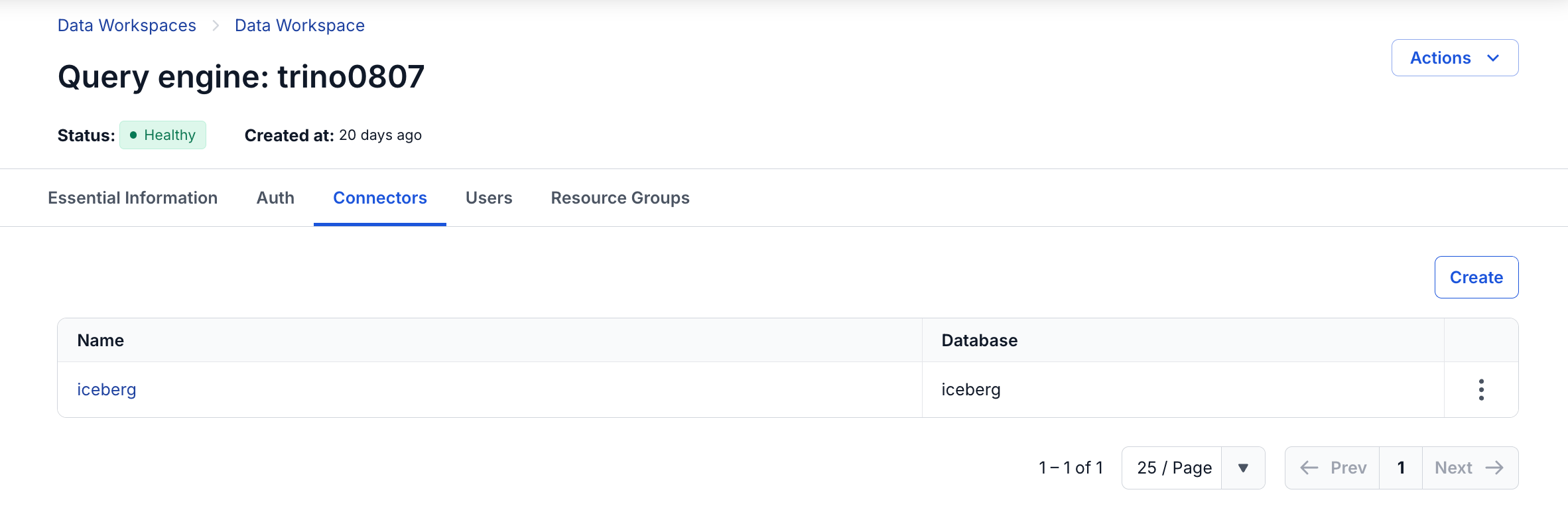
3. Connectors
Displays the Connector information of the Query engine
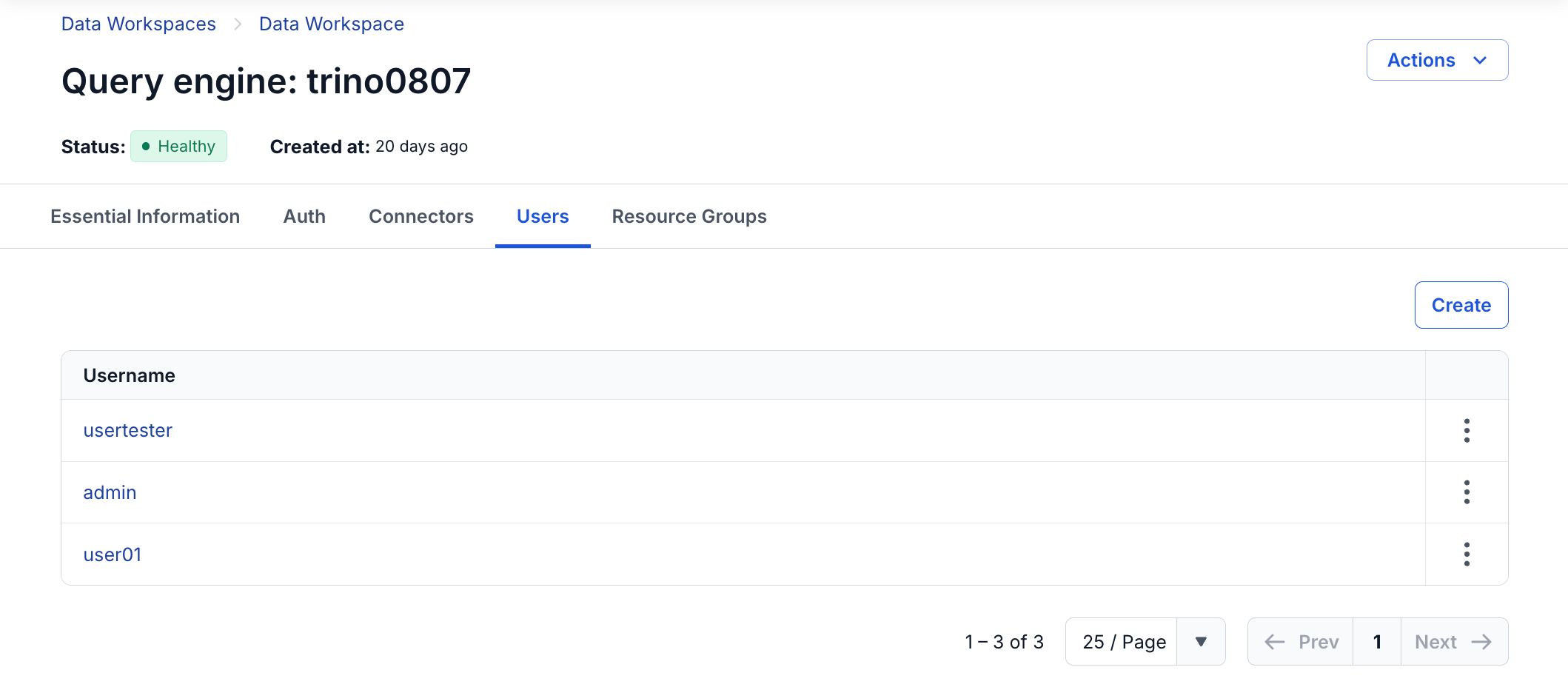
4. Users
Displays the list of User accounts of the Query engine
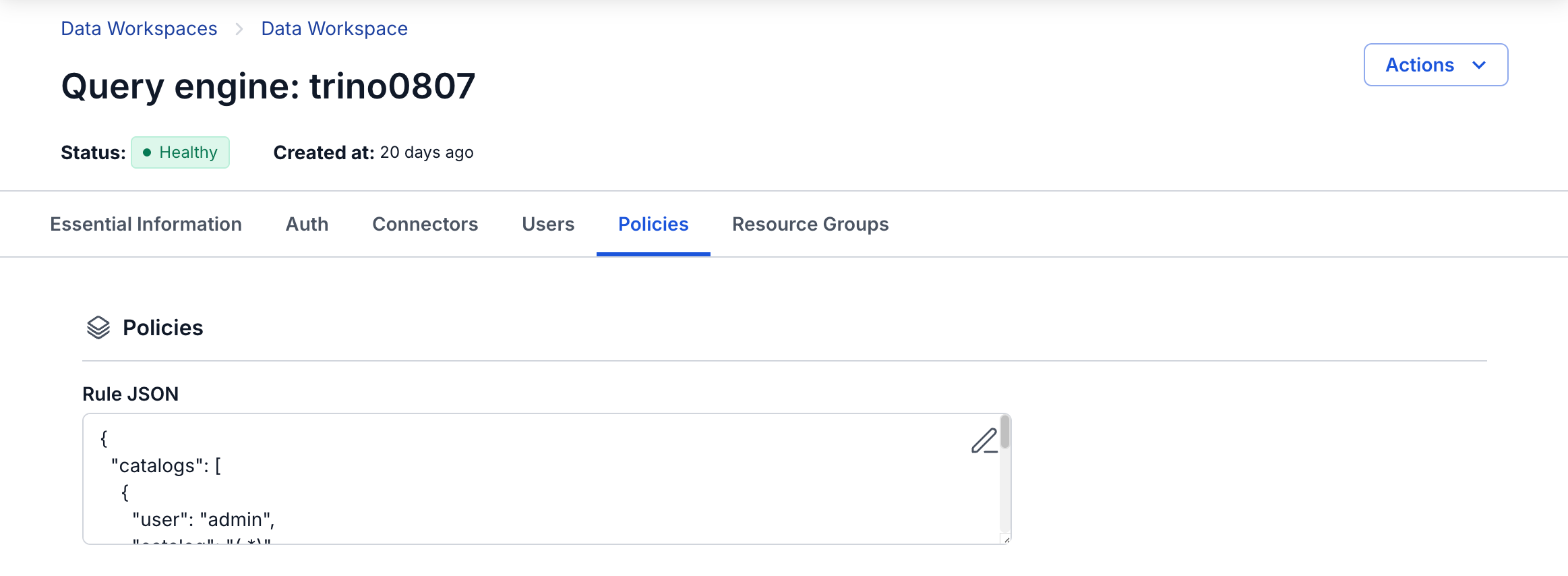
5. Policies
Displays the Policies information of the Query Engine. If the Authentication type is Integration Ranger, the Query engine does not display the Policies tab, and all access control configuration is performed through Ranger-Admin
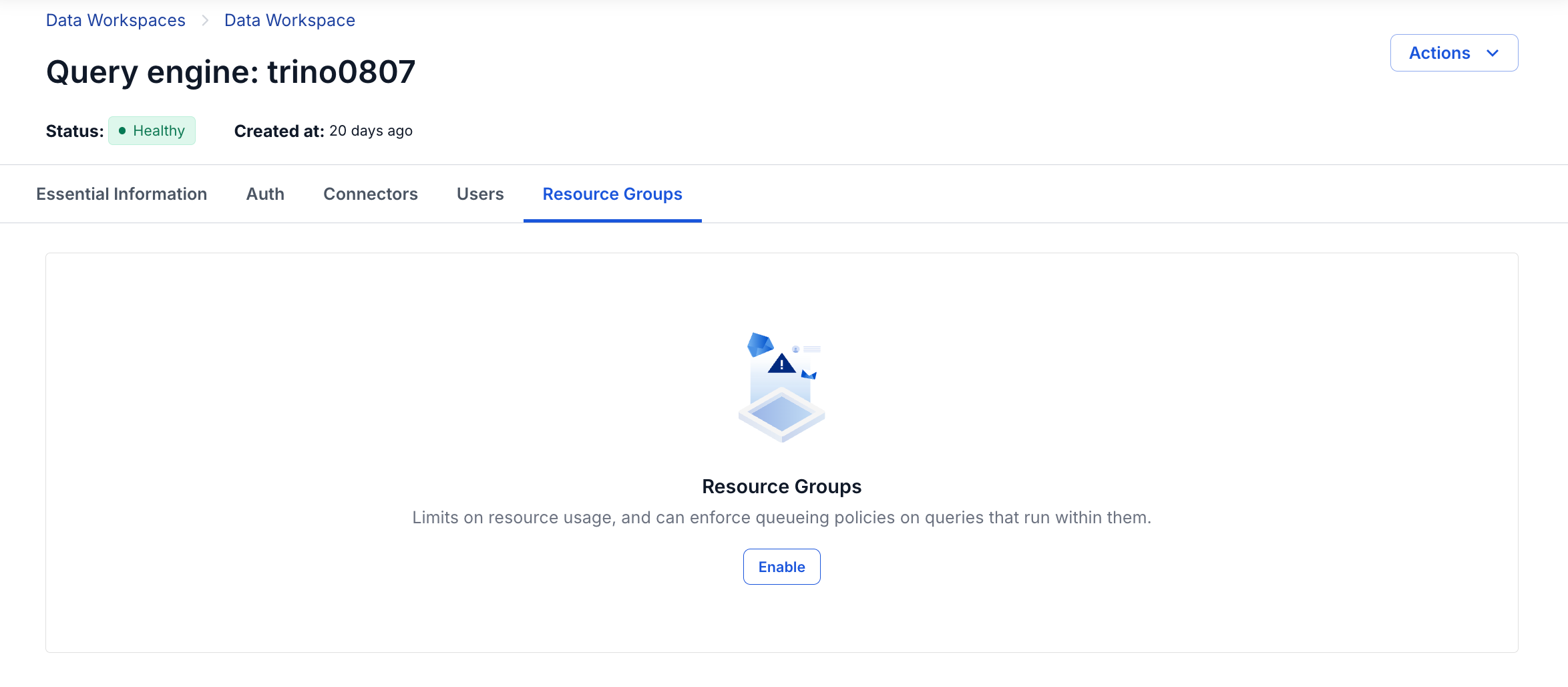
6. Resource Groups
Displays the Resource Groups configuration information of the Query Engine. The Resource Groups feature allows Platform Admins to enable and configure the resource allocation mechanism (resource groups) for the Trino cluster. Once enabled, the system limits the concurrency, queue, memory, and CPU for each workload group, preventing any single workload from consuming all of the cluster's resources.