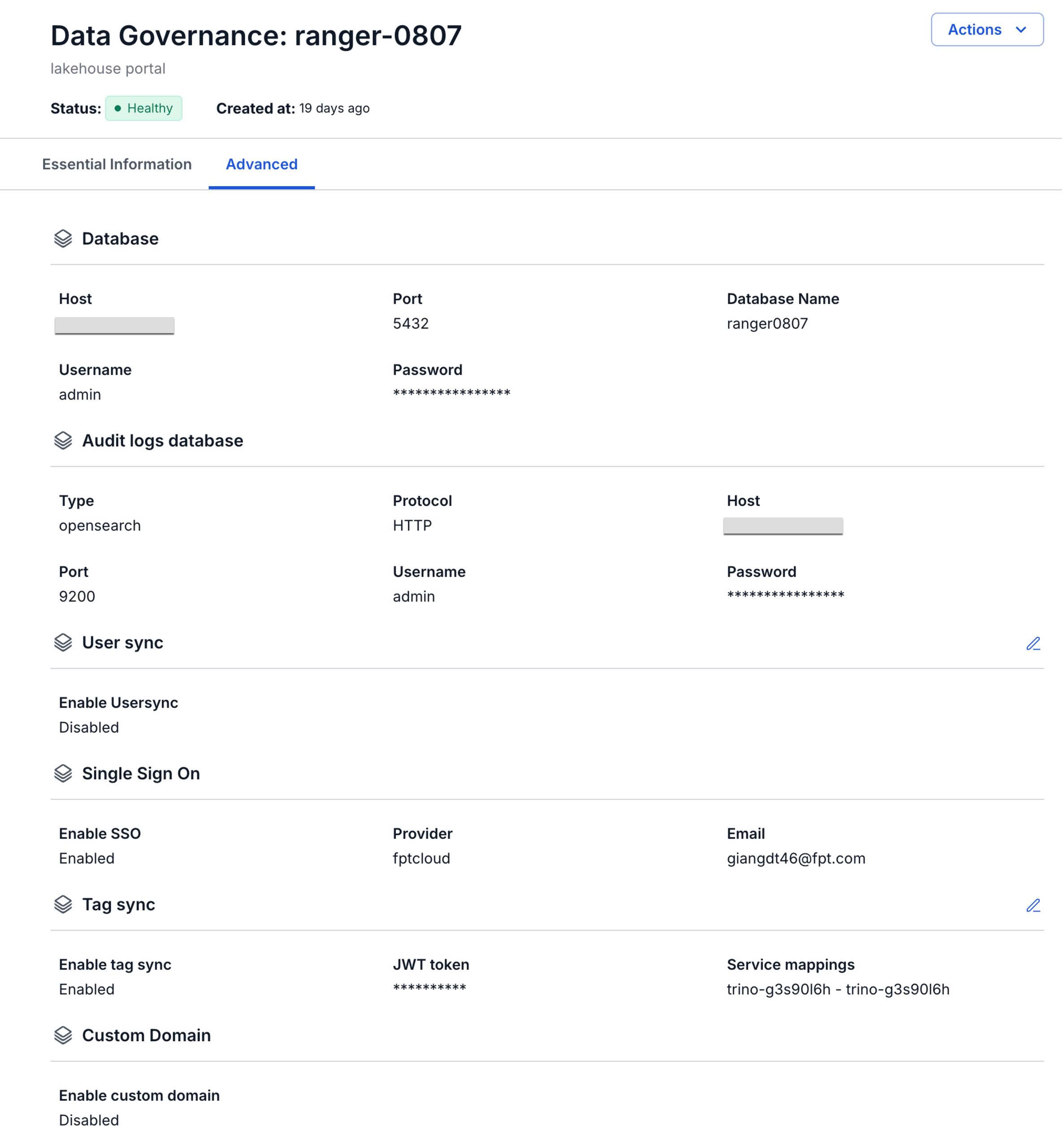
View Ranger Information
To view Data governance information, follow these steps:
Step 1: In the menu bar, select Data Platform > Workspace Management > Workspace name
Step 2: In the My services section, select Data governance
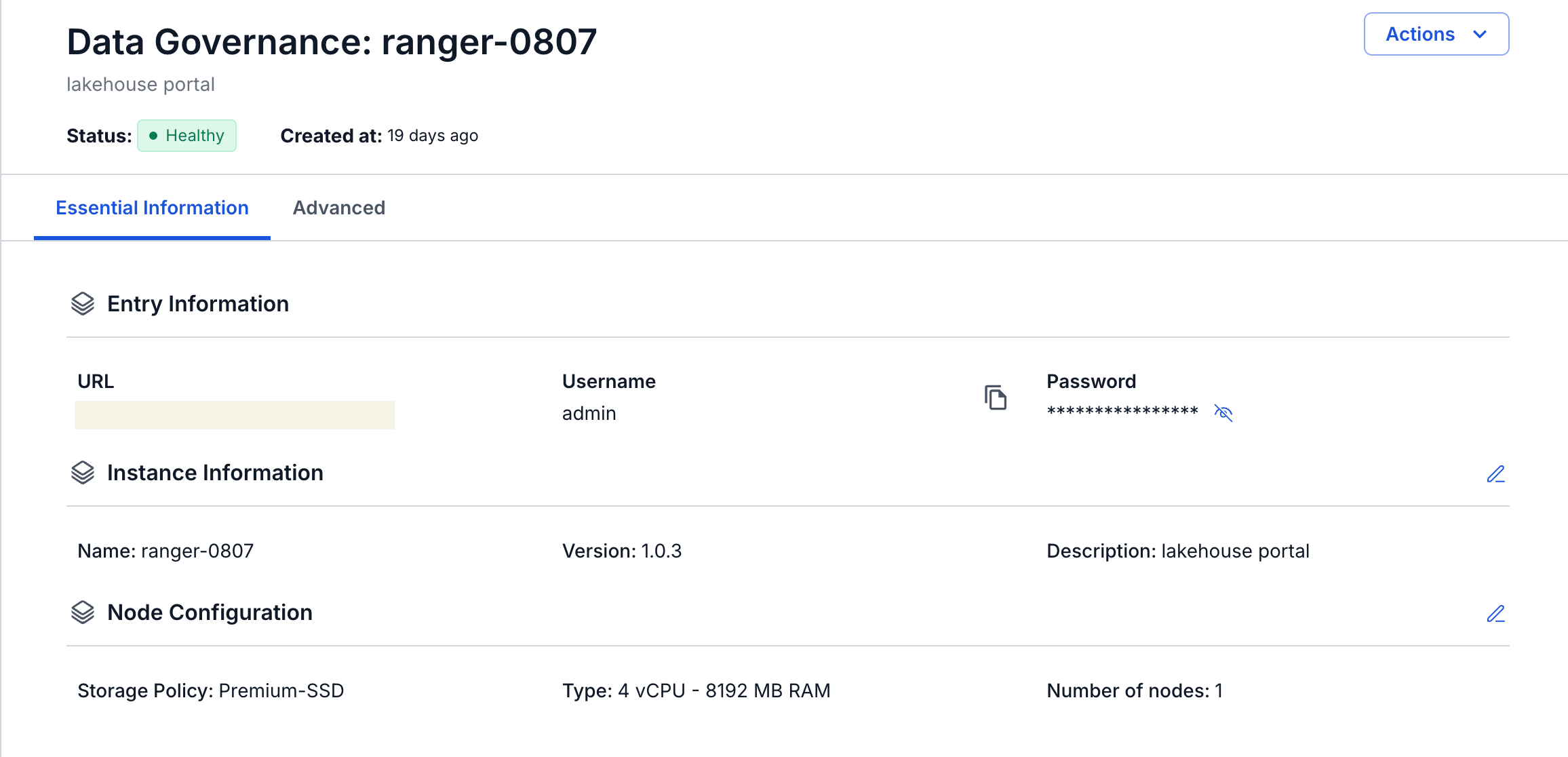
The screen displays 2 tabs: Essential Information, Advanced
- Essential Information
Displays the detailed information of the Data governance that you have configured
Access Ranger using the displayed URL, Username, and Password
- Advanced
Displays the Database information configured for Data governance