Delete a workspace
Delete a workspace when you no longer need it.
Prerequisites
- You have deleted every storage on the Storage tab. If storage is left, the portal does not delete the workspace.
- You have deleted every service in the workspace. Delete the storage first, then the services.
Delete the workspace
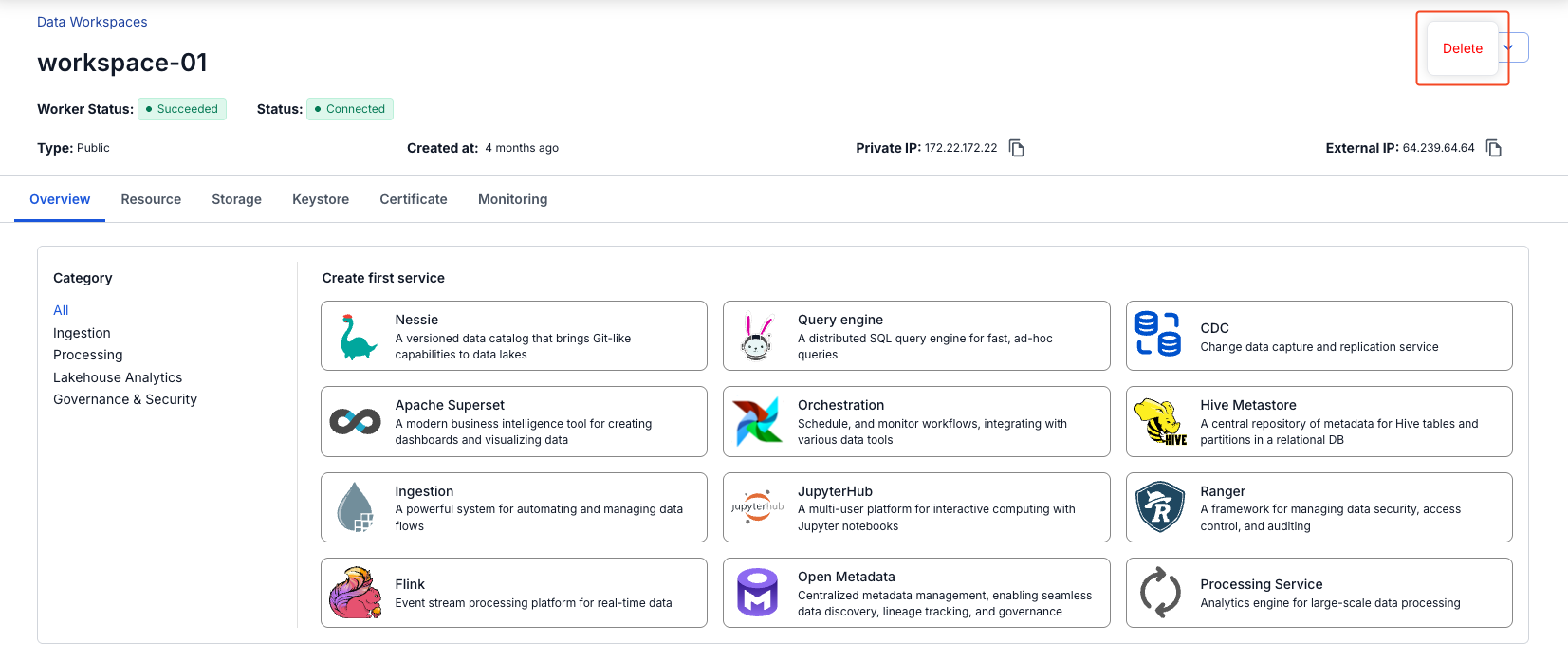
- Select Data platform → Workspace management, then select your workspace.
- Select Actions → Delete.
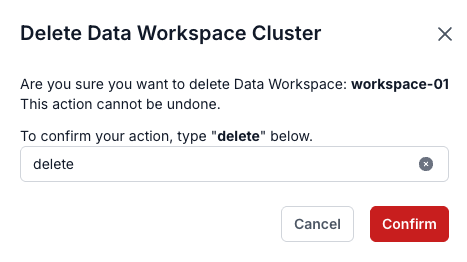
- In the Delete Data Workspace Cluster dialog, enter
delete, then select Confirm.
danger
Deleting a workspace cannot be undone. Make sure no one still uses it before you delete it.