Start, stop & restart database proxy
All proxy operations run from the Action column of the DB Proxy page. Each one takes approximately 5 to 7 minutes, and the proxy's other operations stay disabled until it finishes.
What each operation does
| Operation | Effect | Status sequence |
|---|---|---|
| Start | Starts a stopped proxy. | Starting → Running |
| Stop | Stops a running proxy. Connections through it are cut while it is stopped. | Stopping → Stopped |
| Restart | Stops and starts the proxy, usually to clear a transient problem. | Restarting → Running |
| Delete | Deletes the proxy and releases its resources. | — |
warning
Deleting a proxy cannot be undone, and any application still pointed at its endpoint loses connectivity immediately. Move traffic back to the database endpoint or to another proxy first.
Which operations each status allows
| Status | Meaning | Available operations |
|---|---|---|
| Processing | The proxy is being initialized. | Delete |
| Running | The proxy is operating normally. | Stop, Restart, Resize, Delete |
| Stopped | The proxy has been stopped. | Start, Delete |
| Resizing | Proxy resources are being adjusted. | Delete |
| Failed | The proxy hit an unknown error. Delete it to free the resources, or contact FPT Support. | Delete |
Run an operation
-
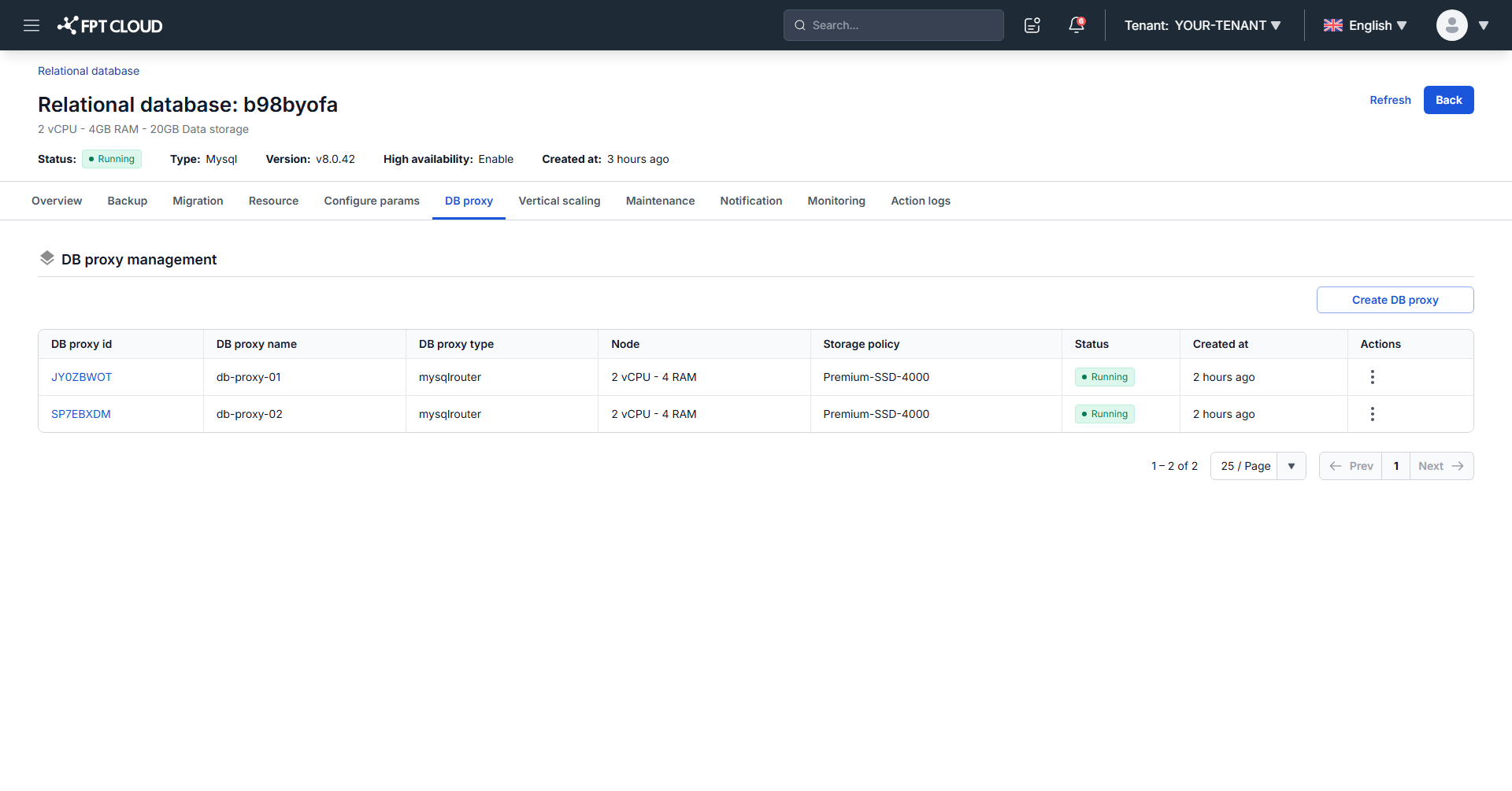
On the DB Proxy page, click the ⋯ (More actions) icon in the Action column for the proxy.
-
Select the action, then confirm it in the dialog.
tip
Restart breaks existing connections through the proxy. Run it during off-peak hours, or during your maintenance window.
Next steps
- Change database proxy resource
- Monitor database with FMON
- View Action Logs to confirm an operation completed