Delete a Secret
Delete a Secret when the confidential information is no longer needed or has expired, to keep your Vault clean and secure.
Prerequisites
- You have a Secret to delete. See Create a Secret.
danger
Deleting a Secret can't be undone. All versions of the Secret are permanently deleted. Make sure you've backed up anything you still need before continuing.
-
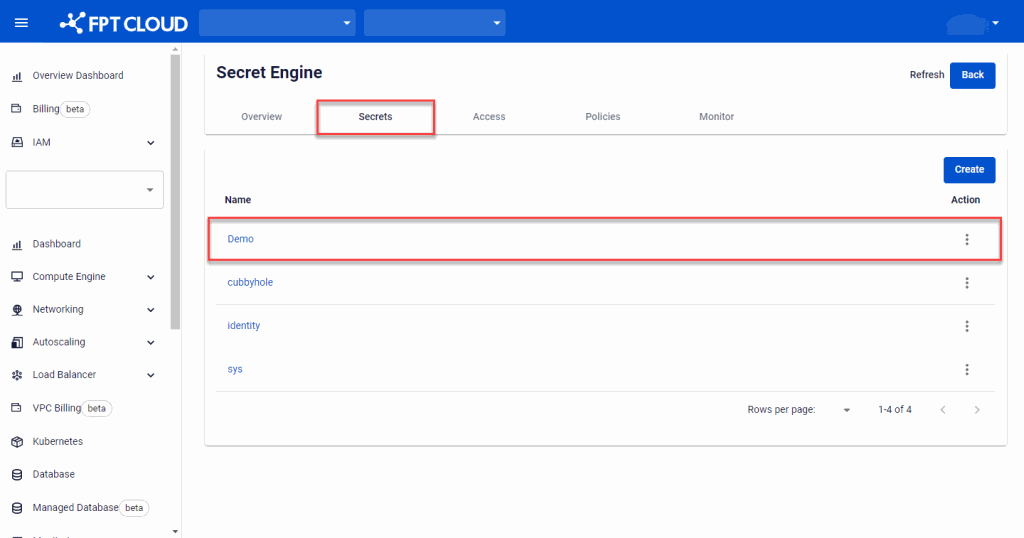
On Secret Engine Detail, select the Secret Engine that contains the Secret to delete.
-
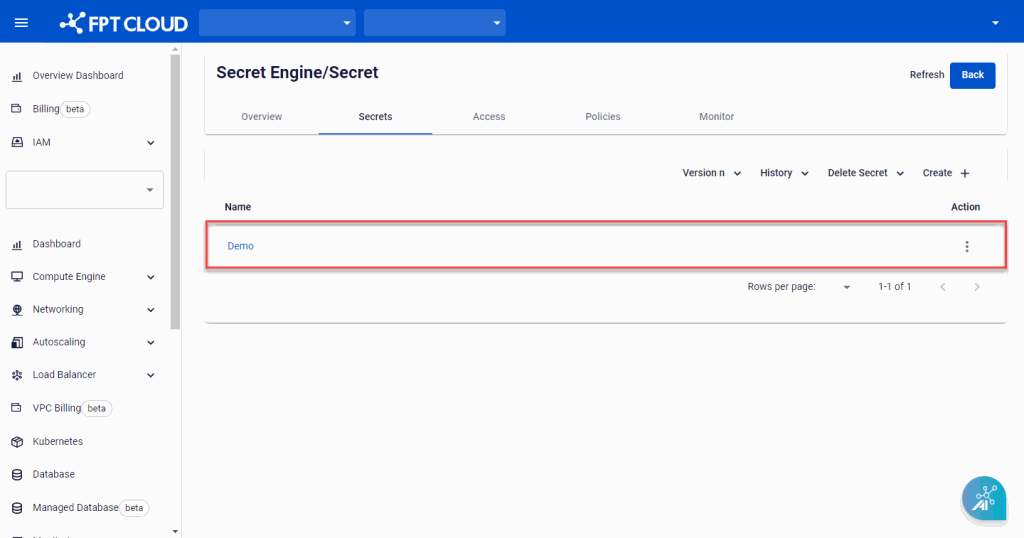
Select the Secret to delete.
-
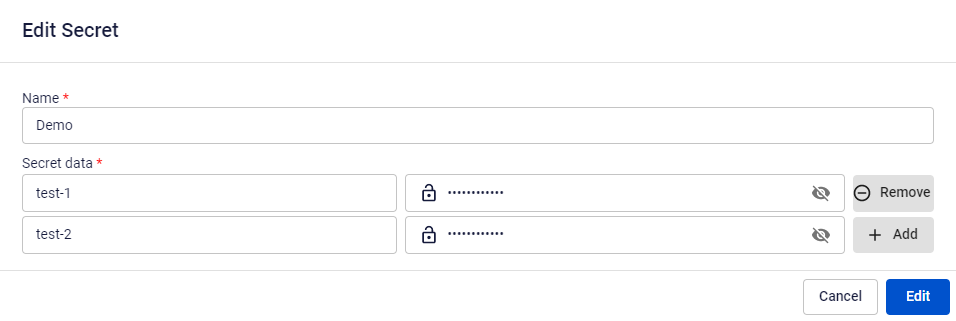
On the Edit Secret screen, click Delete, then confirm in the dialog that appears.


Next steps
- Key Vault field reference — field reference for the Secret creation and edit forms.