View and Update a Secret
As credentials rotate, come back to the Secret Engine that holds a Secret to view its current value or update it to a new one.
Prerequisites
- You have a Secret to view or update. See Create a Secret.
View and update a Secret value
Each update creates a new version of the Secret, so you can track its change history.
-
On Secret Engine Detail, select the Secret Engine that contains the Secret.
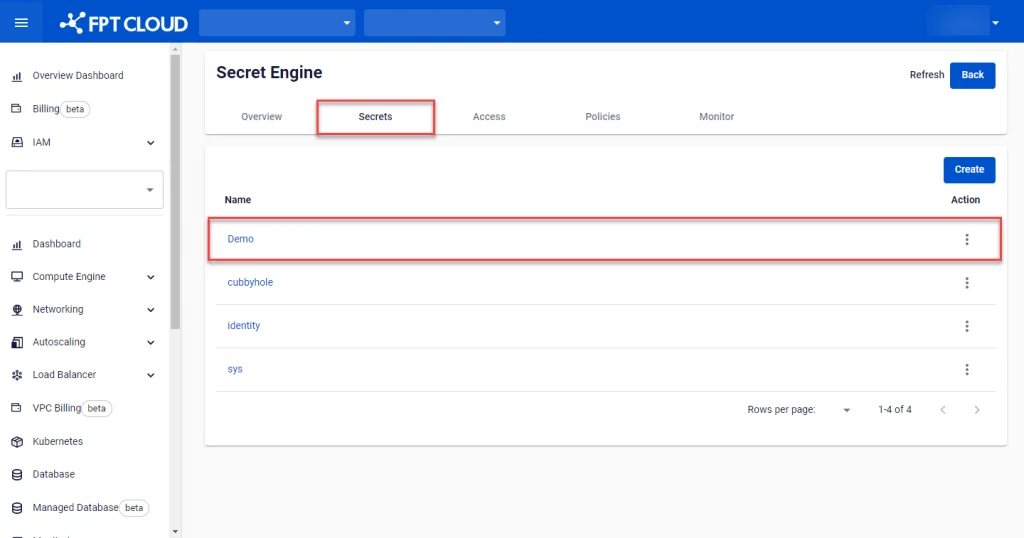
-
Select the Secret you want to view and update.
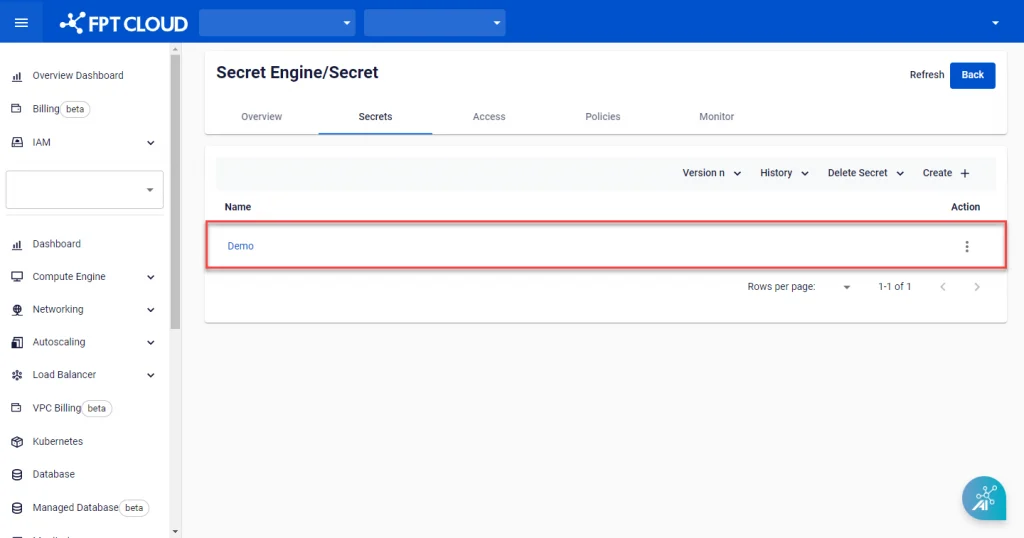
-
On the Edit Secret screen, view the existing information or enter new information to update. Click Edit to save.

Next steps
- Delete a Secret — remove the Secret once it's no longer needed.
- Key Vault field reference — field reference for the Secret edit form.