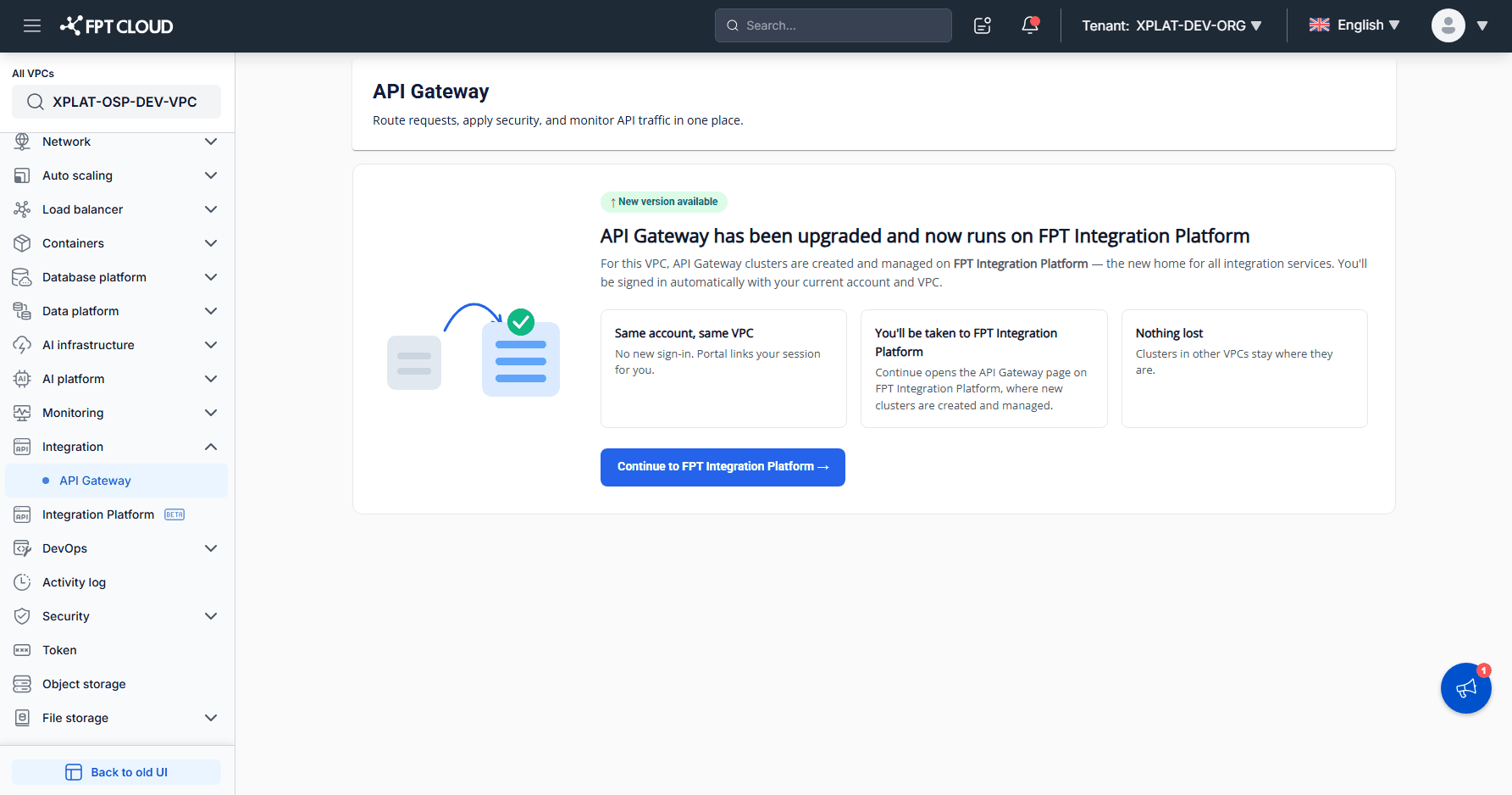
Prerequisites
If this is the first time you use FPT API Gateway, check and complete the requirements below before you create an API Gateway. FPT API Gateway runs on FPT Integration Platform and uses the same FPT ID account and infrastructure that you already use on FPT Cloud Console.
What you need
- An FPT Cloud account: used to sign in to FPT Cloud Console. FPT Integration Platform signs you in with the same account through FPT ID, so you don't need a separate account.
- A VPC that runs on OpenStack: API Gateway does not support VPCs on VMware yet.
Add missing requirements
| Requirement | What to do |
|---|---|
| FPT Cloud account | See Create an FPT Cloud account and sign in to FPT Cloud Console. |
| VPC on OpenStack | Select a VPC that runs on OpenStack in All VPCs of FPT Cloud Console, see Check the infrastructure of your VPC. If you have no VPC yet, contact the FPT Smart Cloud sales team. |
Create an FPT Cloud account and sign in to FPT Cloud Console
To sign in to FPT Cloud Console, follow these steps:
-
Go to https://console.fptcloud.com.
-
Sign in with the FPT Cloud account and password you were given.
-
If you don't have an FPT Cloud account yet, go to https://fptcloud.com, click Sign Up, and enter your information as instructed. FPT Cloud support contacts you to confirm the information and create your account.
If you run into an error when you sign up or sign in, contact FPT Cloud support at 1800 6139 / support@fptcloud.com.
Check the infrastructure of your VPC
The left menu of FPT Cloud Console depends on the infrastructure of the selected VPC. The menu tells you whether the VPC runs on OpenStack or VMware.
To check the infrastructure of your VPC, follow these steps:
-
Sign in to FPT Cloud Console at https://console.fptcloud.com.
-
Click All VPCs at the top of the left menu, then select a project, a region, and a VPC. You can find a VPC quickly with Search VPC name.
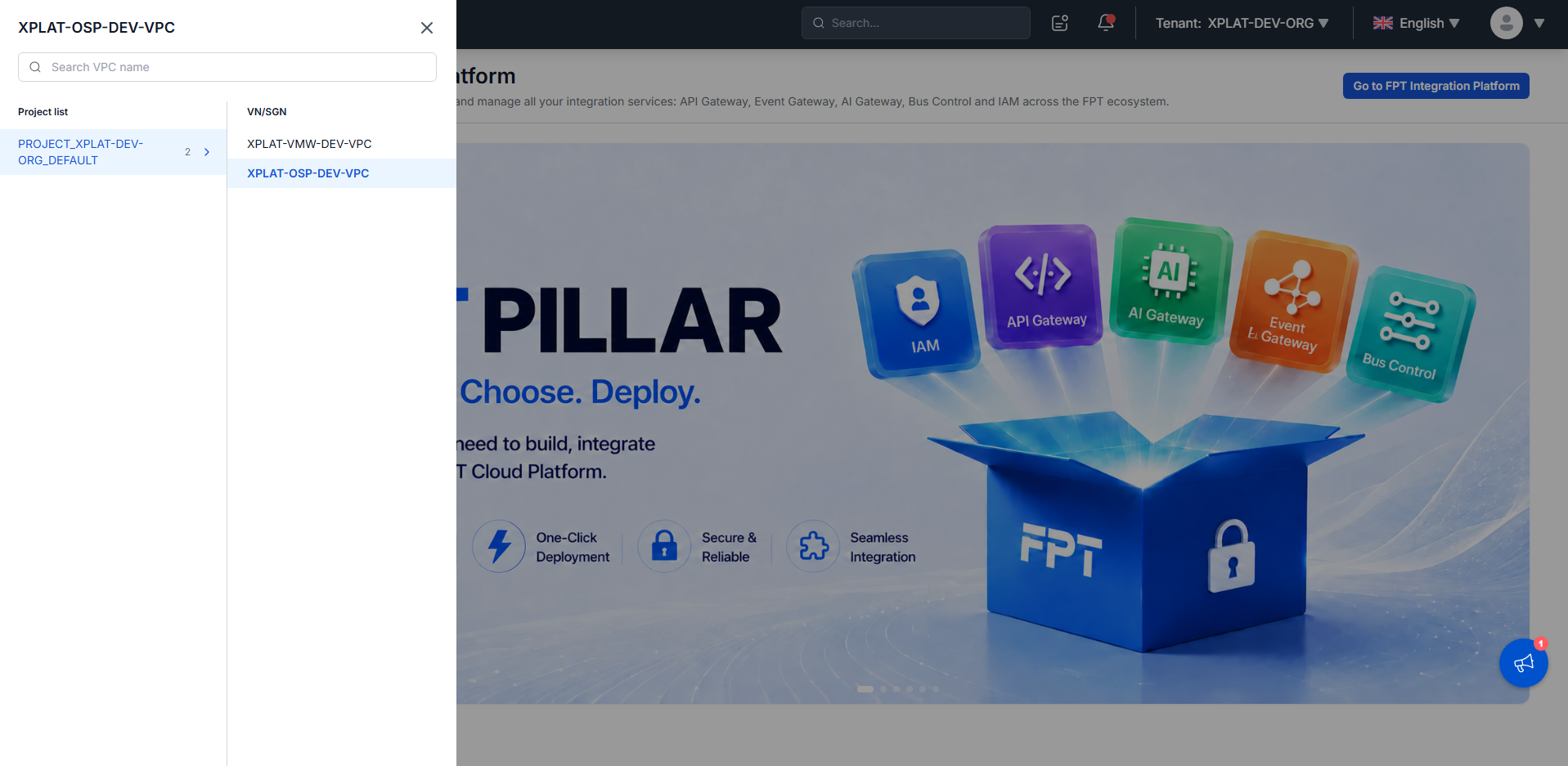
- Compare the left menu with the table below:
| Infrastructure of the VPC | Left menu | Access to FPT Integration Platform |
|---|---|---|
| OpenStack | Integration → API Gateway, and Integration Platform (BETA) | Available through Go to FPT Integration Platform or Continue to FPT Integration Platform. |
| VMware | Integration → API Gateway only | Not available. The API Gateway screen only says the product has moved to FPT Integration Platform. |
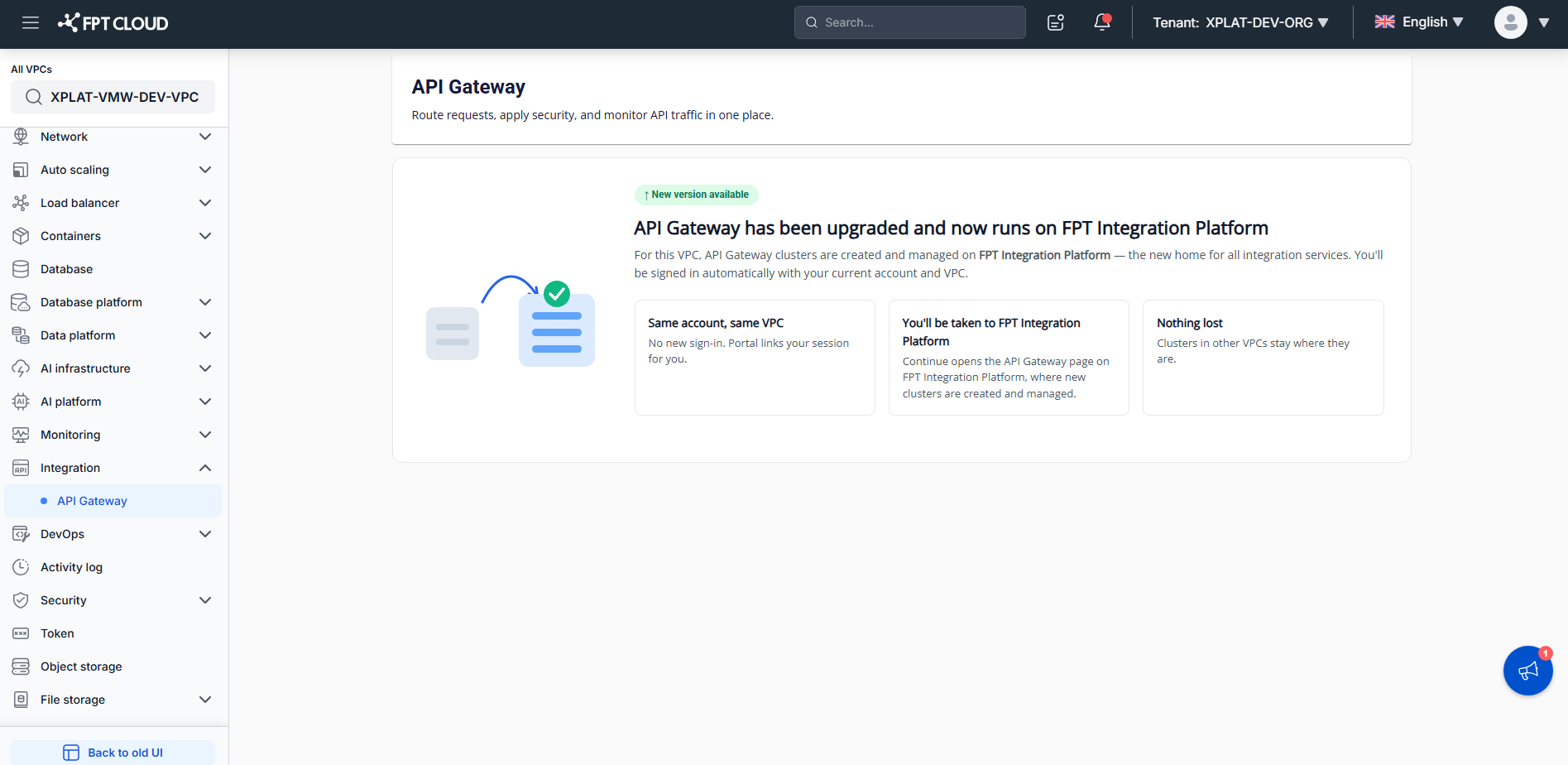
If the selected VPC runs on VMware, switch to a VPC that runs on OpenStack.