Delete a Certificate
warning
You cannot delete a Certificate while a Custom Domain still uses it. Check the Used by column of the Certificate. If it is not -, remove the link first in one of these ways:
- Switch the Custom Domain to another Certificate, see Edit a Custom Domain.
- Delete the Custom Domain, see Delete a Custom Domain.
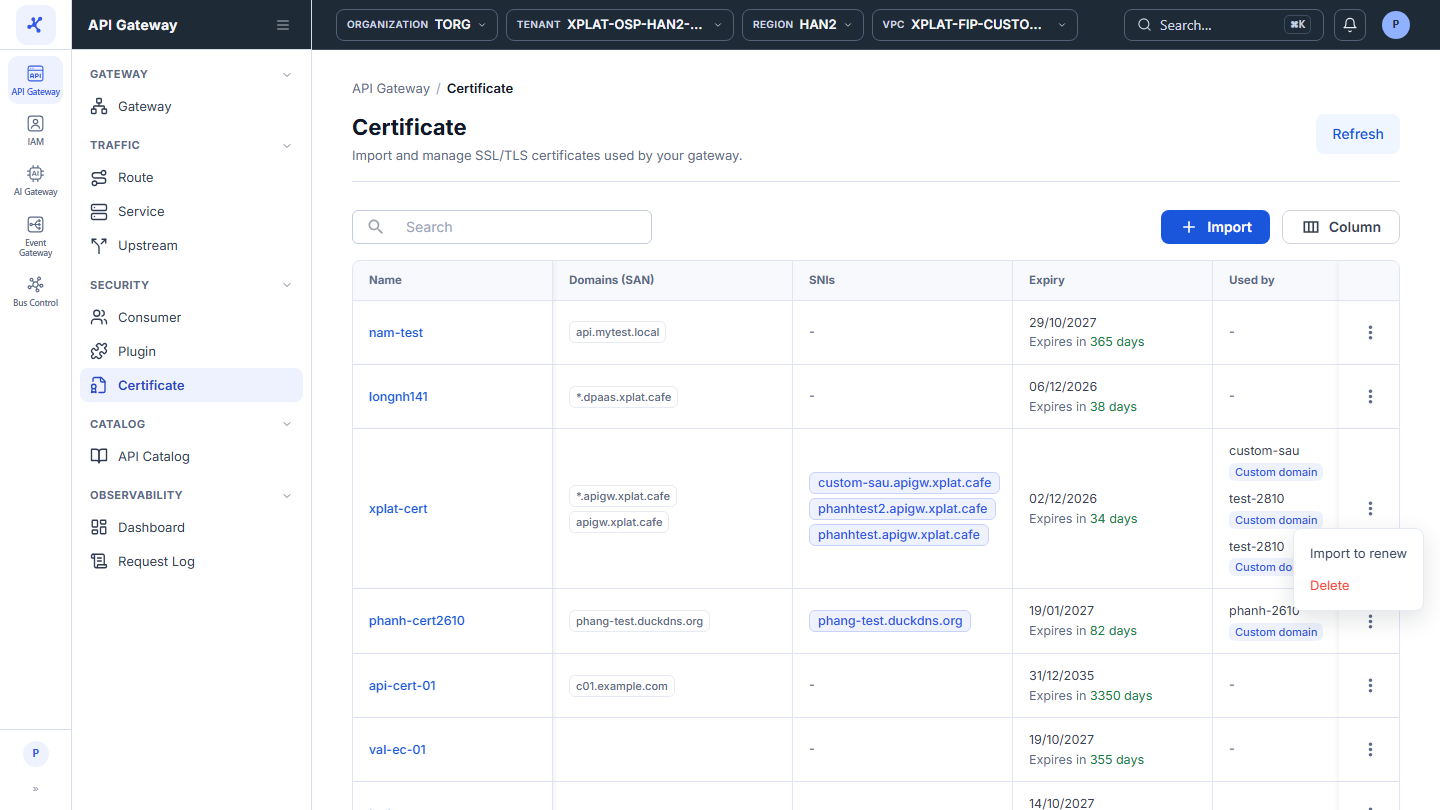
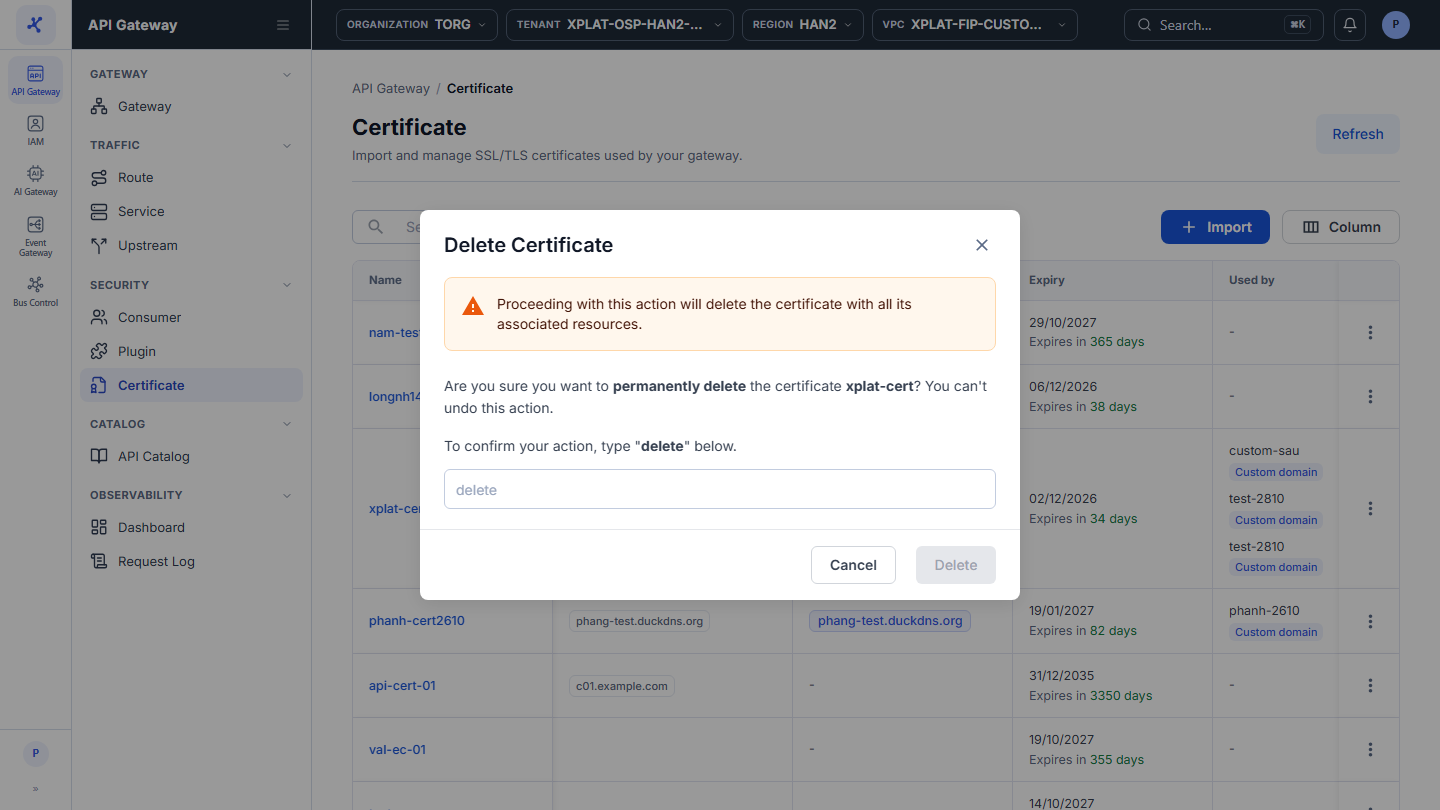
Steps 1–2Open the Certificate screen, click ⋮ → Delete on the row of the Certificate you want to delete
1 / 3
Click the image to zoom in.
Delete a Certificate
To delete a Certificate, follow these steps:
-
In the left menu, select API Gateway → Certificate.
-
On the row of the Certificate you want to delete, click ⋮ → Delete.
-
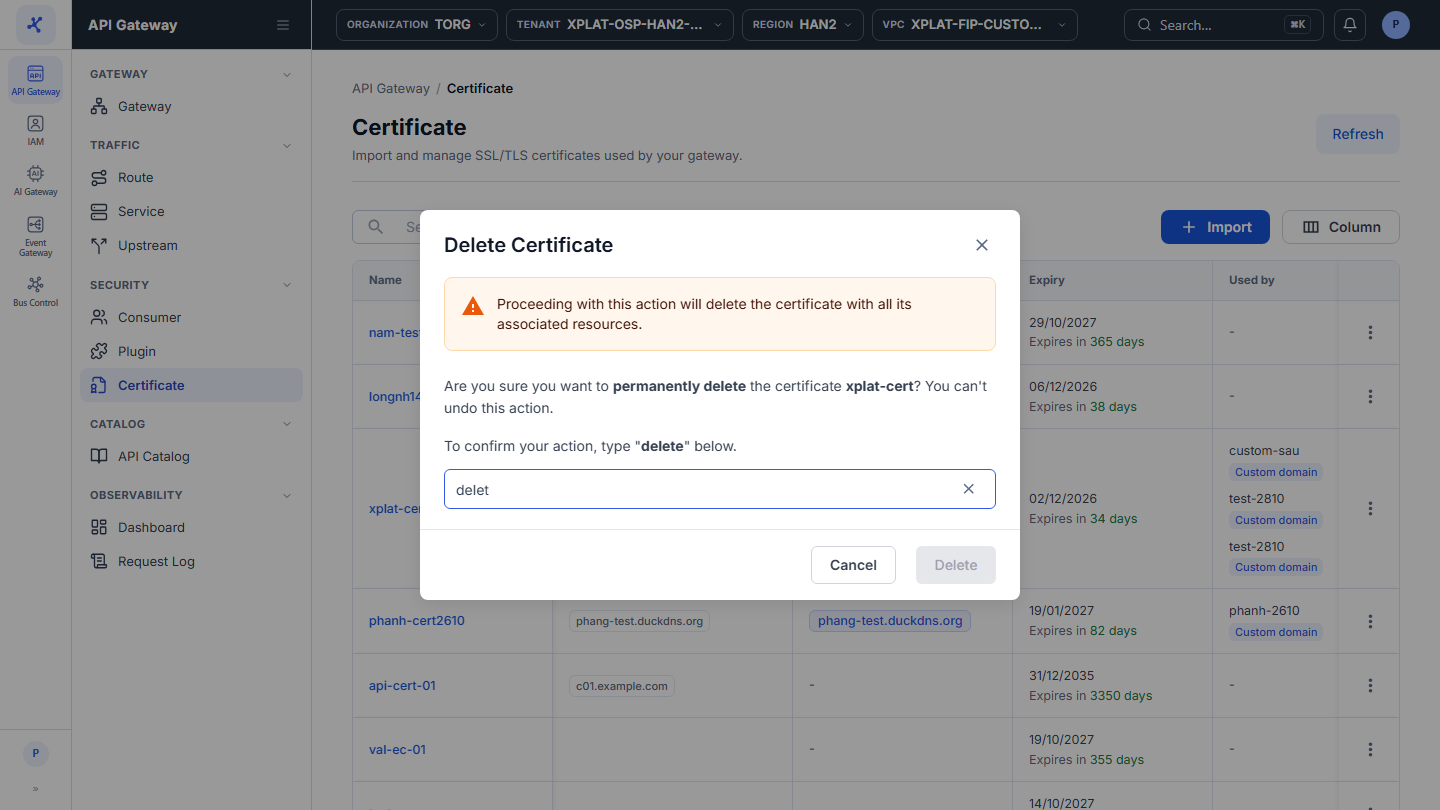
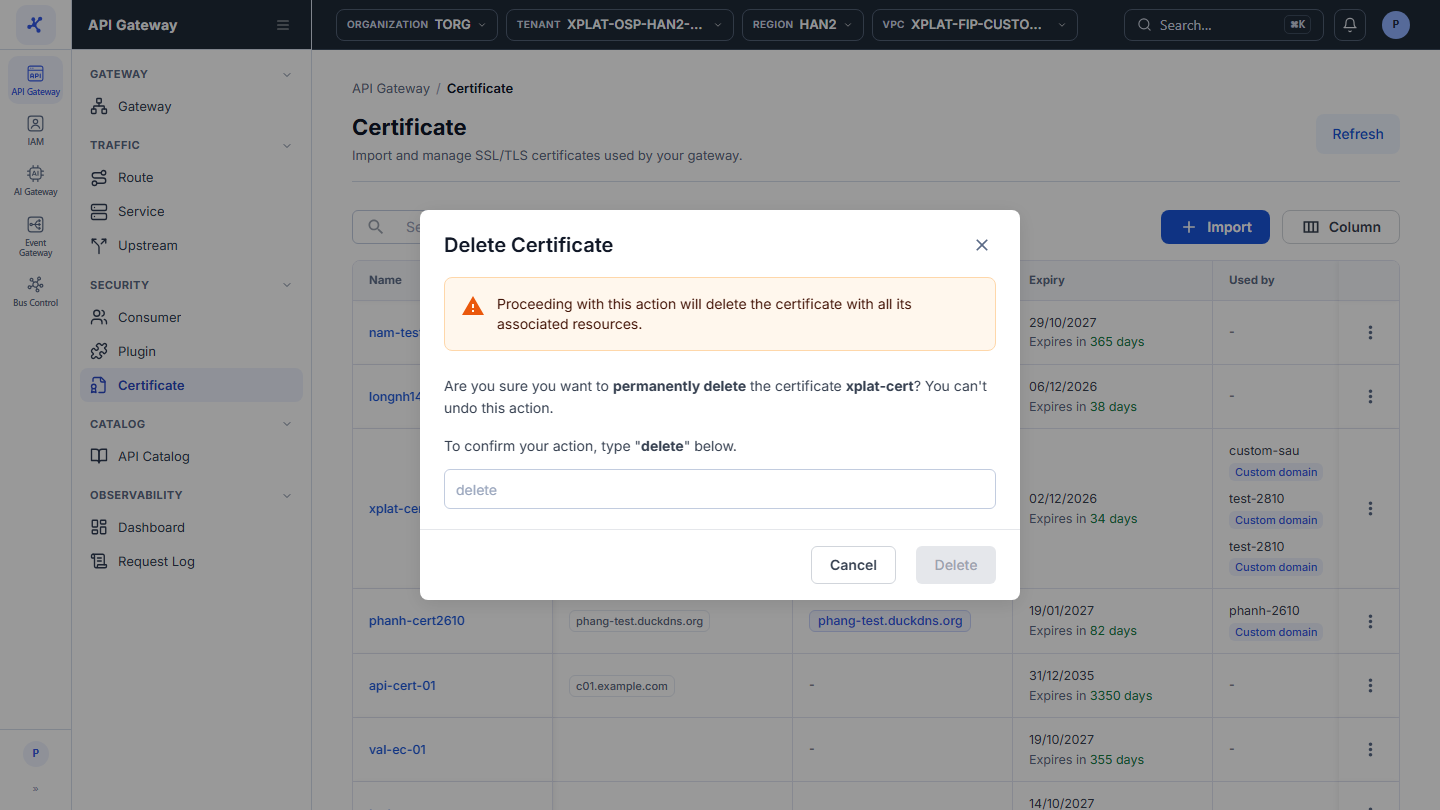
In the Delete Certificate dialog, enter
deletein the confirmation field. The keyword is case-sensitive.
danger
This action cannot be undone. The Certificate and its private key are deleted permanently.
- Click Delete. The button is enabled only after you enter
delete.
The message Delete Certificate successfully appears. The Certificate disappears from the list and from the Certificate list in the Custom Domain forms.
Common issues
| Error | Cause | Solution |
|---|---|---|
| The certificate is in use by: … (the dialog stays open) | A Custom Domain still uses the Certificate. The message lists each use, for example fip-gateway · Custom domain api.yourcompany.com | Remove the link as described at the top of this page, then delete again. |
| This certificate has already been modified or deleted. Please check and try again later. | Someone else changed or deleted the Certificate | Click Refresh to reload the list. |