View Consumer details
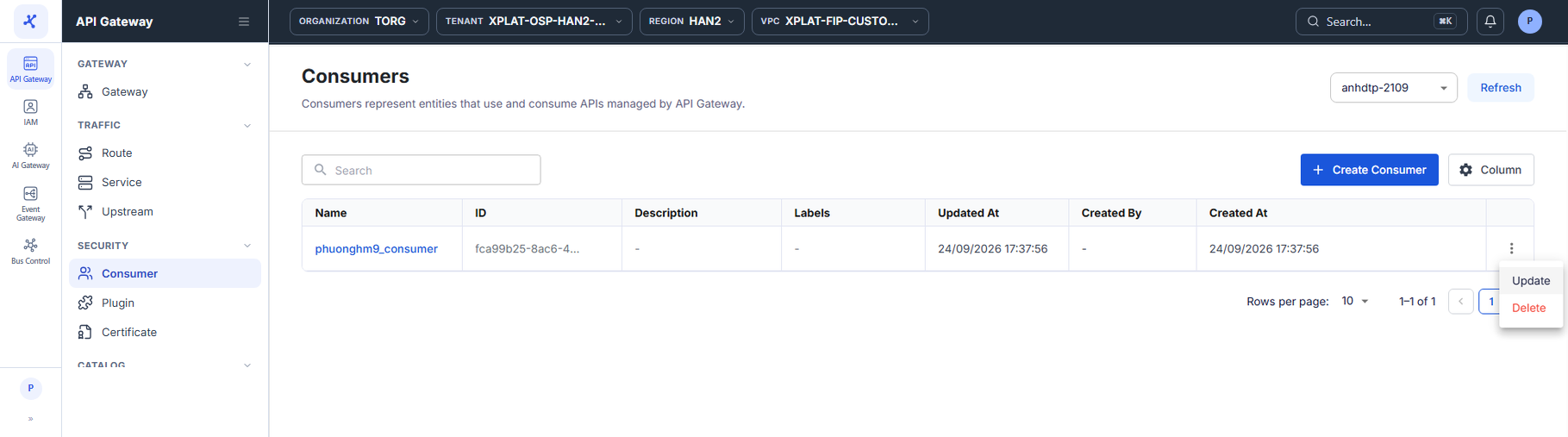
The Consumers screen lists the Consumers of the API Gateway selected in the top-right corner.
Click the image to zoom in.
View the Consumer list
- In the left menu, select API Gateway → Consumer, then select the API Gateway in the top-right corner.
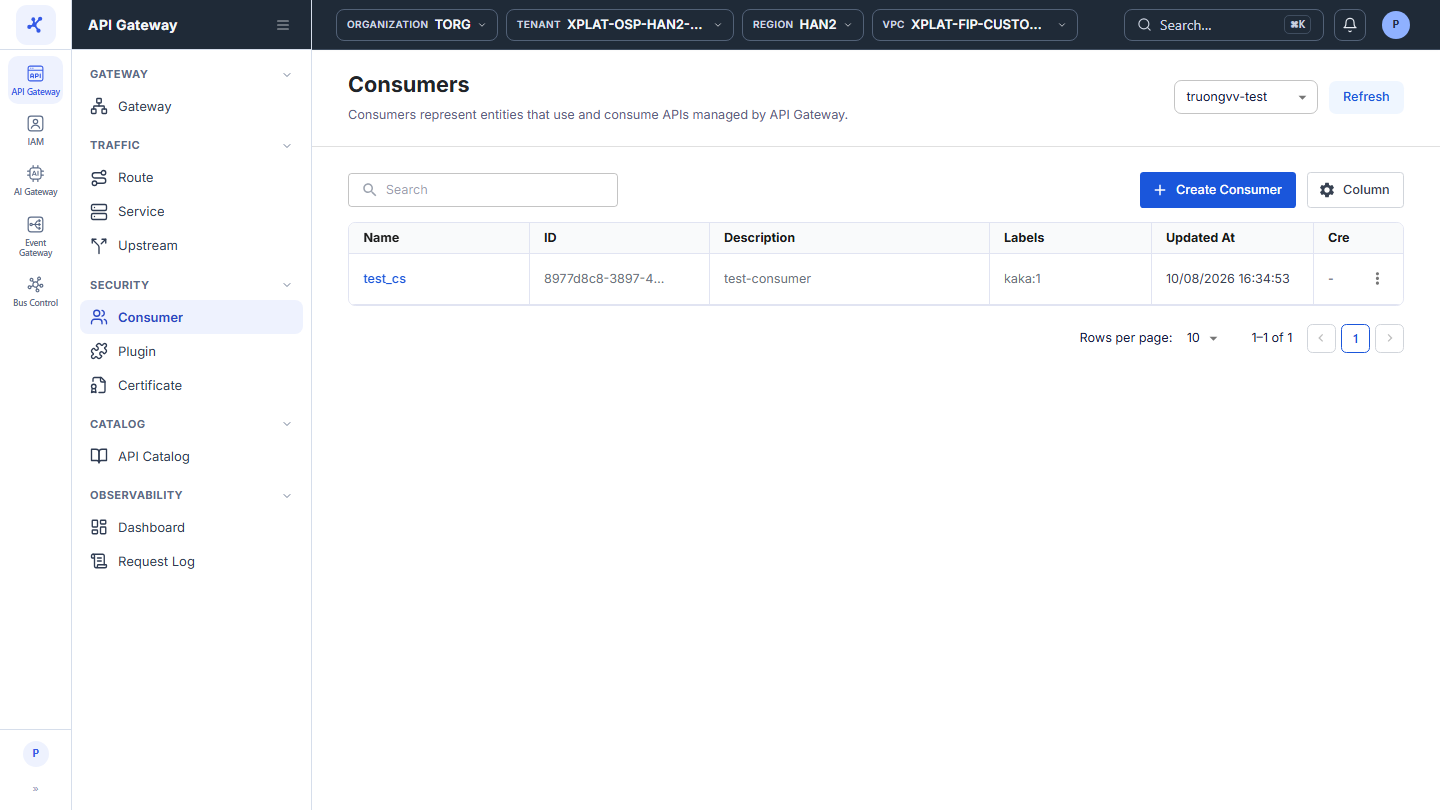
The list has the following columns:
| Column | Description |
|---|---|
| Name | Consumer name. Click the name to open the detail screen. |
| ID | Consumer identifier. |
| Description | Consumer description. |
| Labels | Labels in key:value format. |
| Updated At | When the Consumer was last updated. |
| Created By | Who created the Consumer. |
| Created At | When the Consumer was created. |
| ⋮ | Actions on each row, see the action table below. |
The toolbar has the Search box to find Consumers by keyword, the Create Consumer button to create a Consumer, and the Column button to choose, hide, and order the columns. The Refresh button in the top-right corner reloads the list.
At the bottom of the table, Rows per page sets the number of rows per page, default 10. When the API Gateway has no Consumers yet, the screen shows an illustration with the Create Consumer button.
The ⋮ menu at the end of each row has 2 actions:
| Action | Description |
|---|---|
| Update | Opens the Consumer update form. See Edit a Consumer. |
| Delete | Deletes the Consumer. See Delete a Consumer. |

View the details of a Consumer
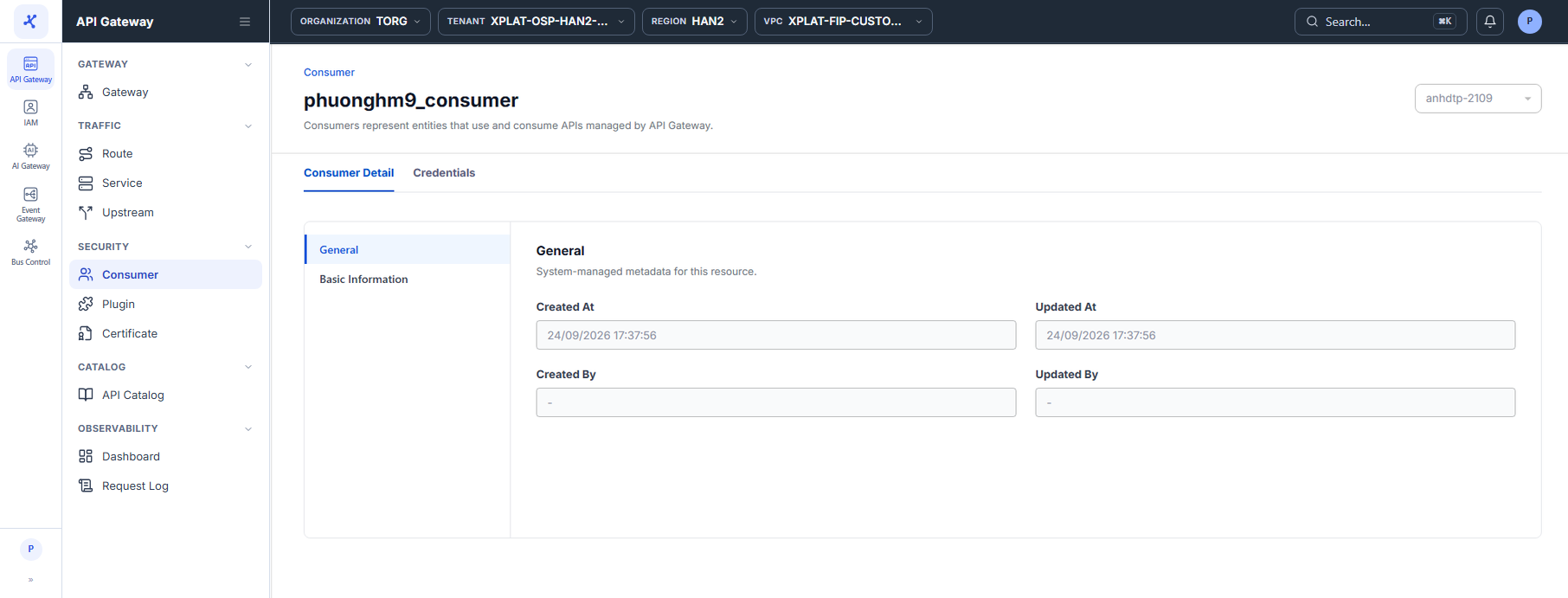
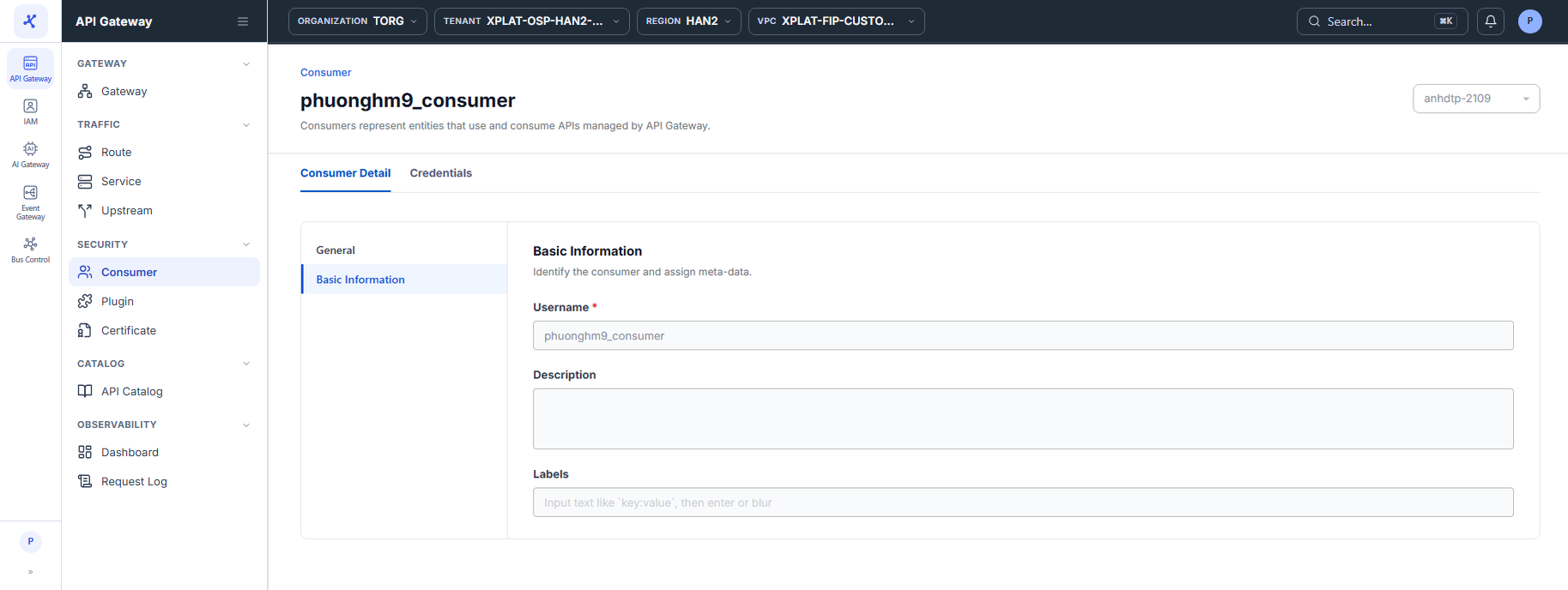
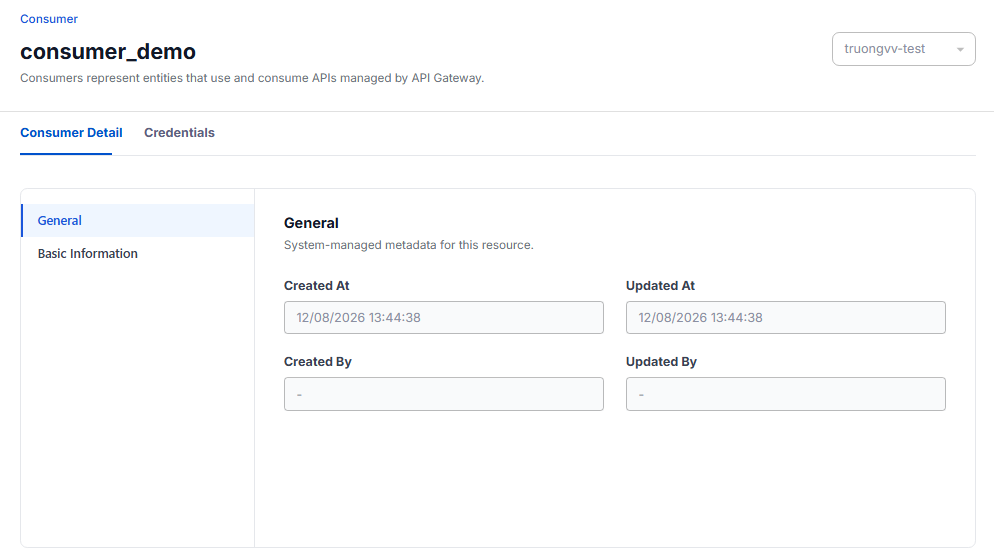
- Click the Name of the Consumer you want to view. The detail screen has 2 tabs: Consumer Detail (default) and Credentials.
Consumer Detail tab
Consumer information, read-only, in 2 sections:
| Section | Content |
|---|---|
| General | System information: Created At, Updated At, Created By, Updated By. |
| Basic Information | Username (the Consumer name), Description, and Labels entered at creation. |
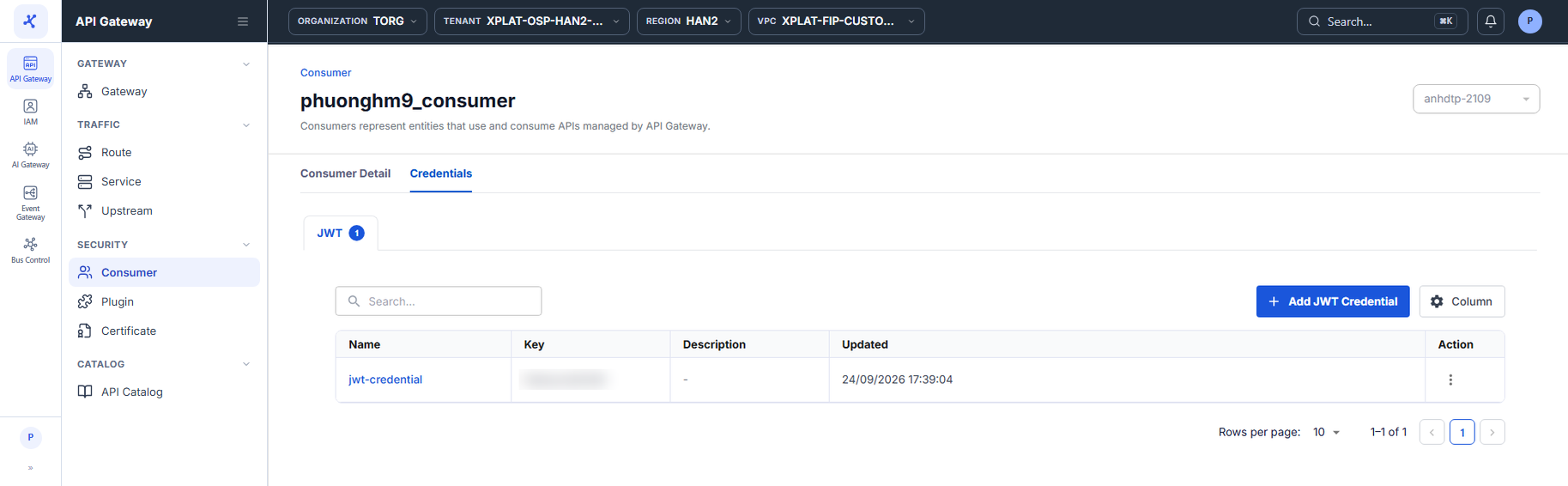
Credentials tab
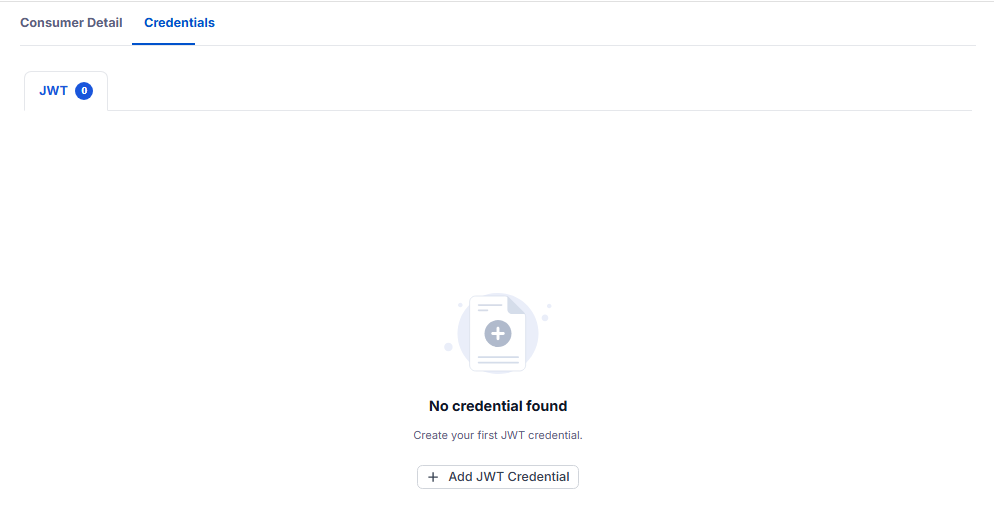
Where you manage the Credentials of the Consumer. This tab currently supports the JWT type, and the number on the JWT label is the number of credentials. Click Add JWT Credential to add one, see Manage JWT credentials.