Delete a Service
Deleting a Service only removes its bindings to the Upstream and to Plugins, while the Upstream and the Plugins themselves are kept. To delete the Upstream, see Delete an Upstream.
warning
You cannot delete a Service while a Route still points to it through Via Service. First change the Backend Target of those Routes to another Service or Upstream, see Edit a Route.
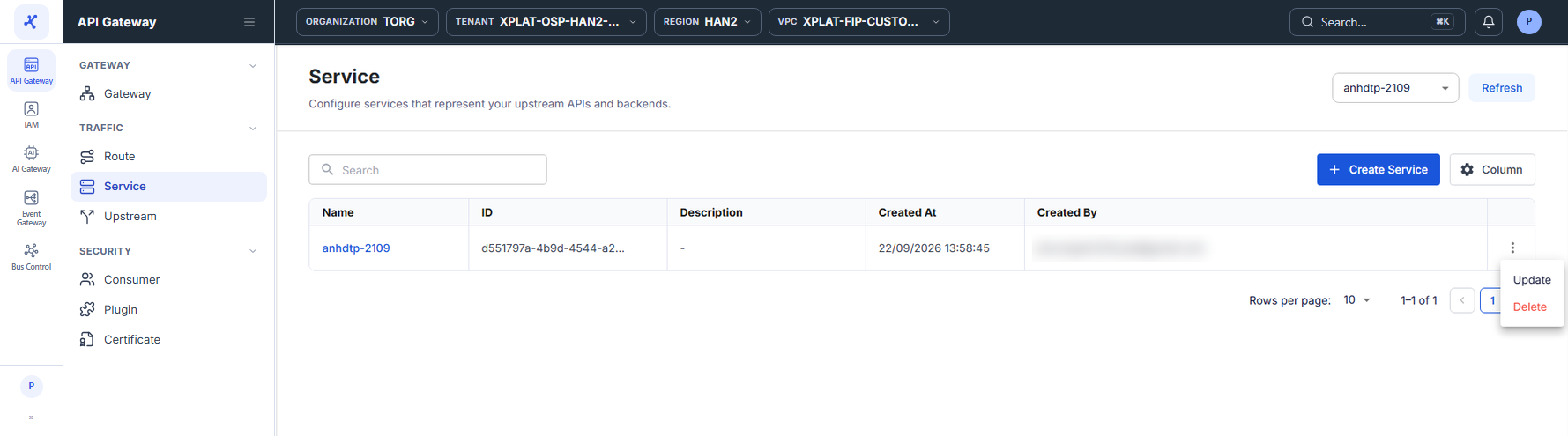
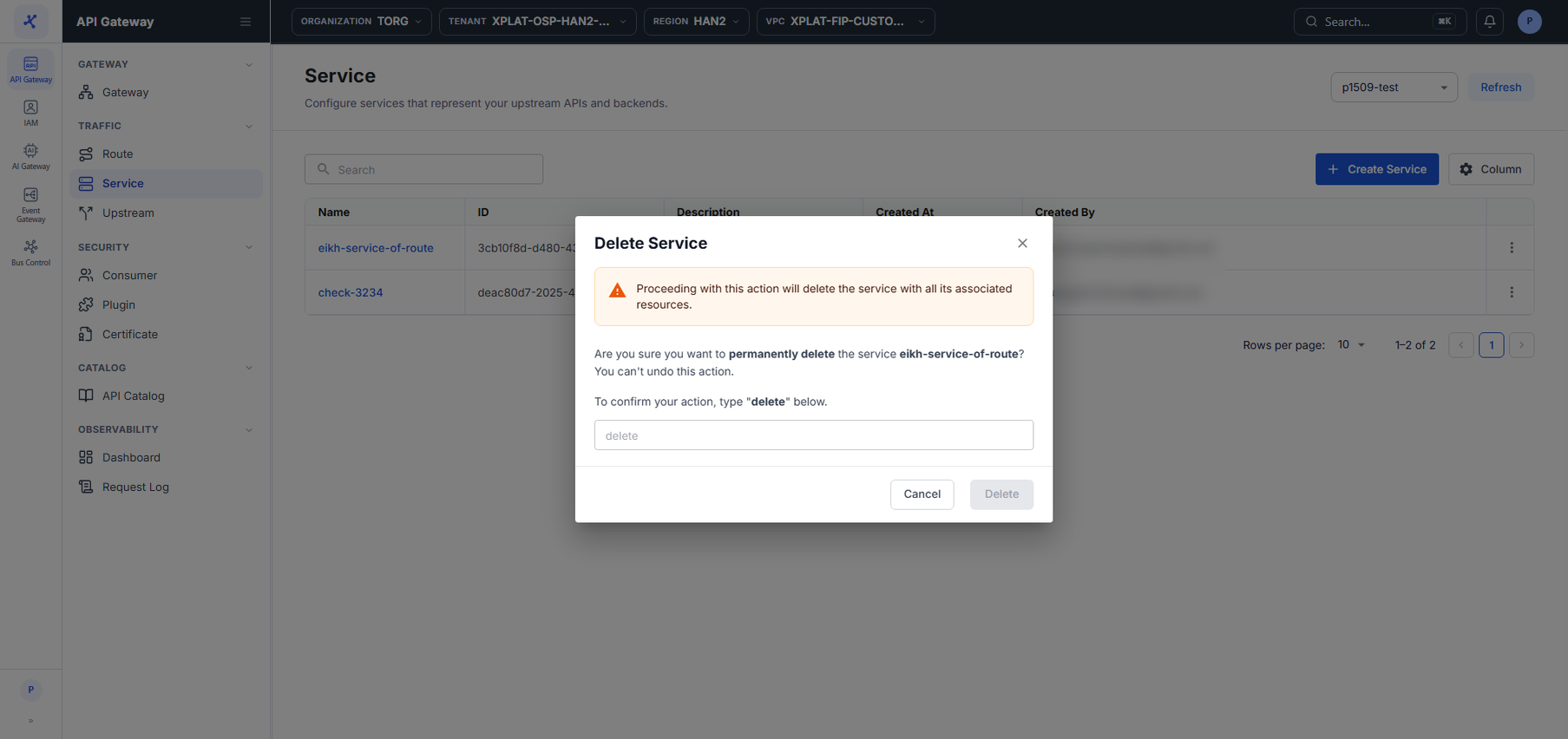
Steps 1–2Open the Service screen and click ⋮ → Delete on the Service to delete
1 / 2
Click the image to zoom in.
Delete a Service
To delete a Service, follow these steps:
-
In the left menu, select API Gateway → Service, then select the API Gateway in the top-right corner.
-
On the row of the Service you want to delete, click ⋮ → Delete.
-
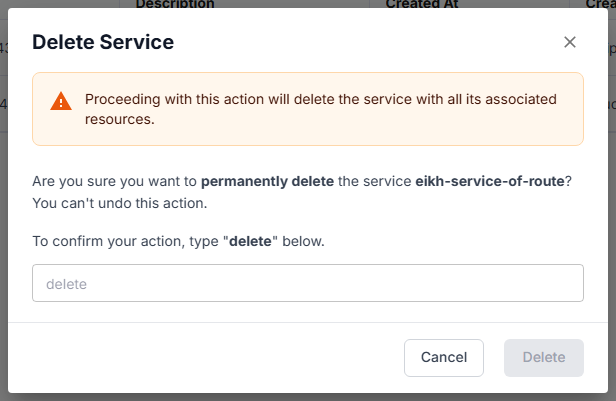
In the Delete Service dialog, enter
deletein the confirmation field. The keyword is case-sensitive.
danger
This action cannot be undone.
- Click Delete. The button is enabled only after you enter
delete.