View Service details
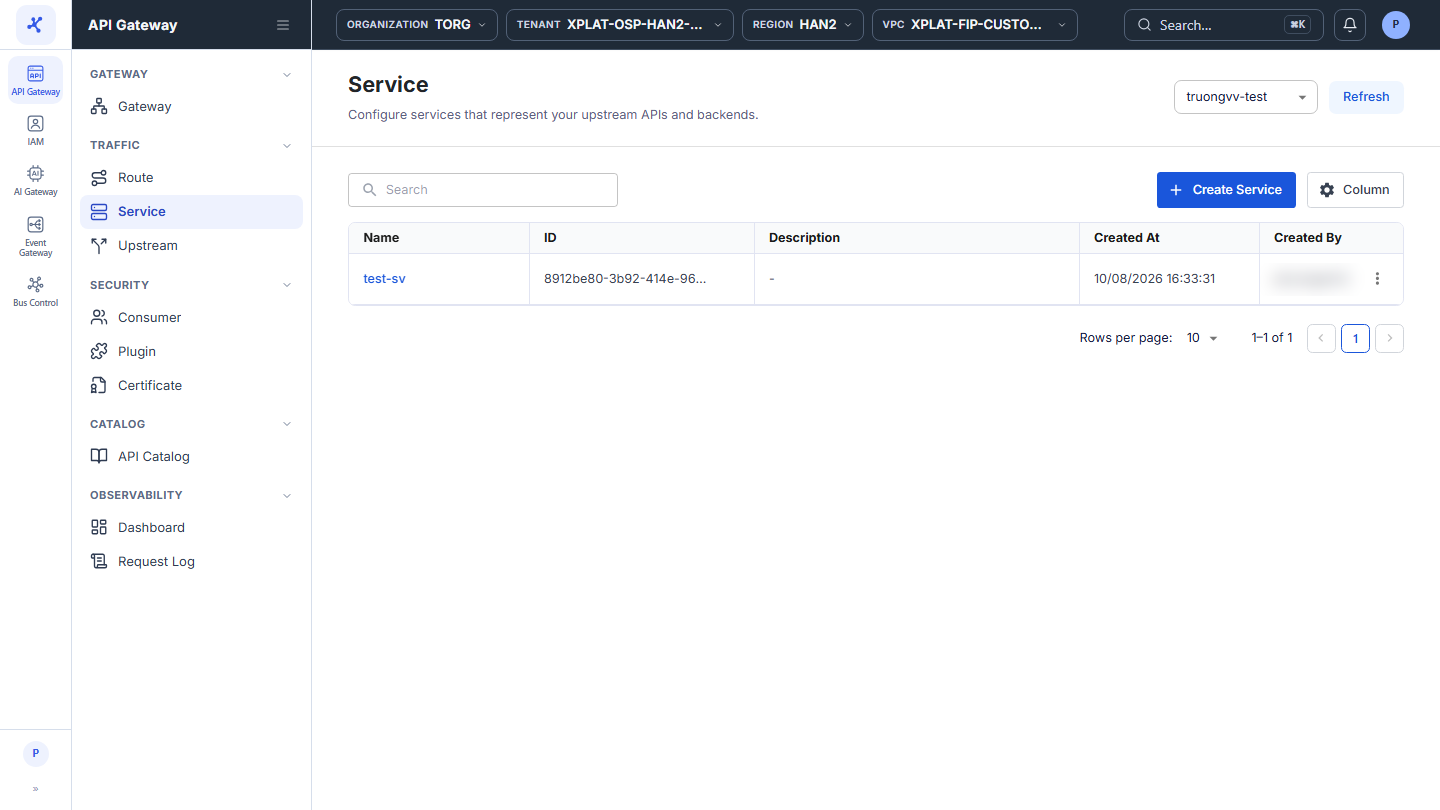
The Service screen lists the Services of the API Gateway selected in the top-right corner.
Click the image to zoom in.
View the Service list
- In the left menu, select API Gateway → Service, then select the API Gateway in the top-right corner.
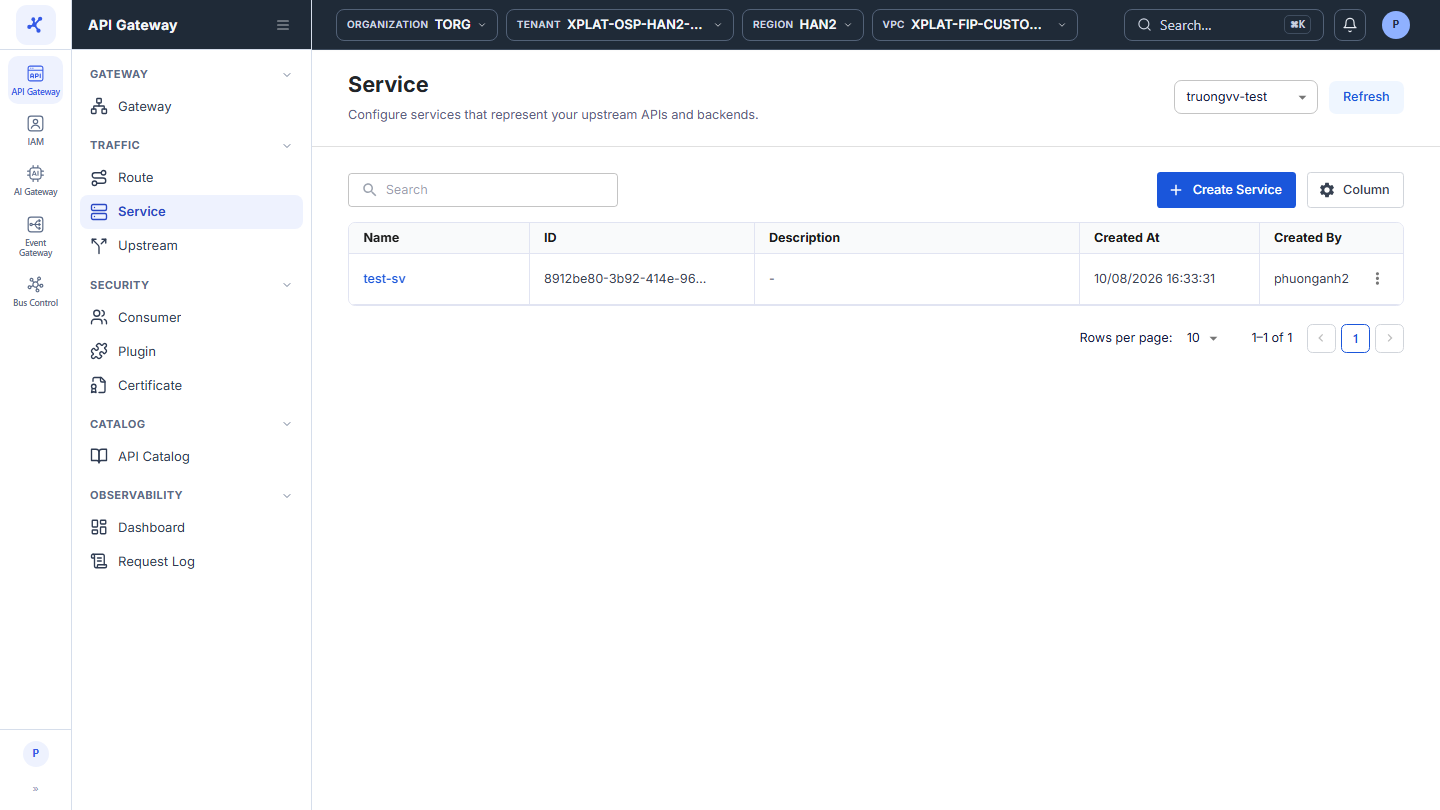
The list has the following columns:
| Column | Description |
|---|---|
| Name | Service name. Click the name to open the detail screen. |
| ID | Service identifier. |
| Description | Service description. |
| Created At | When the Service was created. |
| Created By | Who created the Service. |
| ⋮ | Actions on each row, see the action table below. |
The toolbar has the Search box to find Services by keyword, the Create Service button to create a Service, and the Column button to choose, hide, and order the columns. The Refresh button in the top-right corner reloads the list.
At the bottom of the table, Rows per page sets the number of rows per page, default 10. When the API Gateway has no Services yet, the screen shows an illustration with the Create Service button.
The ⋮ menu at the end of each row has 2 actions:
| Action | Description |
|---|---|
| Update | Opens the Service update screen. See Edit a Service. |
| Delete | Deletes the Service. See Delete a Service. |
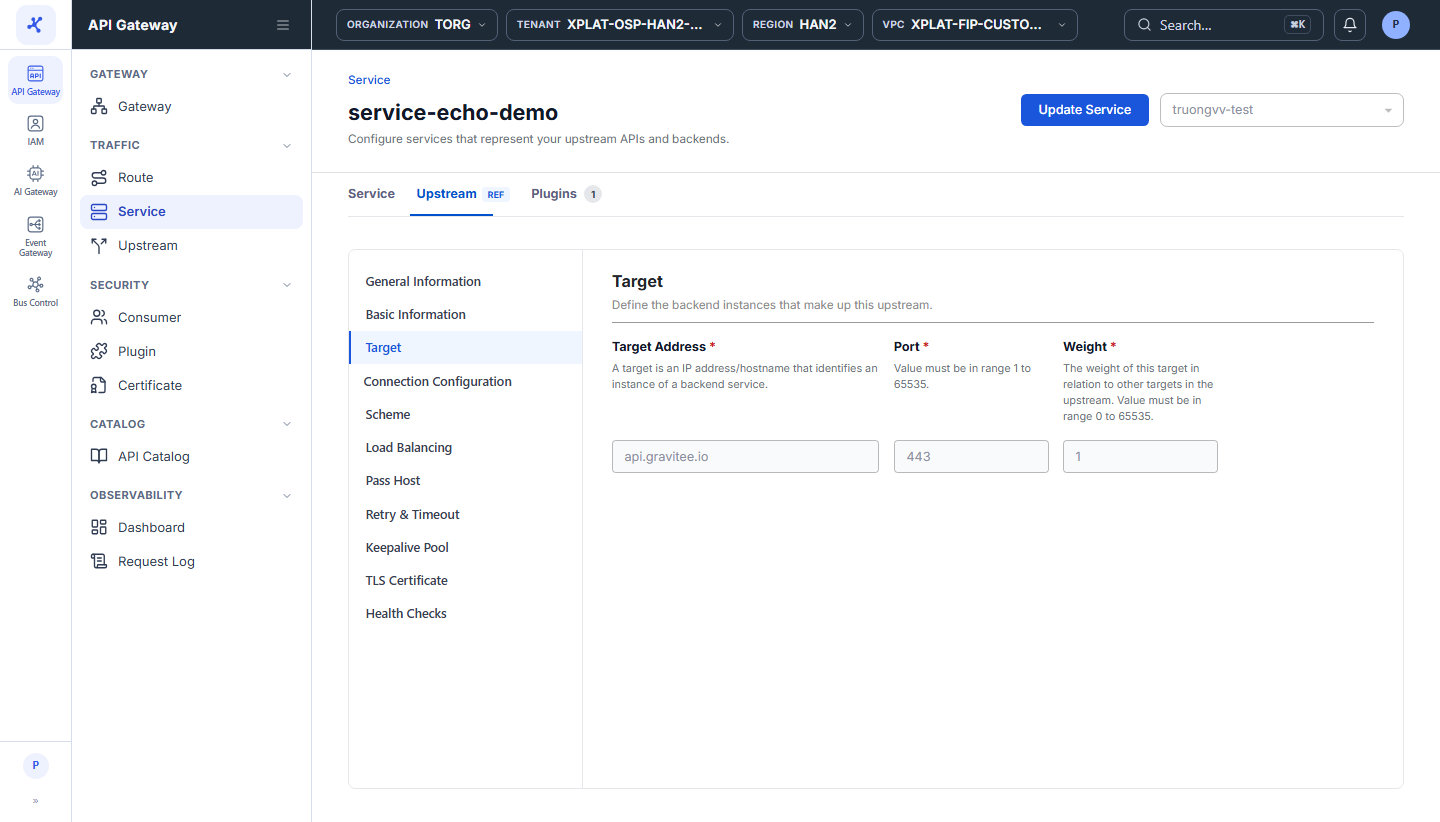
View the details of a Service
- Click the Name of the Service you want to view.
The detail screen has the following tabs:
| Tab | Description |
|---|---|
| Service | Service configuration, read-only. |
| Upstream (labeled REF) | Full configuration of the Upstream the Service references, read-only. Opens on the Target section by default. Same sections as the Upstream detail screen. |
| Plugins | Plugins that apply to the Service, with their count, in 2 sub-tabs: Explicit Plugin (attached directly) and Implicit Plugin (inherited). See Add a plugin. |
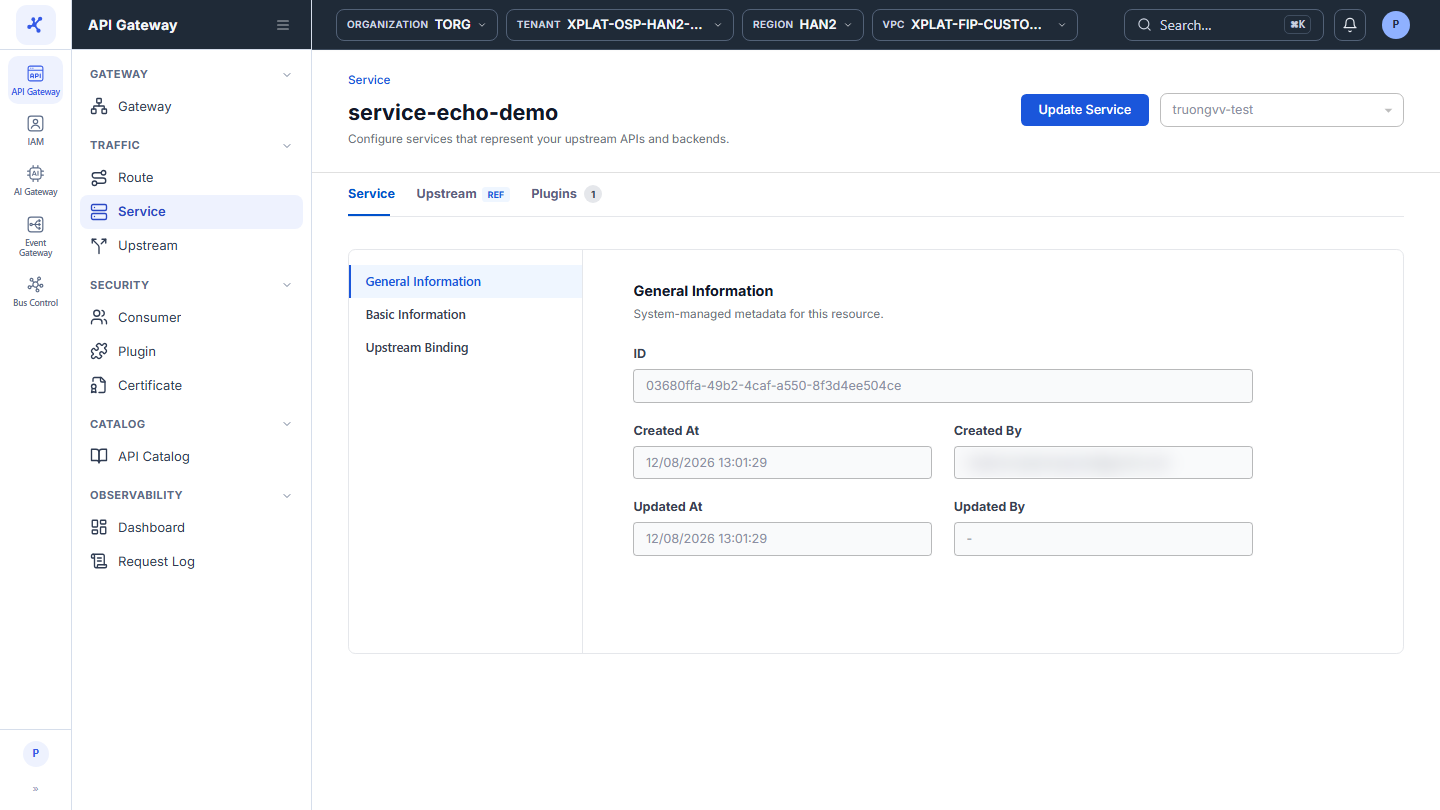
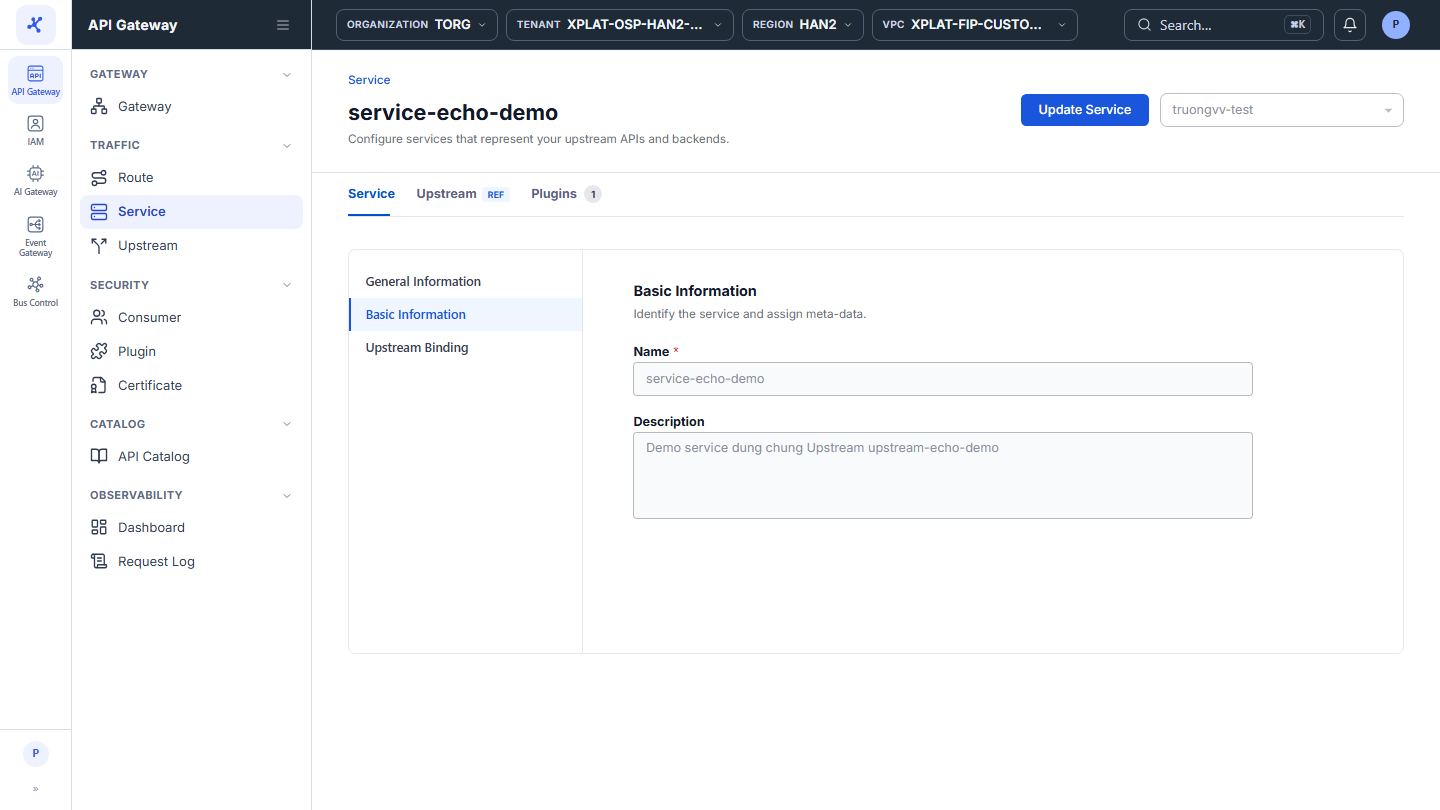
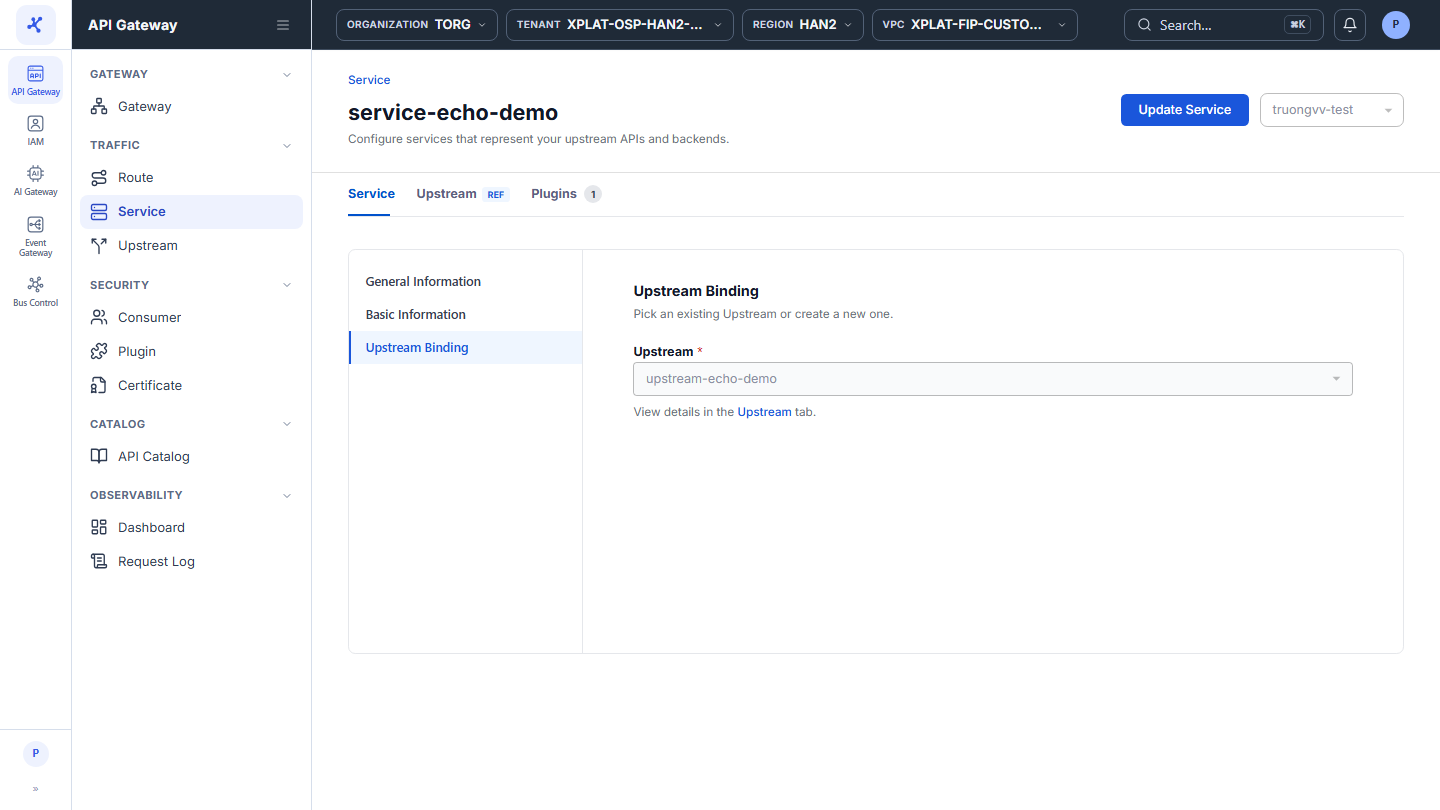
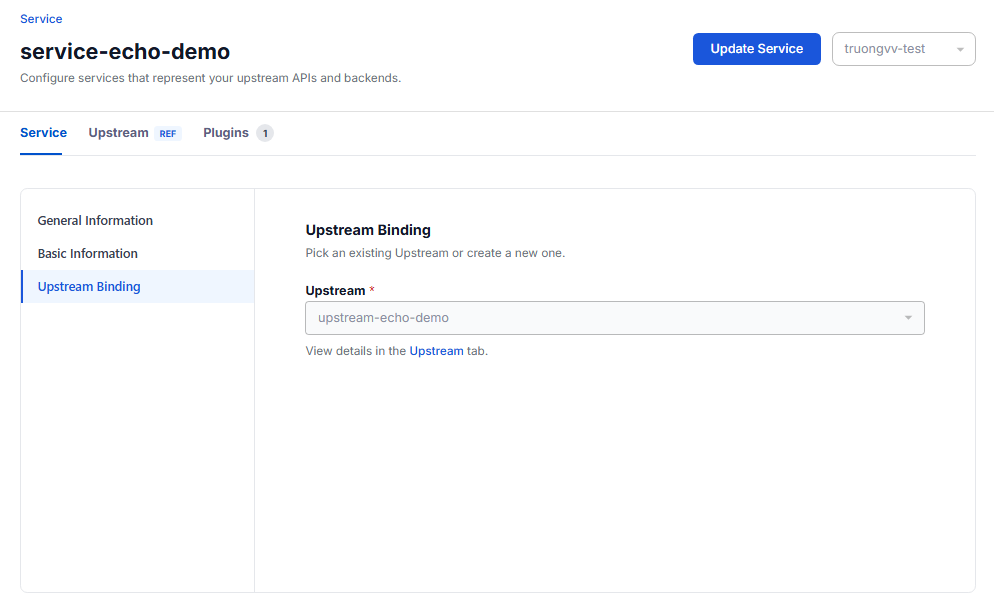
The Service tab has the following sections:
| Section | Content |
|---|---|
| General Information | System information: ID, Created At, Created By, Updated At, Updated By. |
| Basic Information | Name, Description. |
| Upstream Binding | The Upstream the Service is bound to. |
Click Update Service in the top-right corner to edit the Service, see Edit a Service.