Delete an Upstream
warning
You cannot delete an Upstream while a Route or Service still references it. Remove the references first:
- Routes that use Via Upstream: change the Backend Target to another Upstream or Service, see Edit a Route.
- Services: change the Upstream Binding to another Upstream, or delete the Service, see Edit a Service.
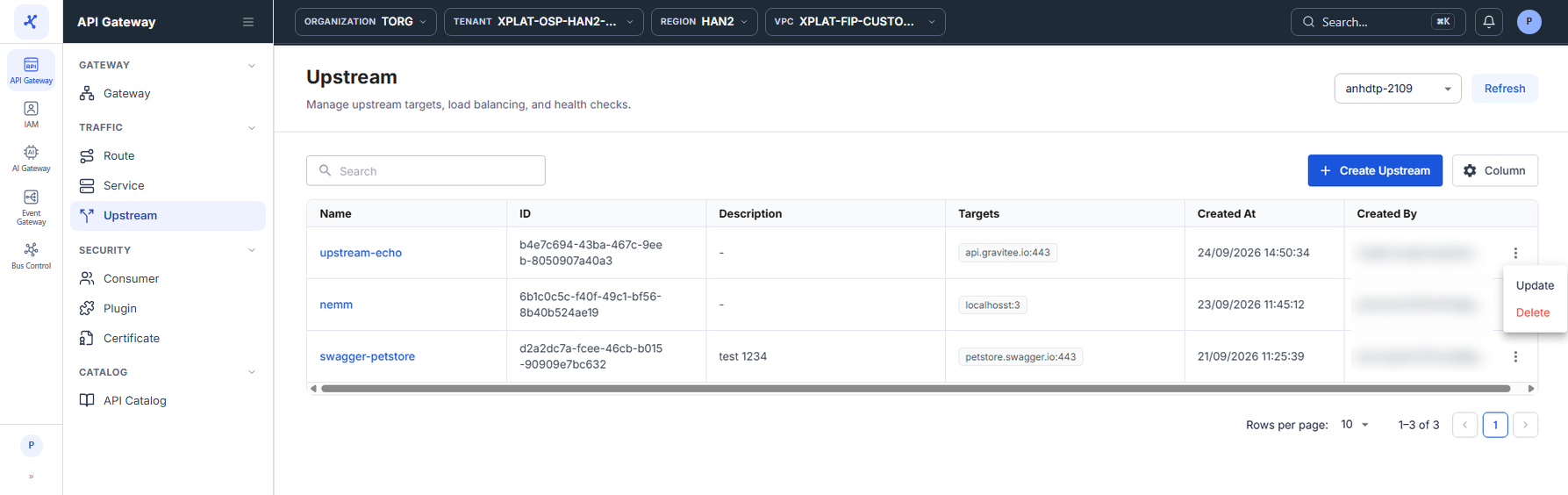
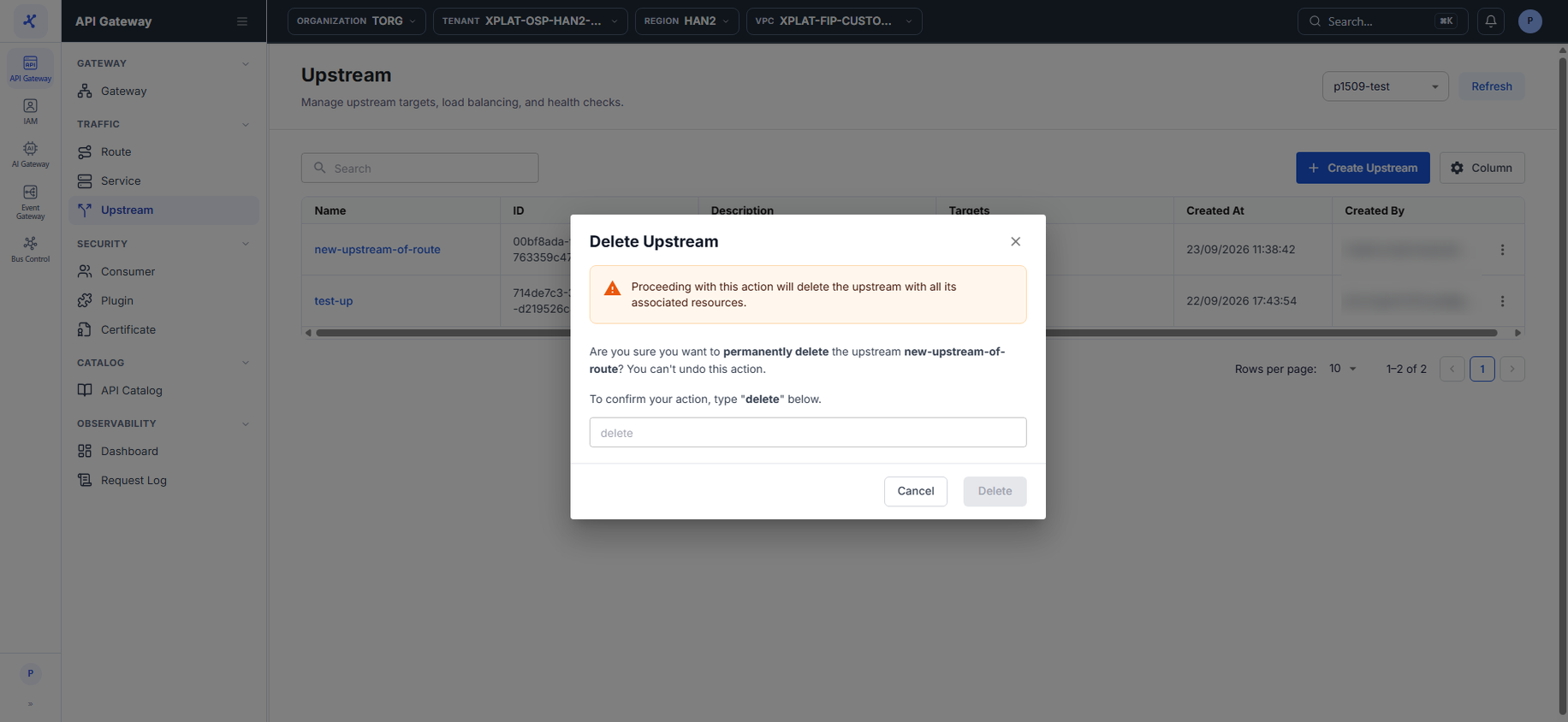
Steps 1–2Open the Upstream screen and click ⋮ → Delete on the Upstream to delete
1 / 2
Click the image to zoom in.
Delete an Upstream
To delete an Upstream, follow these steps:
-
In the left menu, select API Gateway → Upstream, then select the API Gateway in the top-right corner.
-
On the row of the Upstream you want to delete, click ⋮ → Delete.
-
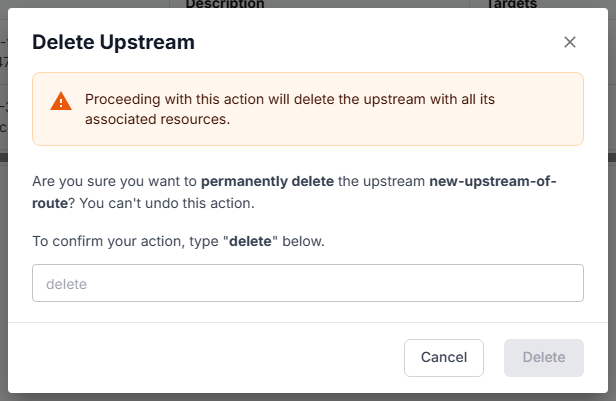
In the Delete Upstream dialog, enter
deletein the confirmation field. The keyword is case-sensitive.
danger
This action cannot be undone.
- Click Delete. The button is enabled only after you enter
delete.
Common issues
| Error | Cause | Solution |
|---|---|---|
| This Upstream is being used by one or more Routes/Services. Please detach it before deleting. | A Route or Service references the Upstream | Remove the references as described at the top of this page, then delete again. |