Edit an Upstream
Changes to an Upstream affect every Route (Via Upstream) and Service (Upstream Binding) that uses it.
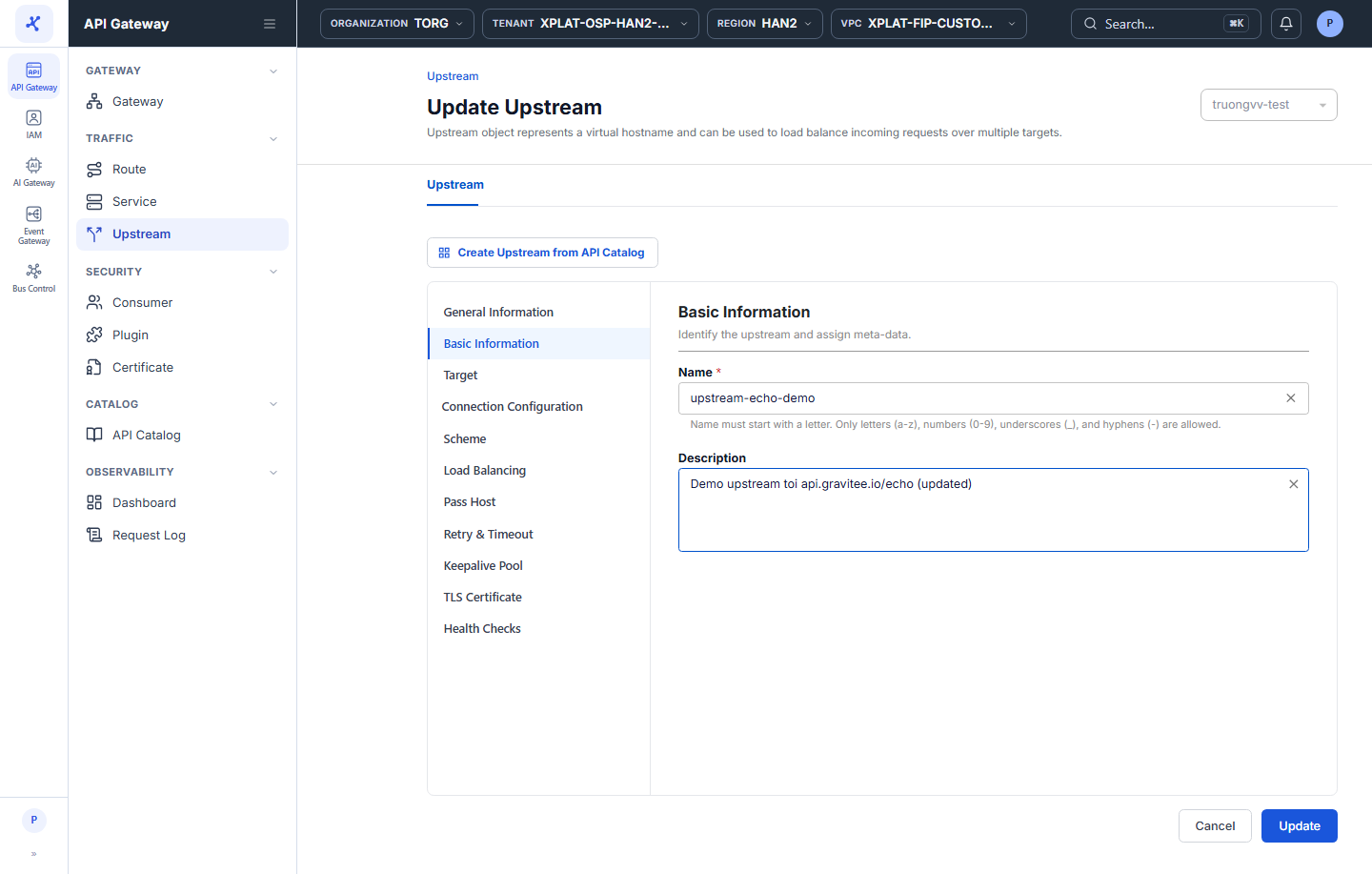
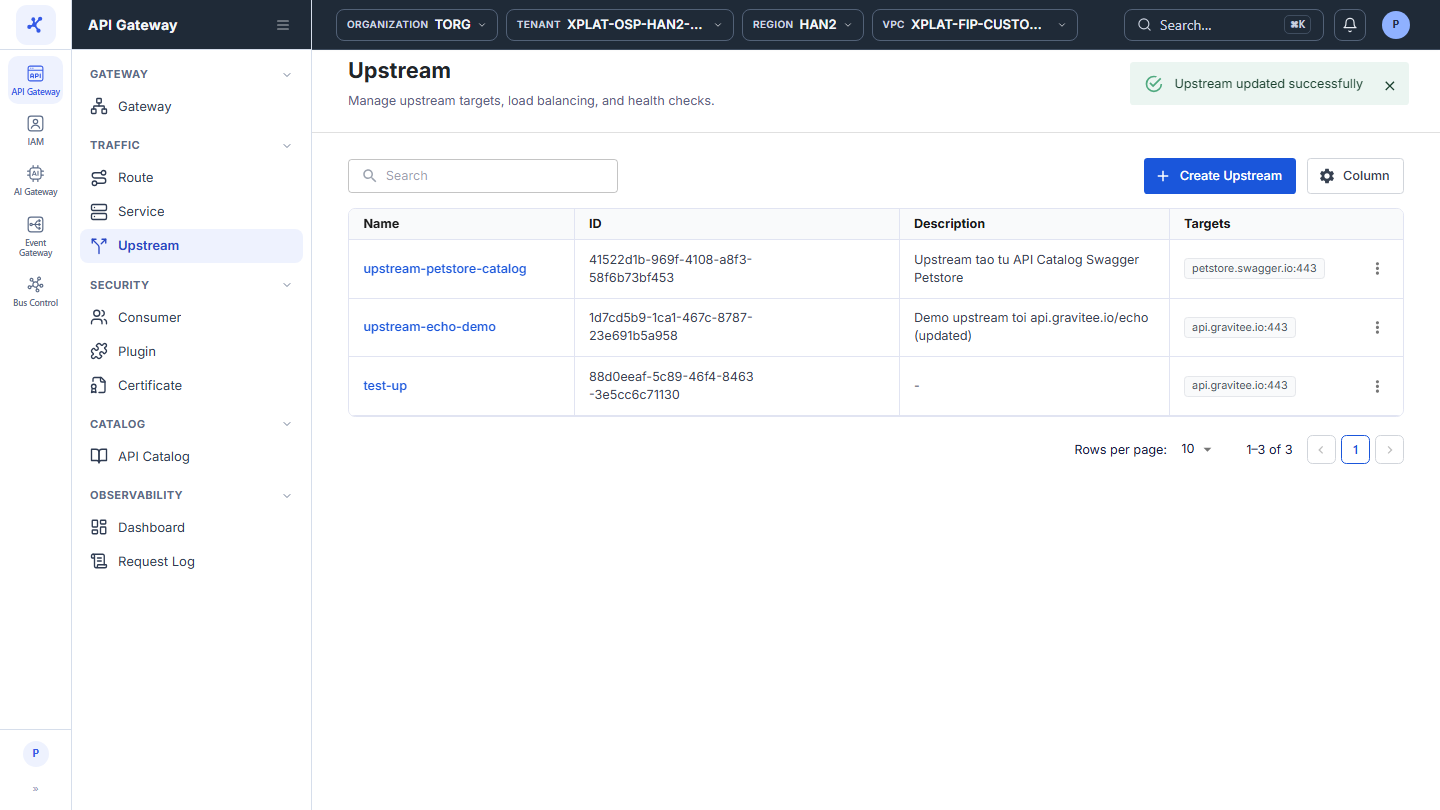
Click the image to zoom in.
Edit an Upstream
To edit an Upstream, follow these steps:
-
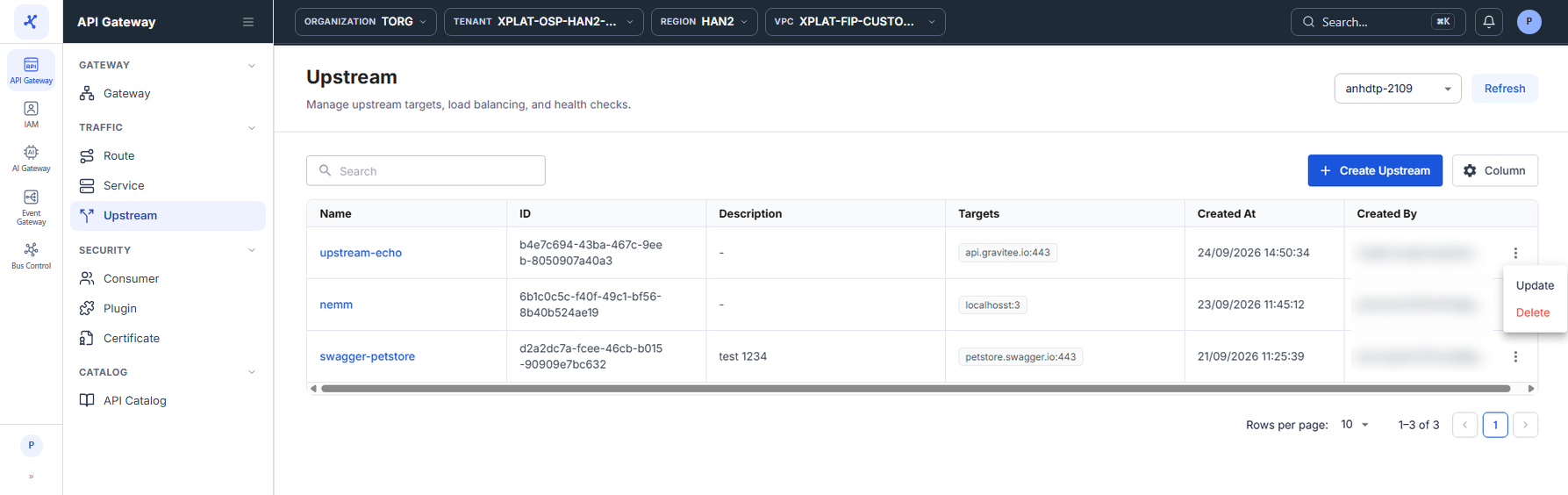
In the left menu, select API Gateway → Upstream, then select the API Gateway in the top-right corner.
-
On the row of the Upstream you want to edit, click ⋮ → Update.
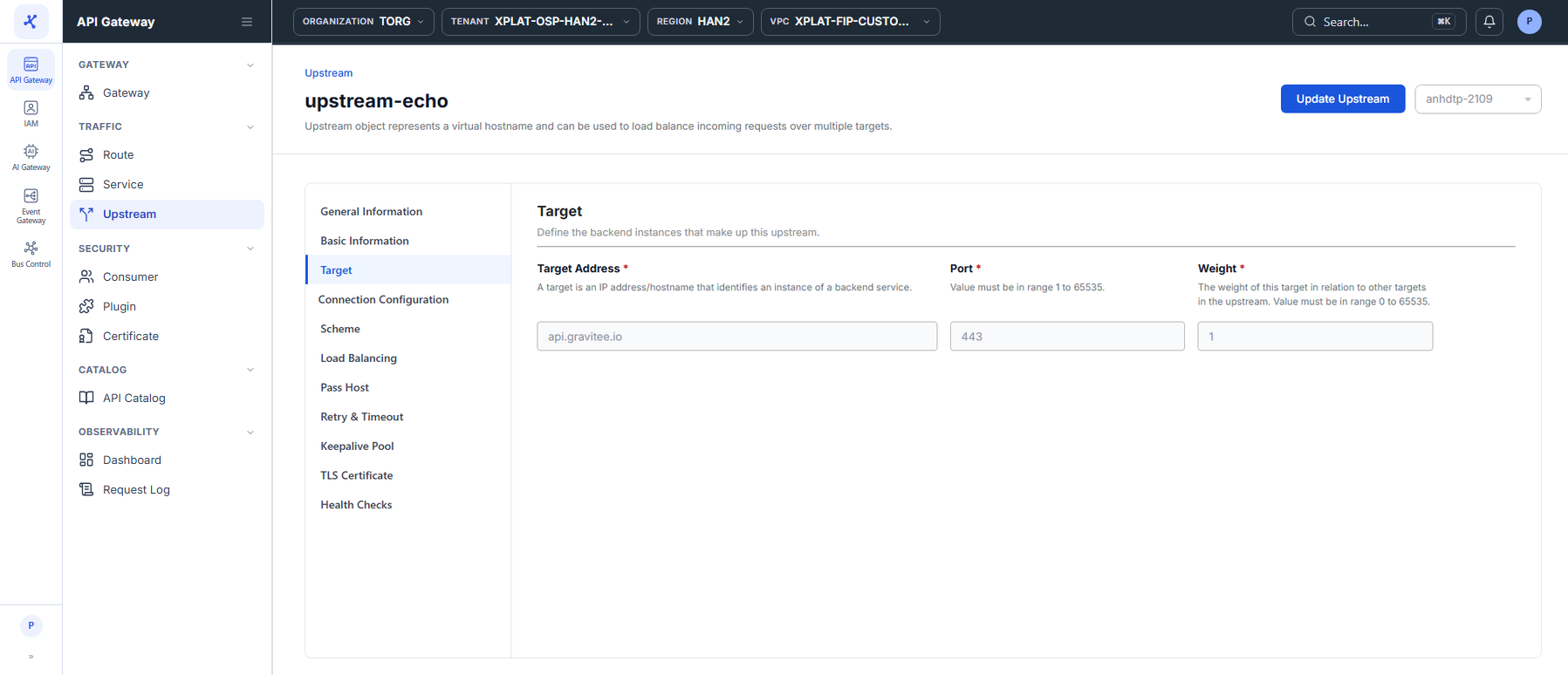
You can also open the Upstream detail screen and click Update Upstream in the top-right corner.
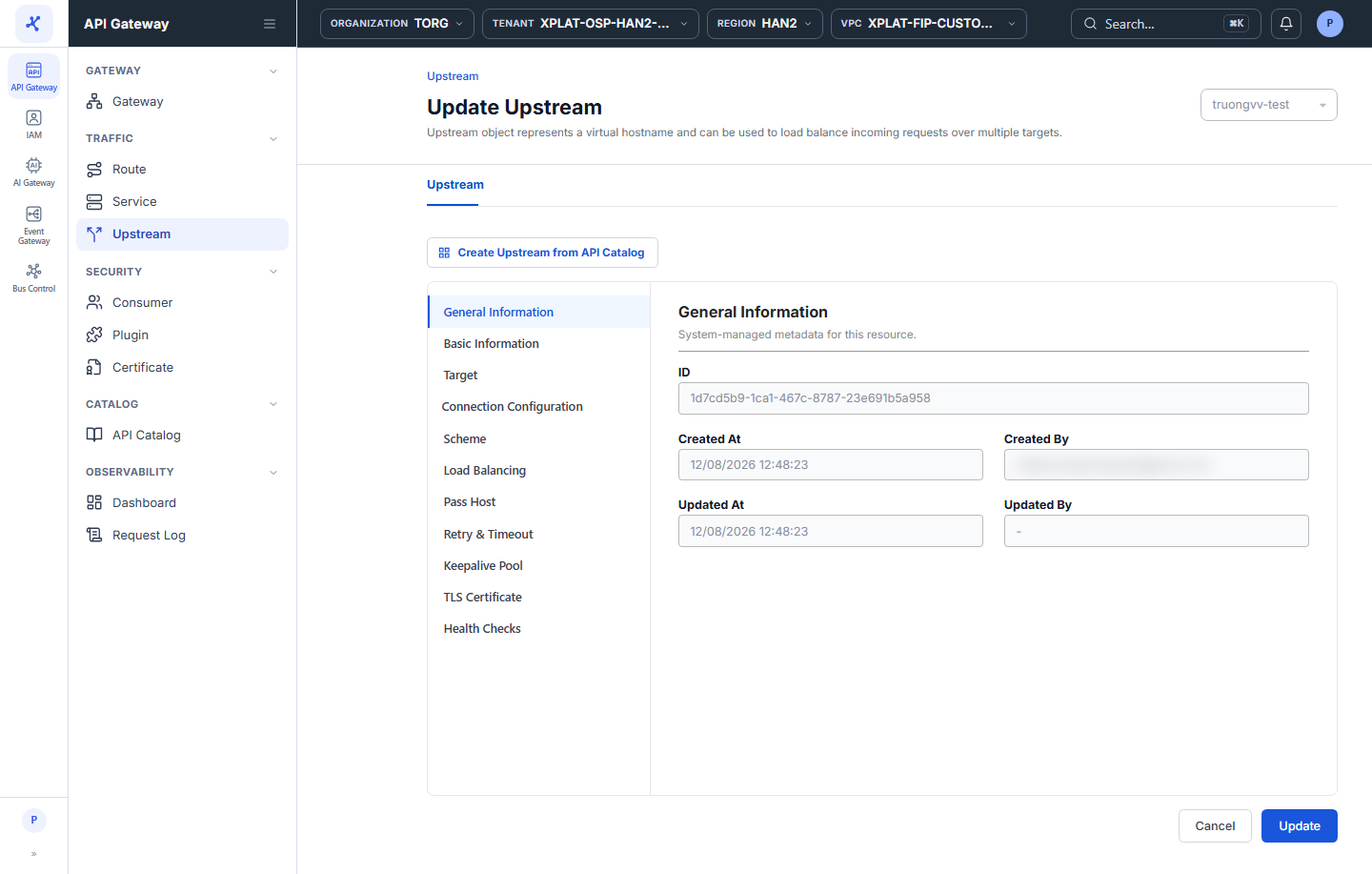
- On the Update Upstream screen, the current data is pre-filled. Change the sections you need: Basic Information, Target, Connection Configuration, Health Checks. The fields are the same as on the Upstream creation screen, see Create an Upstream.
The update screen has no Review section. The General Information section is read-only.
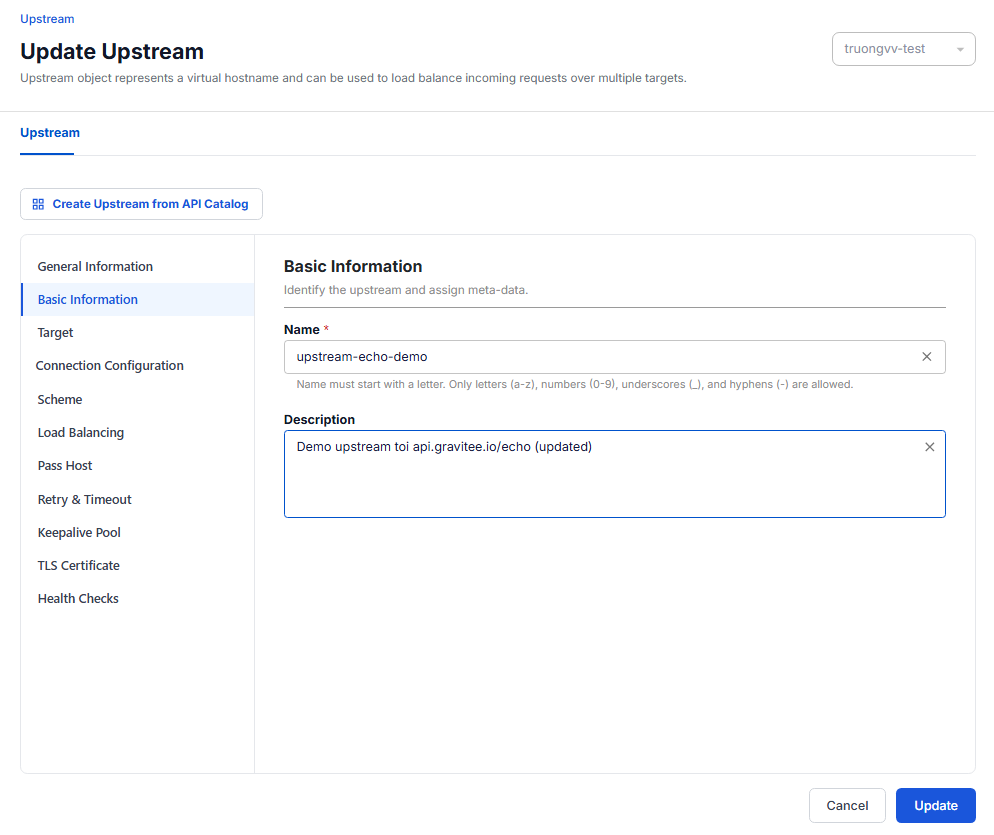
To stop sending traffic to a target during maintenance, set its Weight to 0 instead of deleting the target.
- Click Update to save.
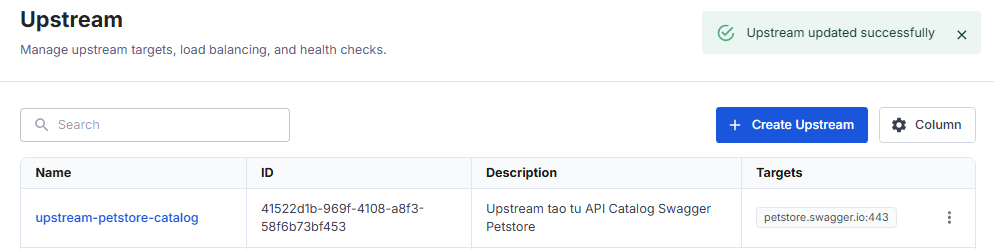
The message Upstream updated successfully appears and the system takes you back to the Upstream screen. Updated At and Updated By of the Upstream are updated.