Delete an SSL certificate
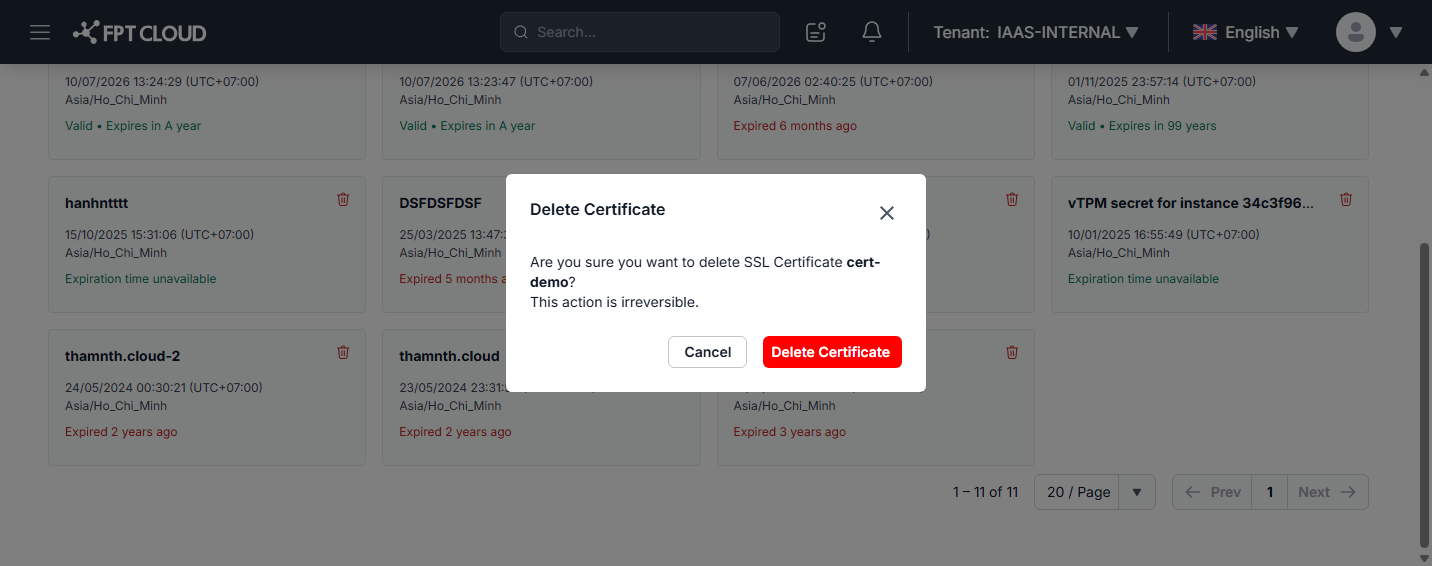
Step 1: Open the Certificate tab on the Load Balancer list page, find the certificate card you want to delete, and click the trash icon in the top-right corner of the card.
Step 2: The Delete Certificate dialog appears and confirms the certificate name to be deleted. Click Delete Certificate to confirm, or Cancel to discard.
warning
Deleting a certificate is irreversible (This action is irreversible). Before you delete, make sure the certificate is no longer used by any listener — otherwise HTTPS connections through that listener may be disrupted.