VPC Peering connection statuses
Check the status of a connection to know whether traffic can flow and what you can do next.
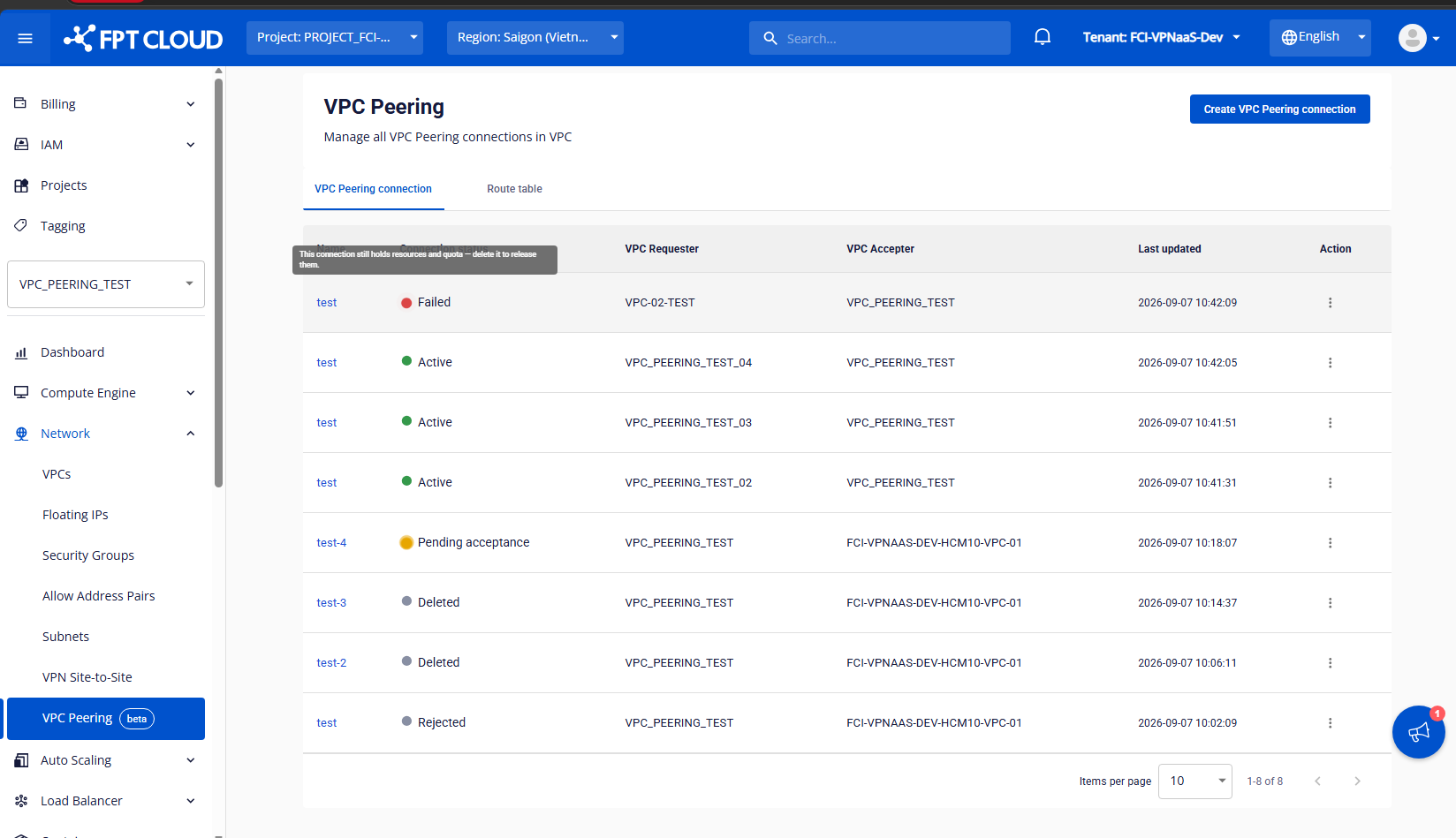
| Status | Meaning |
|---|---|
| Initiating request | The system is creating the request and provisioning resources on the VPC Requester side. |
| Pending acceptance | Waiting for the VPC Accepter to accept or reject, for up to 7 days. |
| Provisioning | The request was accepted. The system is provisioning resources on the VPC Accepter side and setting up the connection. |
| Active | The connection is ready. Configure the Route Table so the two VPCs can communicate. |
| Rejecting, Rejected | The VPC Accepter rejected the request. Resources are being released, or have been released. |
| Expiring, Expired | The request was not handled within 7 days. Resources are being released, or have been released. |
| Deleting, Deleted | The connection is being deleted, or has been deleted. This includes cancelled requests. |
| Failed | Provisioning or releasing resources failed. See Handle a Failed connection. |
What you can do in each status
- While a connection is Initiating request, Provisioning, Rejecting, Expiring or Deleting, you can only view its details.
- Rejected, Expired and Deleted connections are view-only for 2 hours, then the Portal removes them from the list. Hover over the status label to see when it ended.
Notifications and logs
When something happens to a connection (a new request, a rejection, a cancellation, a deletion or an error), the other VPC gets a notification on the Portal. All actions are recorded in the Activity log.