Manage Permissions
Give other users in your project access to VPC Peering by creating a Role, attaching it to a User group, and inviting the user.
Step 1
Sign in to https://console.fptcloud.com/ with an administrator account.
Step 2
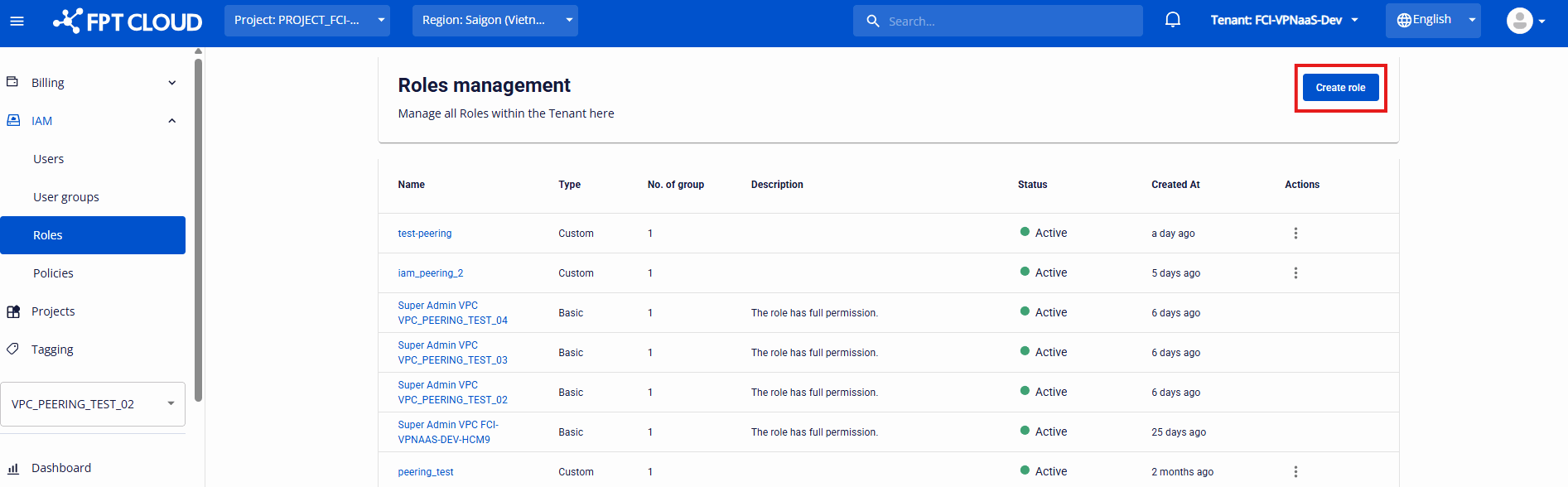
Go to IAM → Roles.
Step 3
Create a Role. Select the VPCPeering service and assign the permissions the user needs, such as List, Create, Delete and Accept.
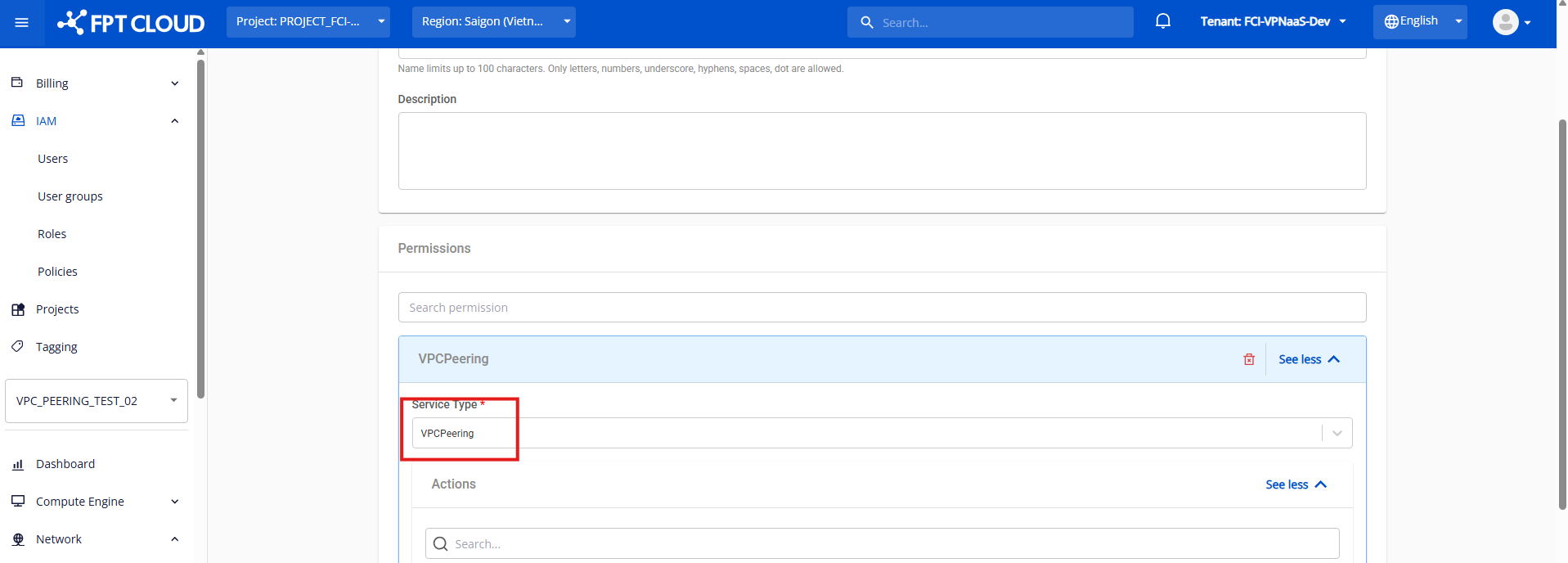
A user needs the Accept permission to approve incoming requests, or to have their own requests accepted automatically. See How VPC Peering approval works.
Step 4
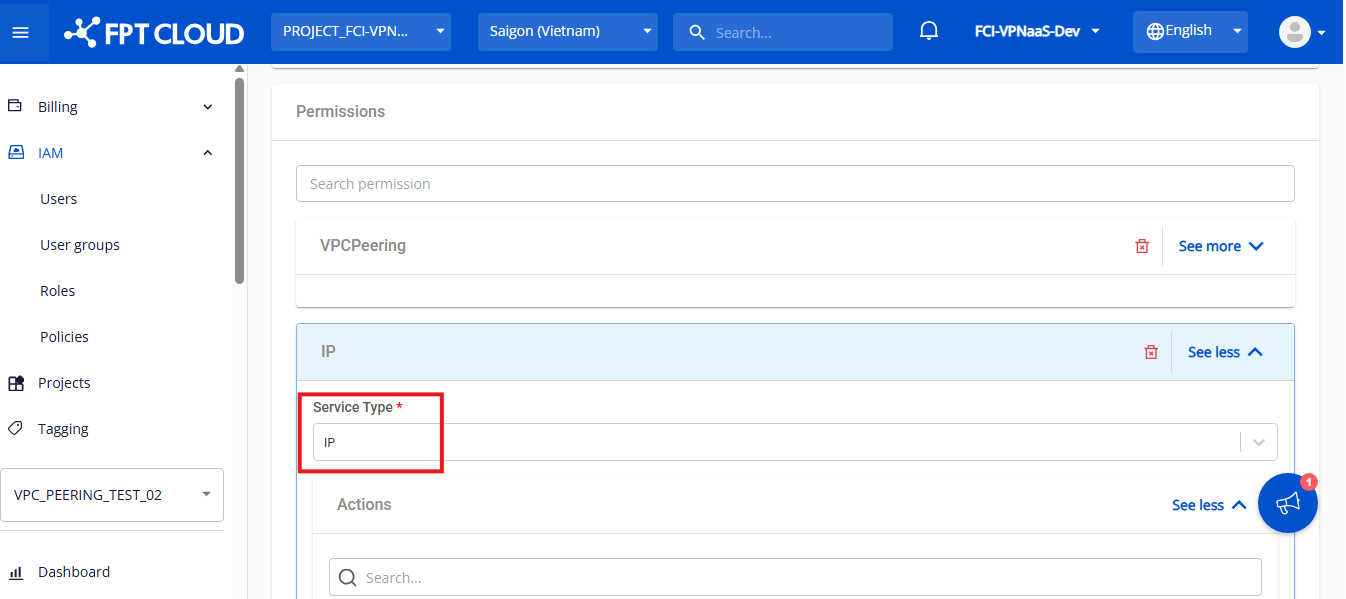
Select the IP service and add the ip:List permission, so the user can create a gateway. Click Create role.
Step 5
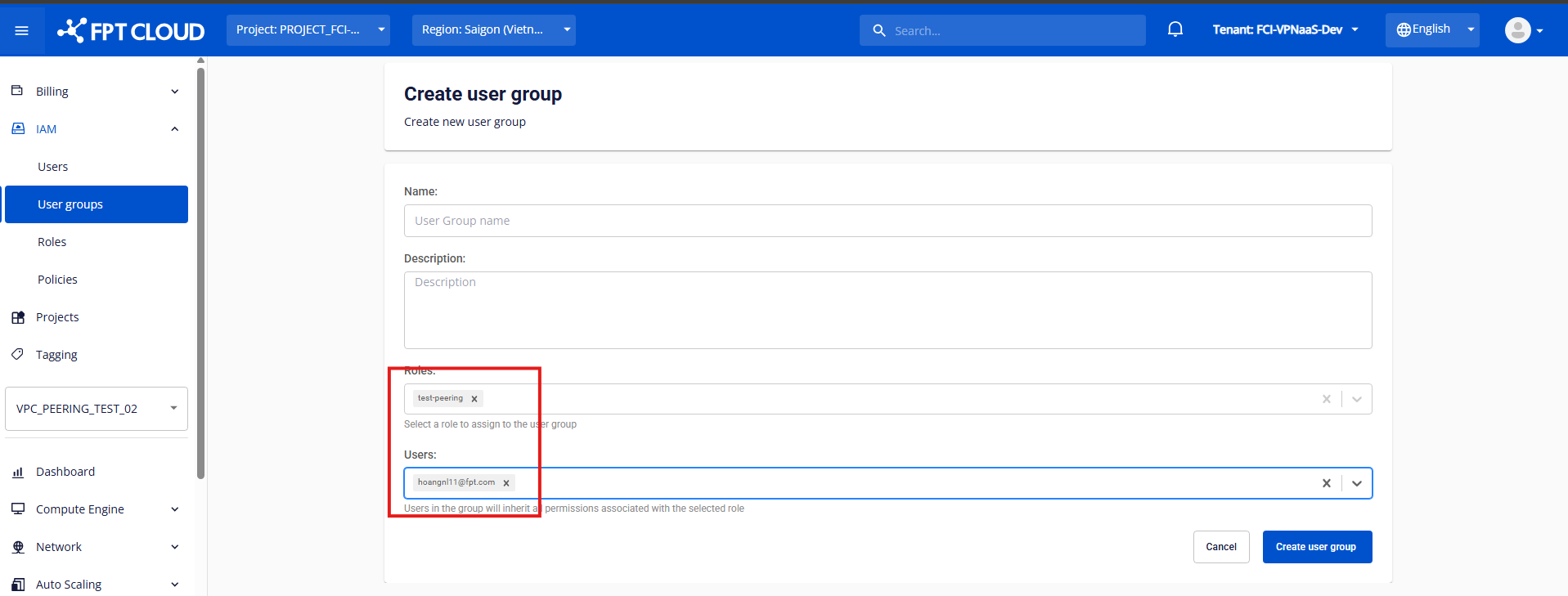
Create a User group and attach the Role you just created.
Step 6
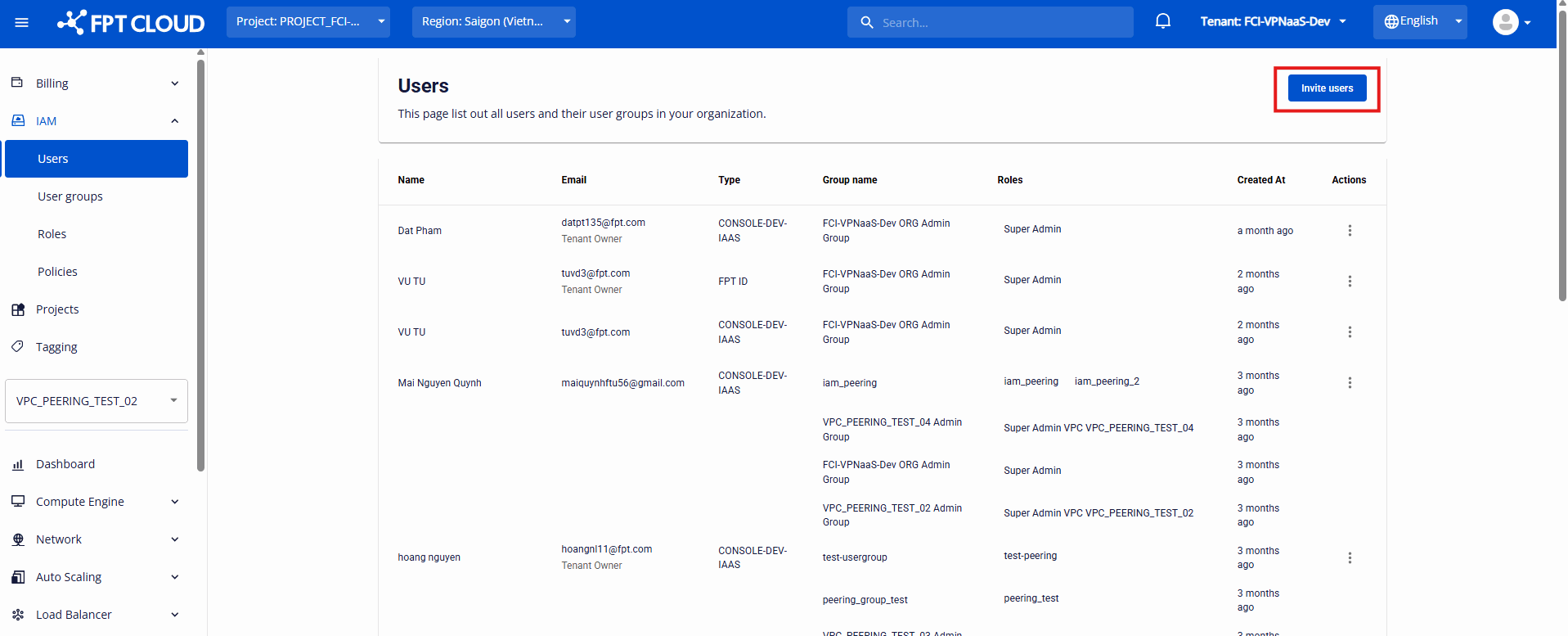
Open the Users tab and click Invite user.
Step 7
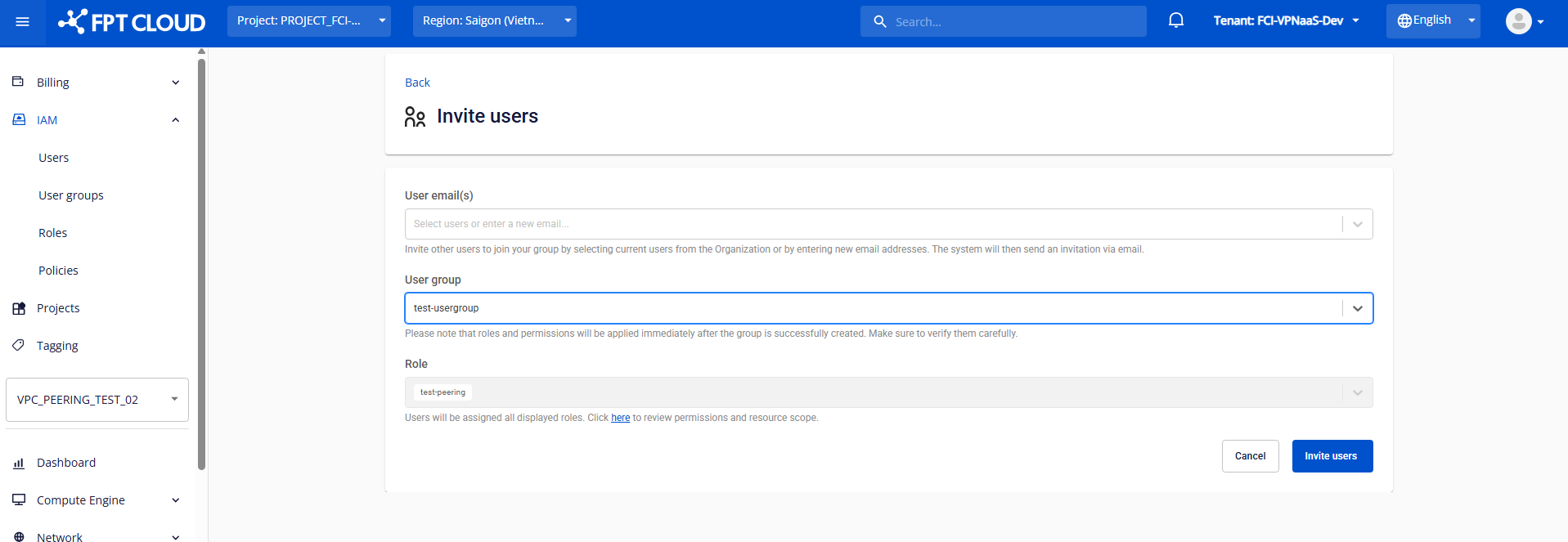
Enter the user, then choose the User group and Role.
Step 8
The invited user checks their email and signs in to the Portal to start using VPC Peering.
