Edit Route Table
Edit a Route Table when you add a new peering connection or change which Subnet ranges are reachable. The VPC cannot be changed.
Step 1
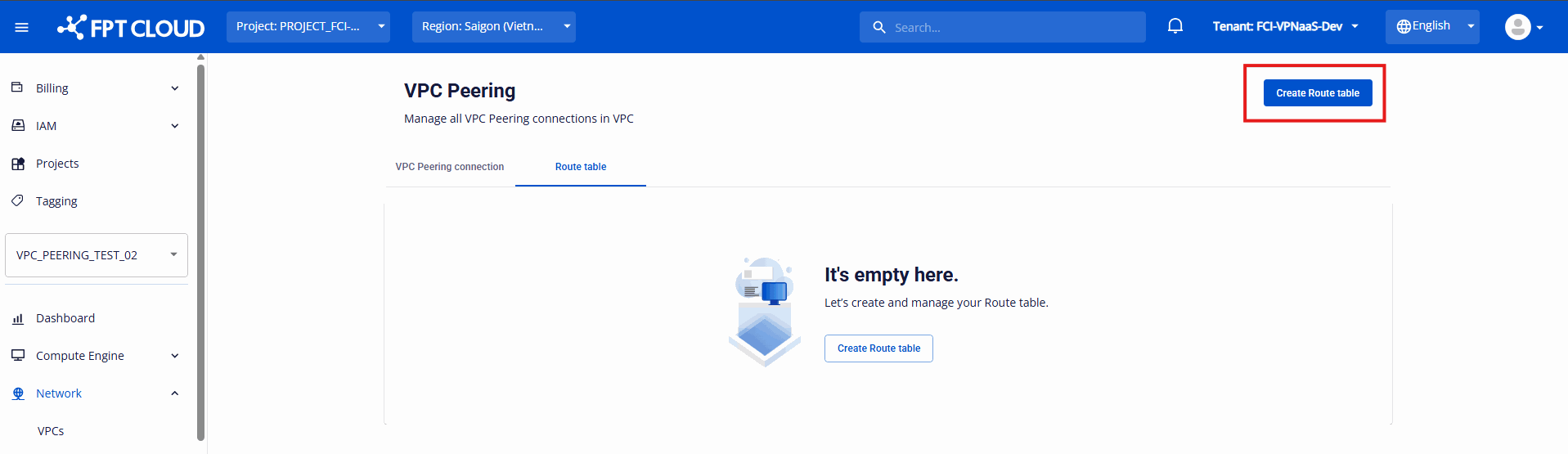
On the Route Table list, click Edit Route Table in the Action column of the Route Table.
Step 2
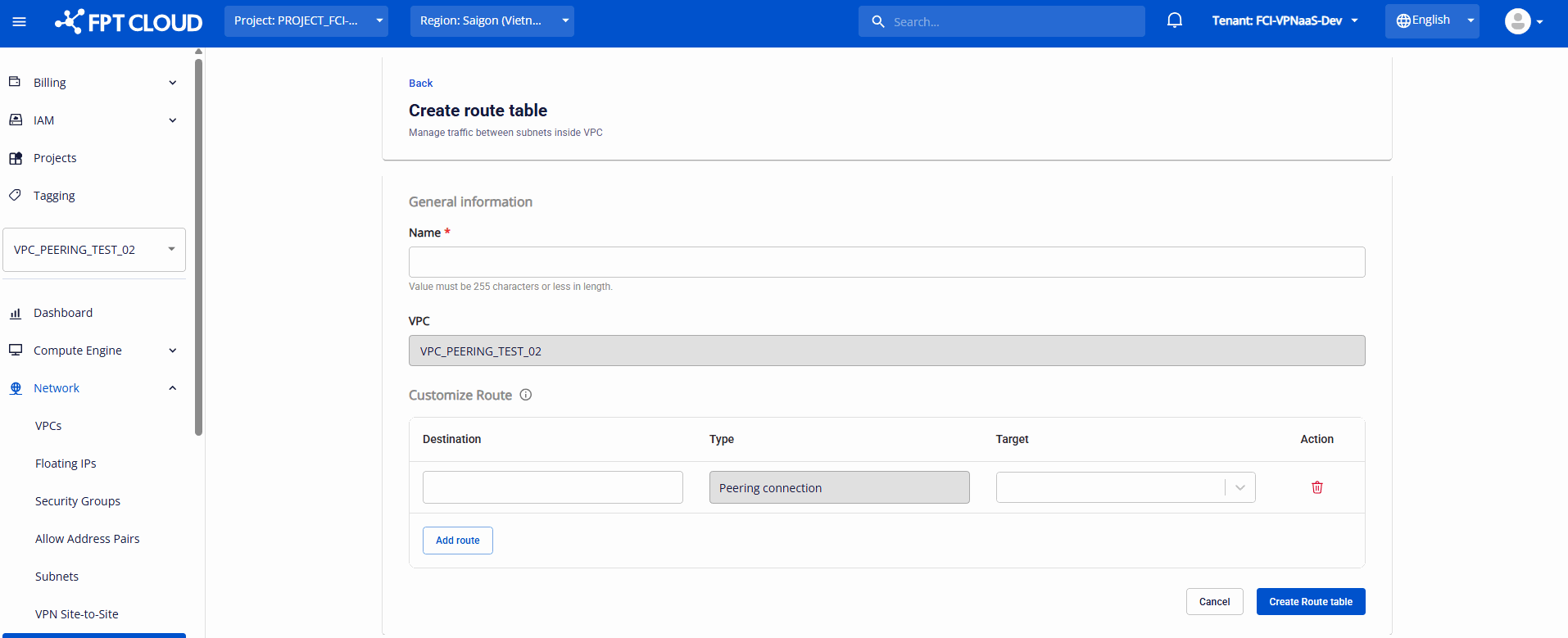
Update the fields you need.
| Field | Description |
|---|---|
| Name | Name of the Route Table. |
| VPC | Read-only. |
| Destination | The destination Subnet range. |
| Type | The target type. It is fixed to Peering connection. |
| Target | The routing target. |
Step 3
Click Update Route Table to save, or Cancel to discard your changes.