Delete Peering Connection
Delete a connection when two VPCs no longer need to communicate. To connect them again later, you must create a new connection.
Step 1
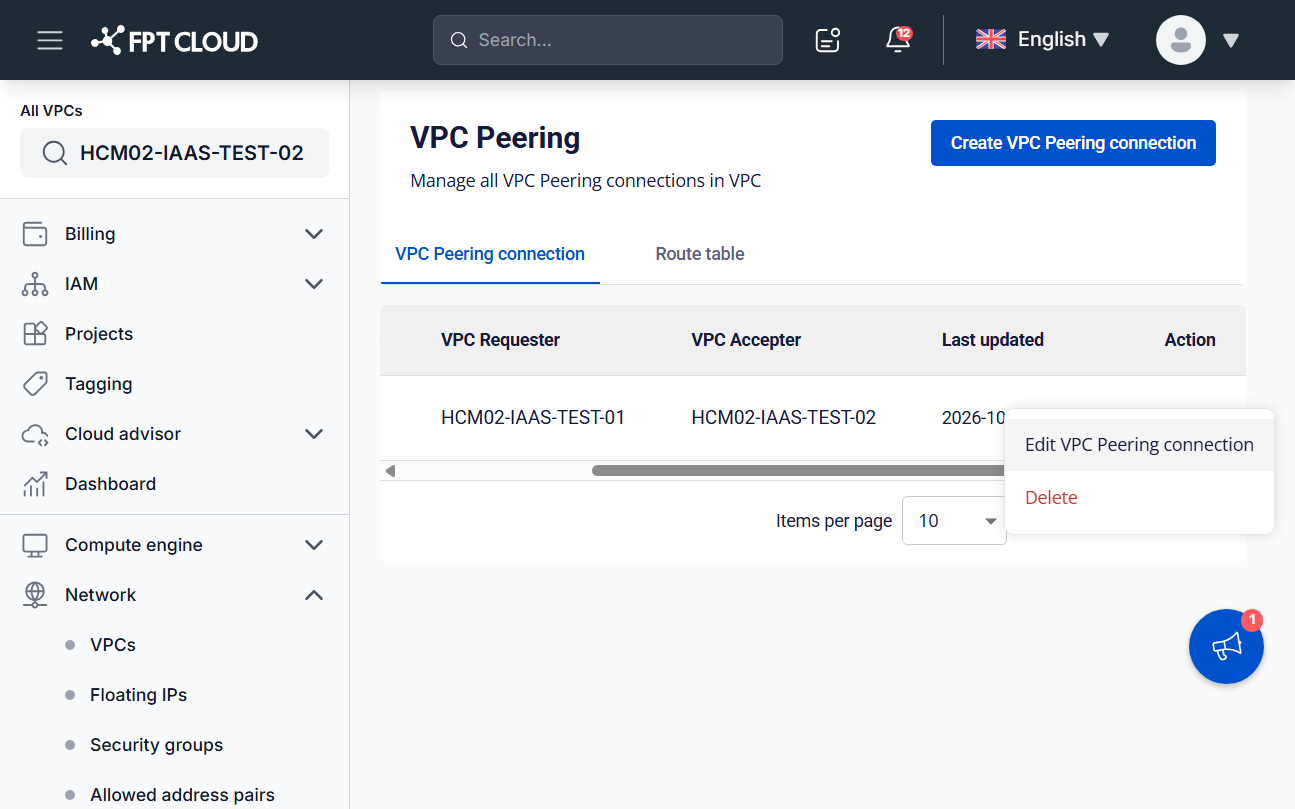
On the VPC Peering connection list, click actions in the Action column of the connection, then select Delete.
Step 2
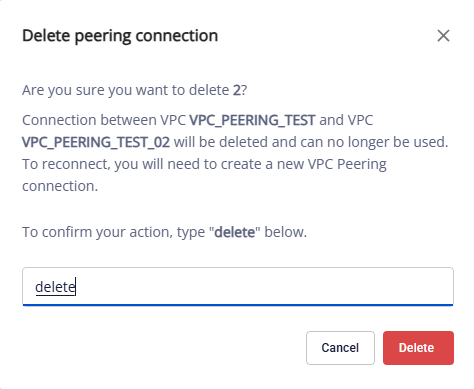
In the confirmation dialog, type delete and click Delete. Click Cancel to keep the connection.
danger
Deleting a connection removes the link between the two VPCs and cannot be undone. Routes that use this connection stop working, so check the impact first.
note
If the connection is in the Failed status, see Handle a Failed connection.