Edit organization information
Only Org Admin has permission to edit organization information.
Step 1: In the Organization section, click Settings.
The Settings screen displays the current organization information: Code, Org Name, and Description.
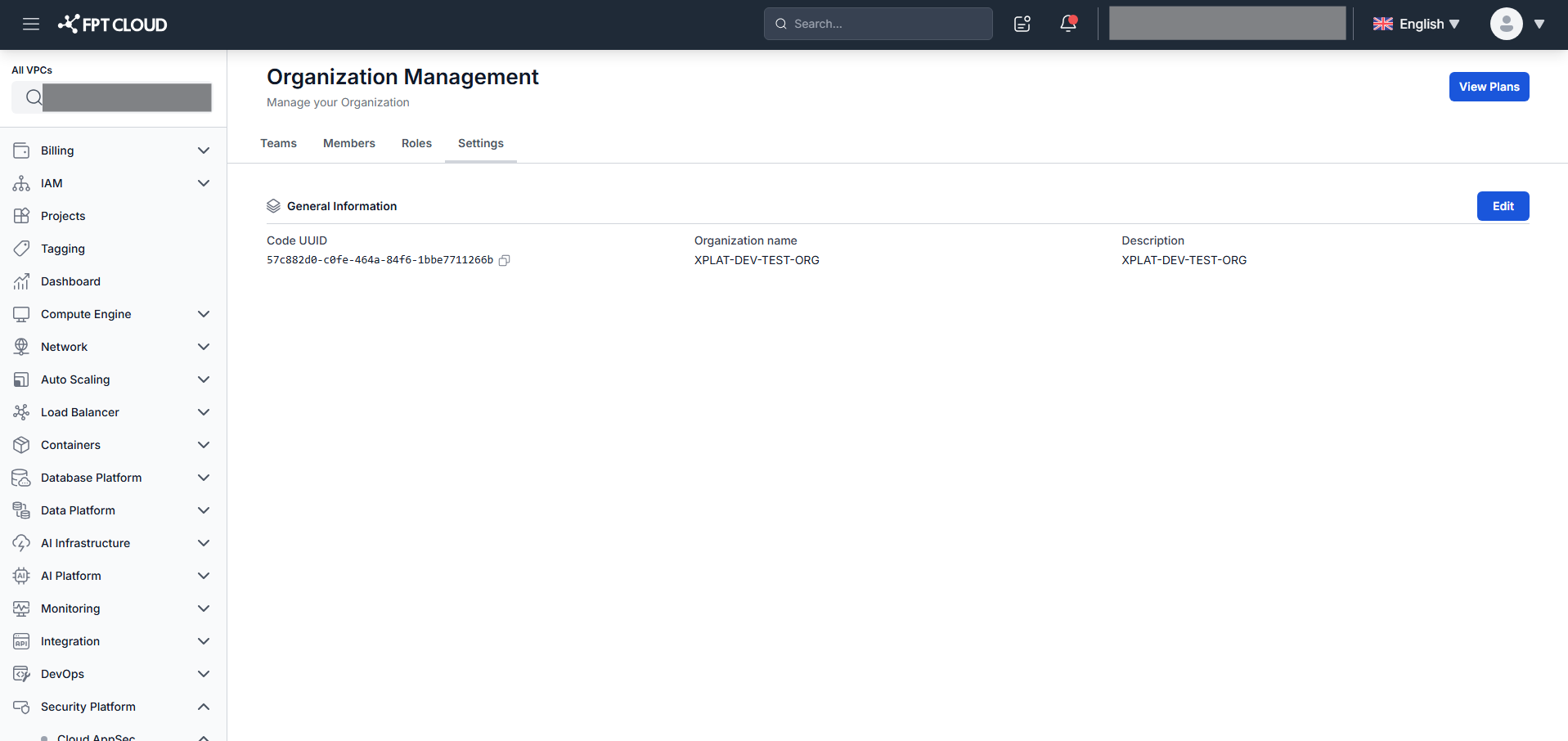
Step 2: Click Edit in the Information tab.
Step 3: Update the Org Name and Org Description fields.
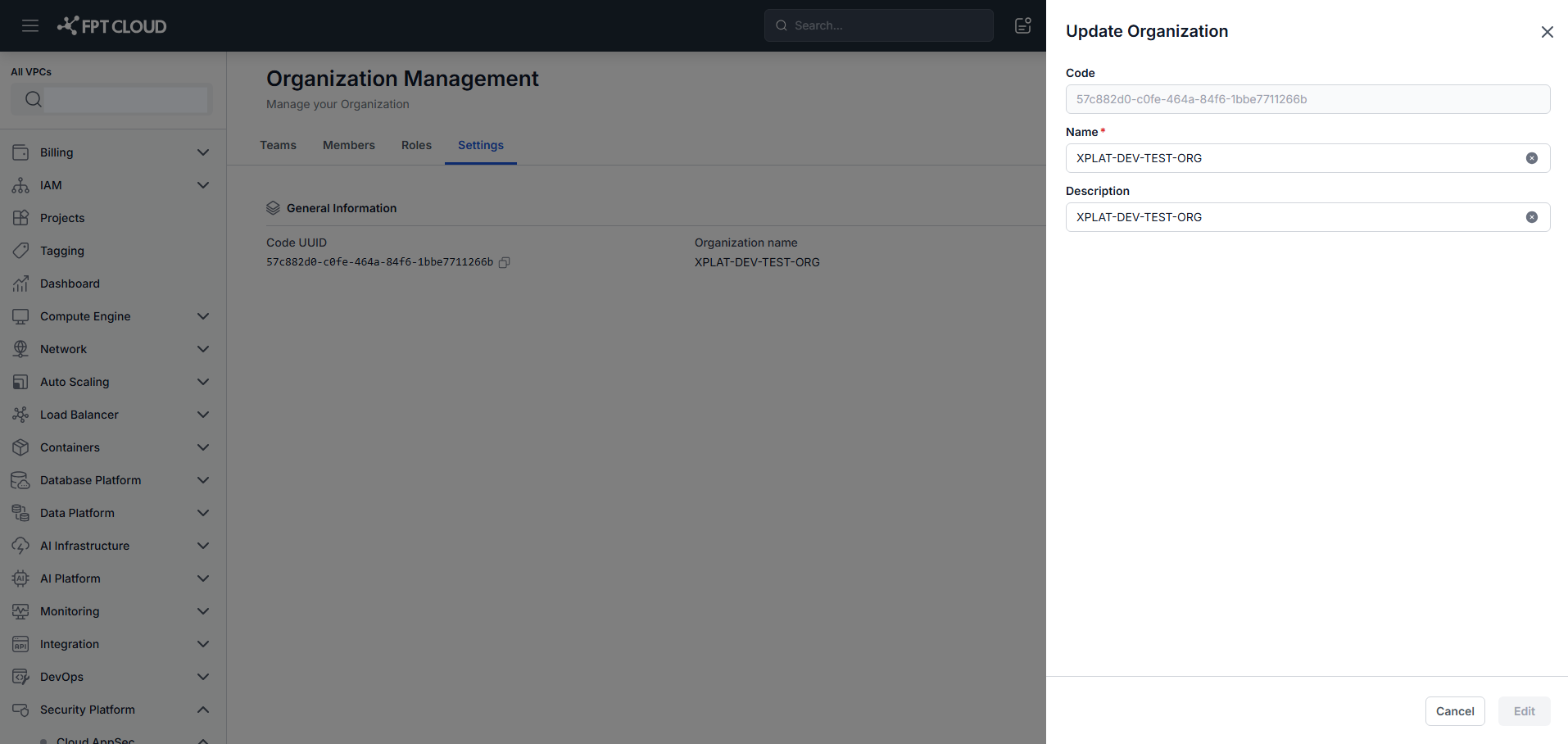
Step 4: Click Save to apply the changes.